How to use Dashboard presets
This tutorial demonstrates how to use dashboard presets.
1. Open your dashboard
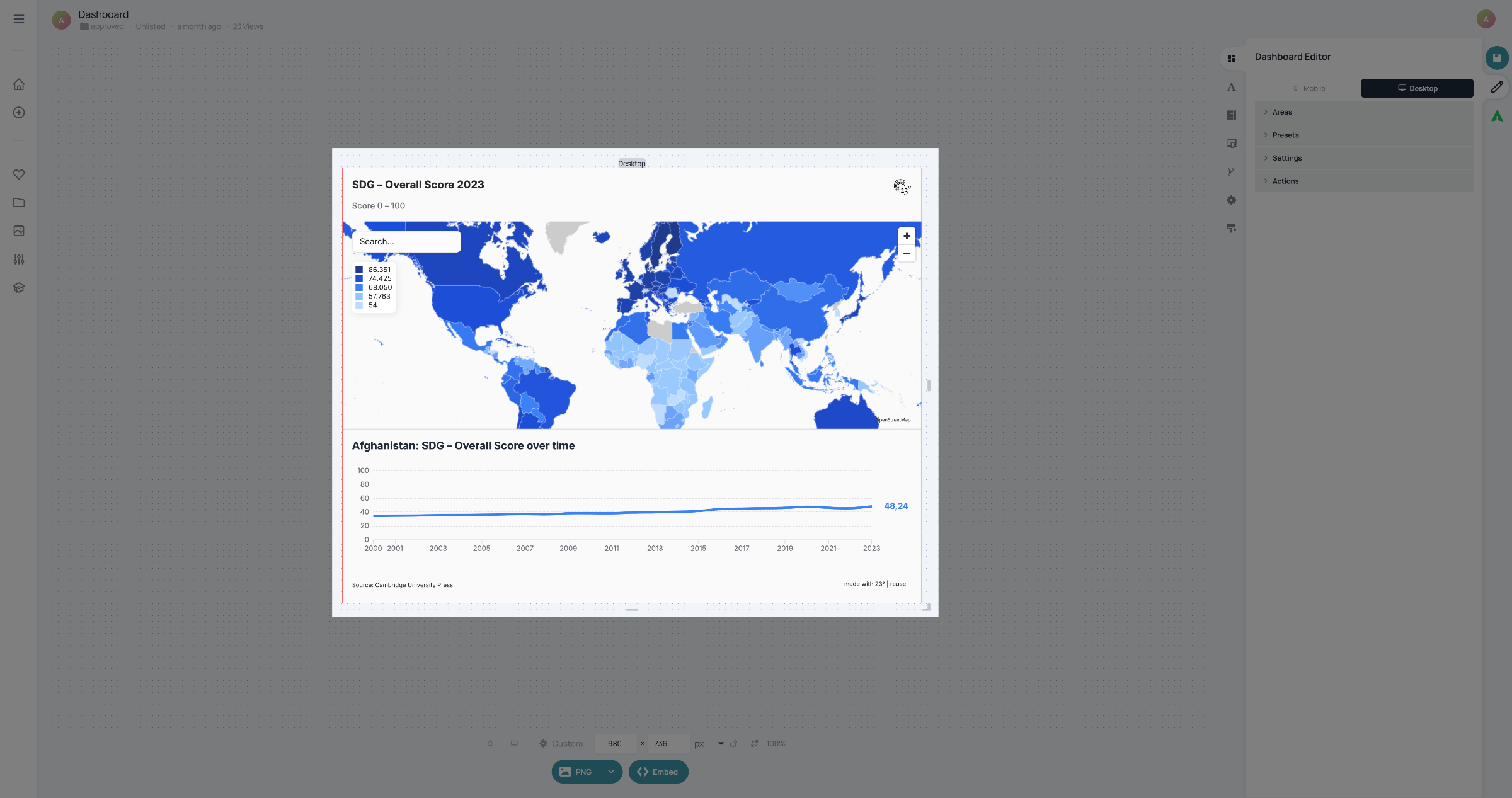
Open a dashboard.
2. Open Presets Section
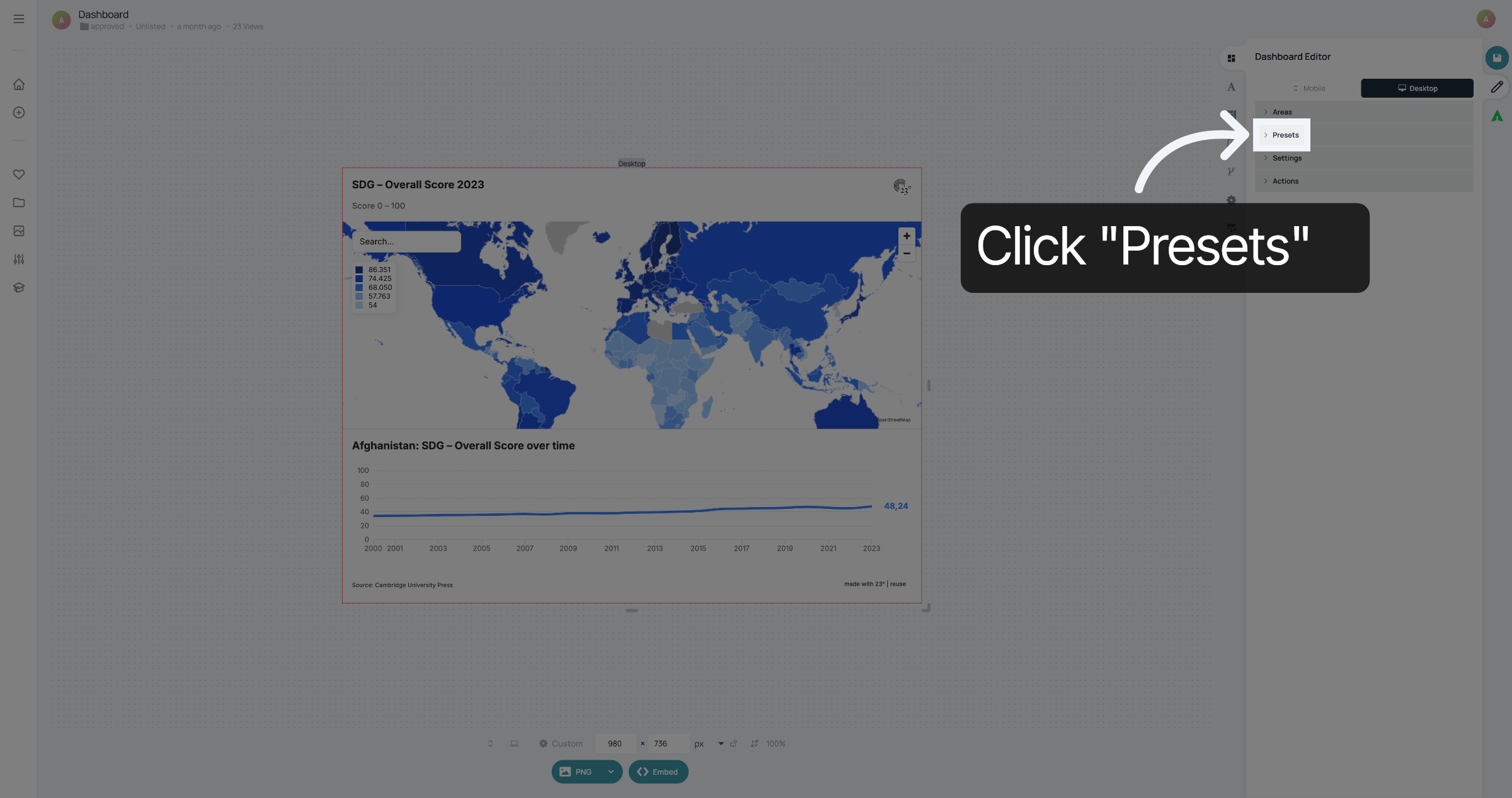
Click "Presets" to see the types of presets that are offered.
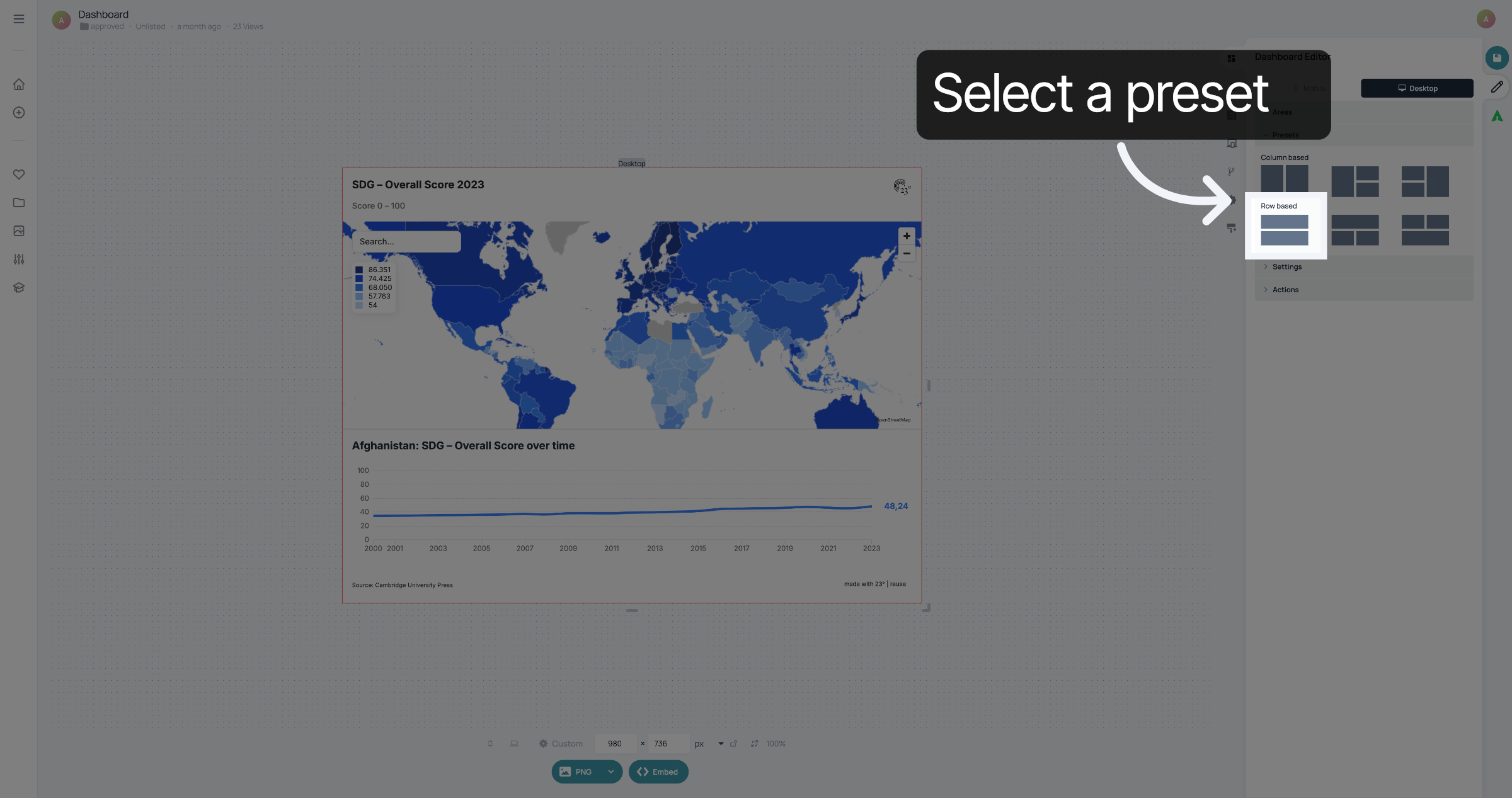
3. Select a preset
Select a preset to customize the way that the visualisations in the dashboard are displayed. The one currently selected is two visualisations and row based. "Row based" means that the visualisations are placed below each other.
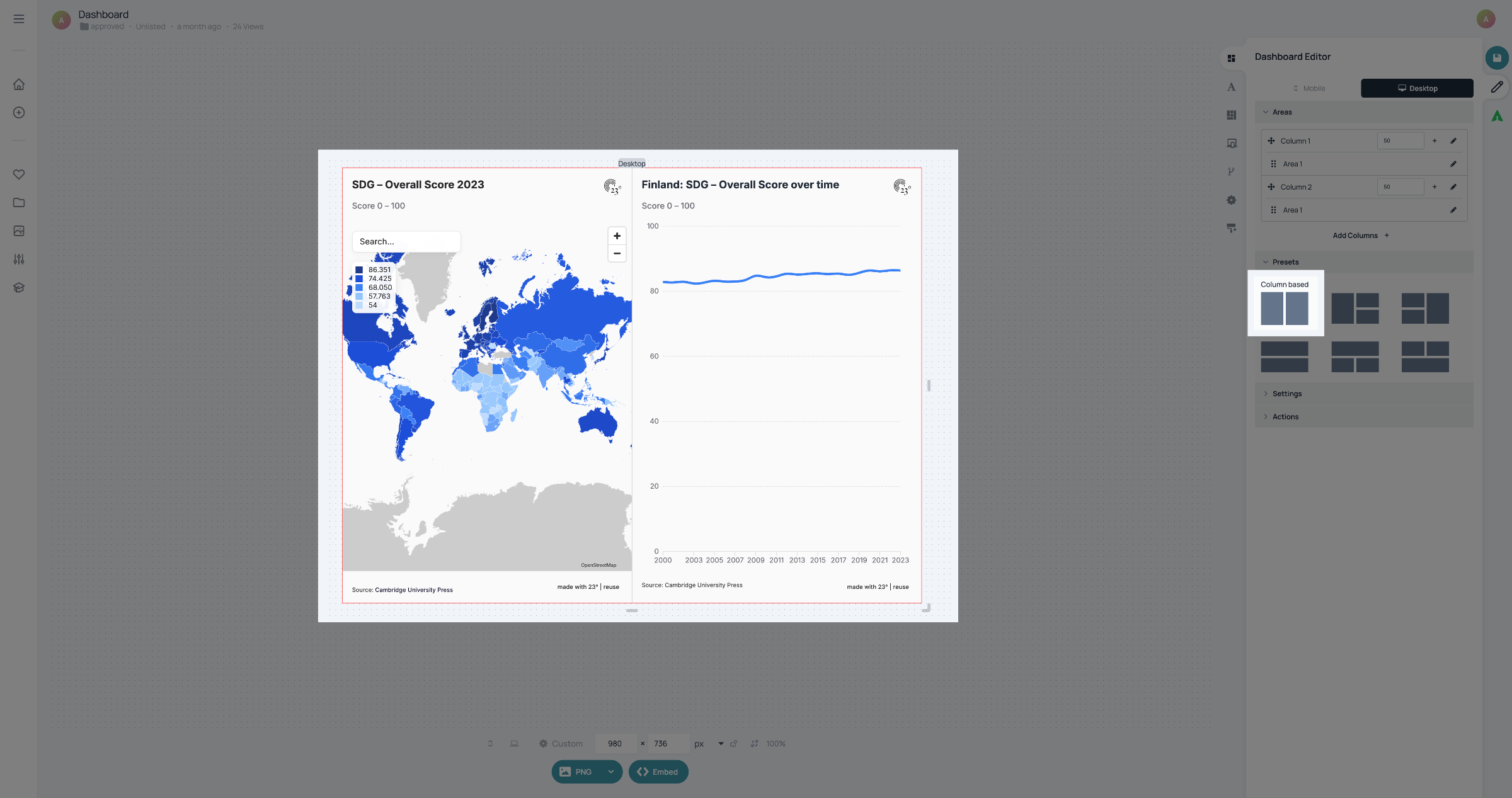
4. Select preset
Column based presets display your visualisations next to each other.
5. Further presets
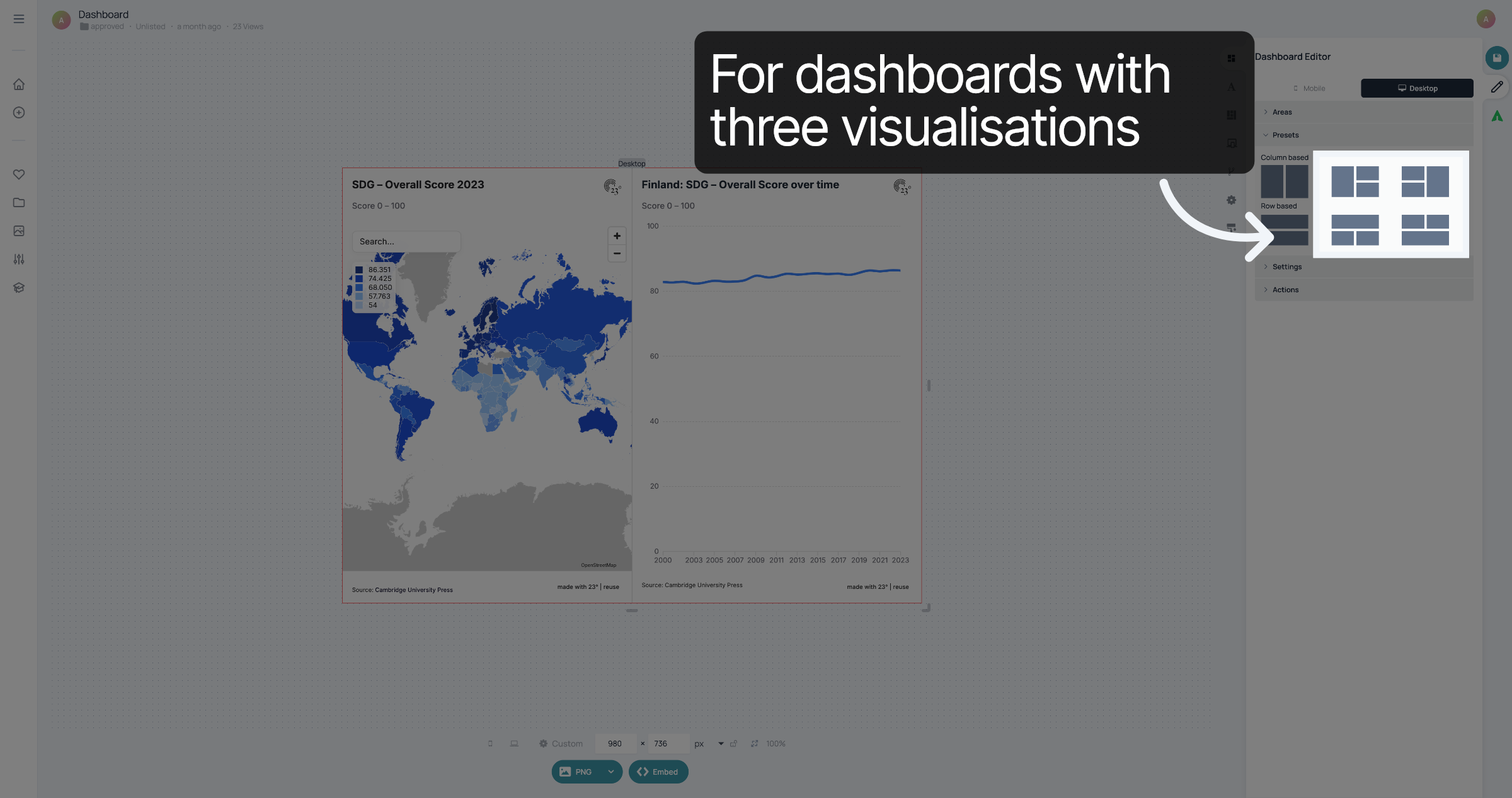
If you want to show three visualisations in your dashboard, you can also choose one of these presets. the preview shows how the visualisations will be displaye
6. Save changes
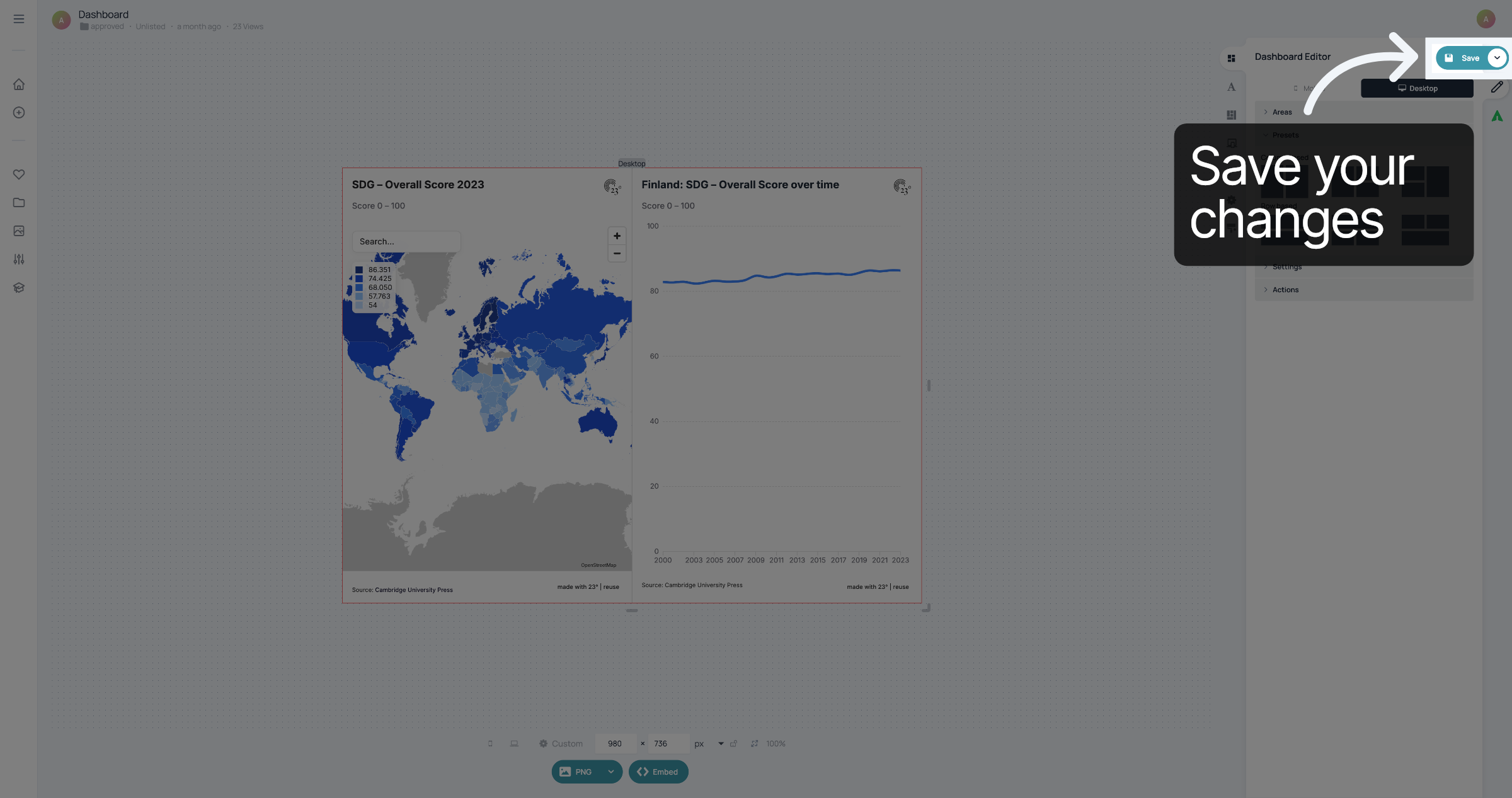
Once you've selected a preset that you like, don't forget to save your changes.
You have successfully used a preset to style your dashboard.