Delete Or Restore Content In 23degrees Application
This tutorial explains how to delete or restore content in 23degrees.
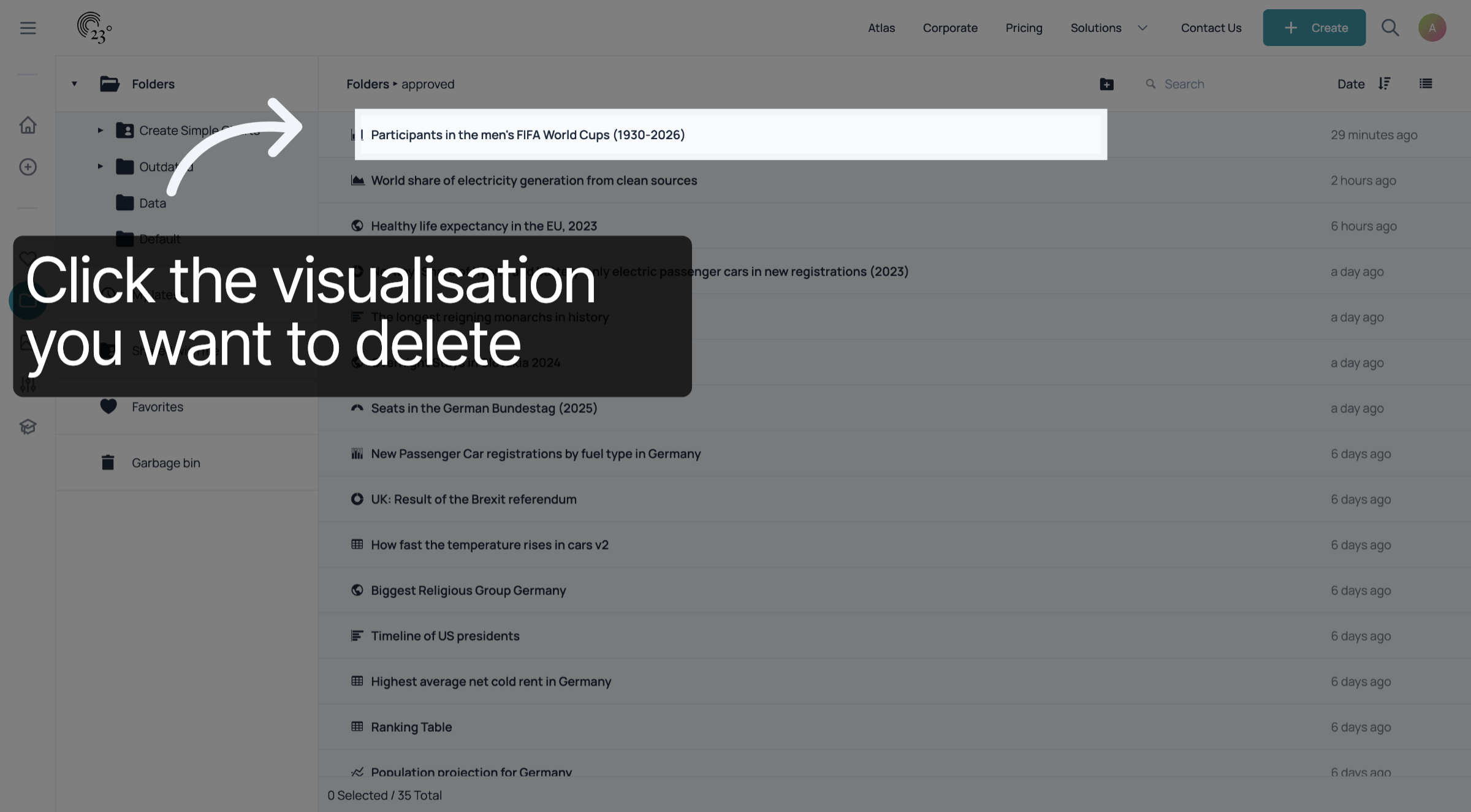
Select the chart you want to delete by clicking on it once
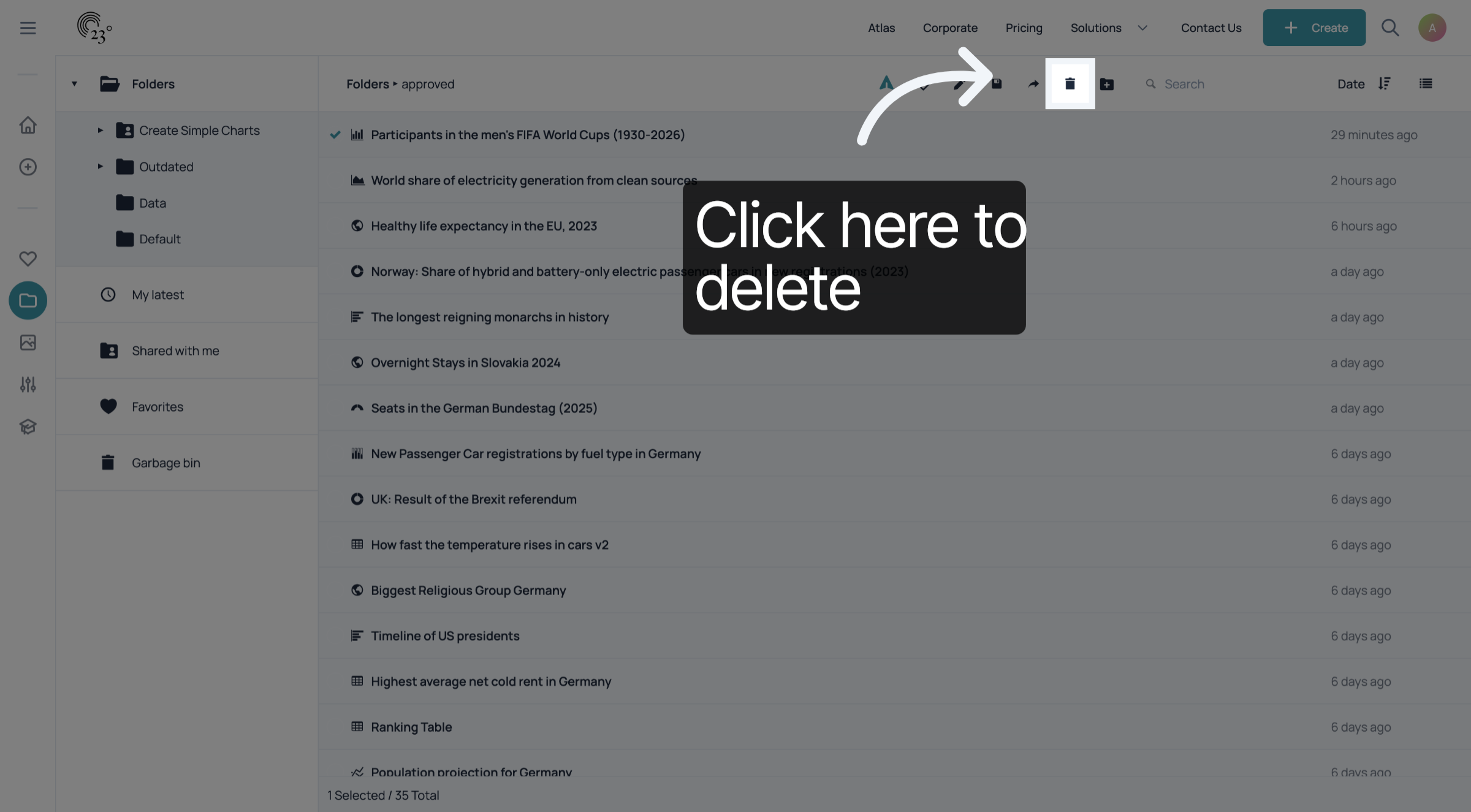
Click on the bin icon to delete the selected item.
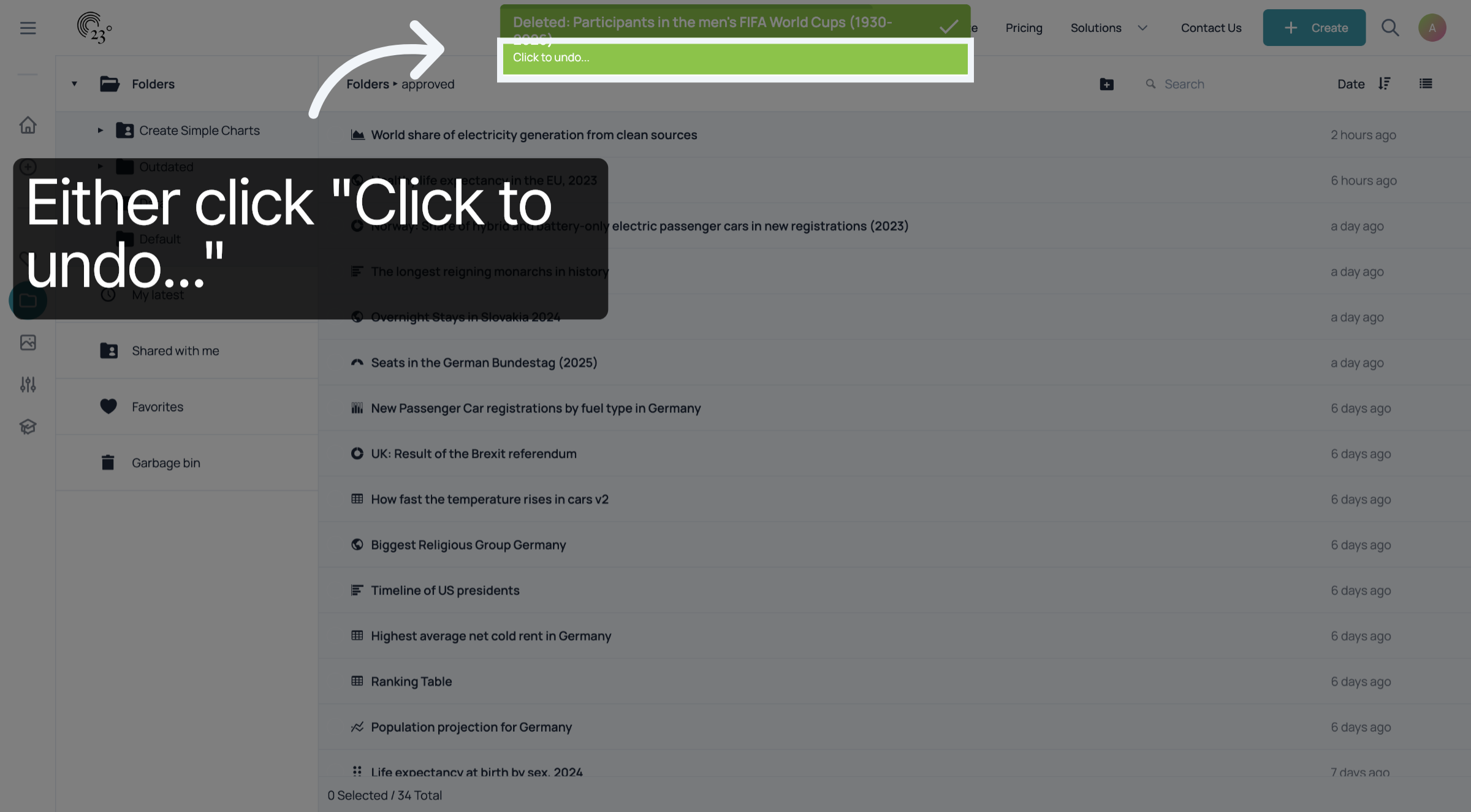
Select "Click to undo..." to reverse the step if you selected the wrong item by mistake.
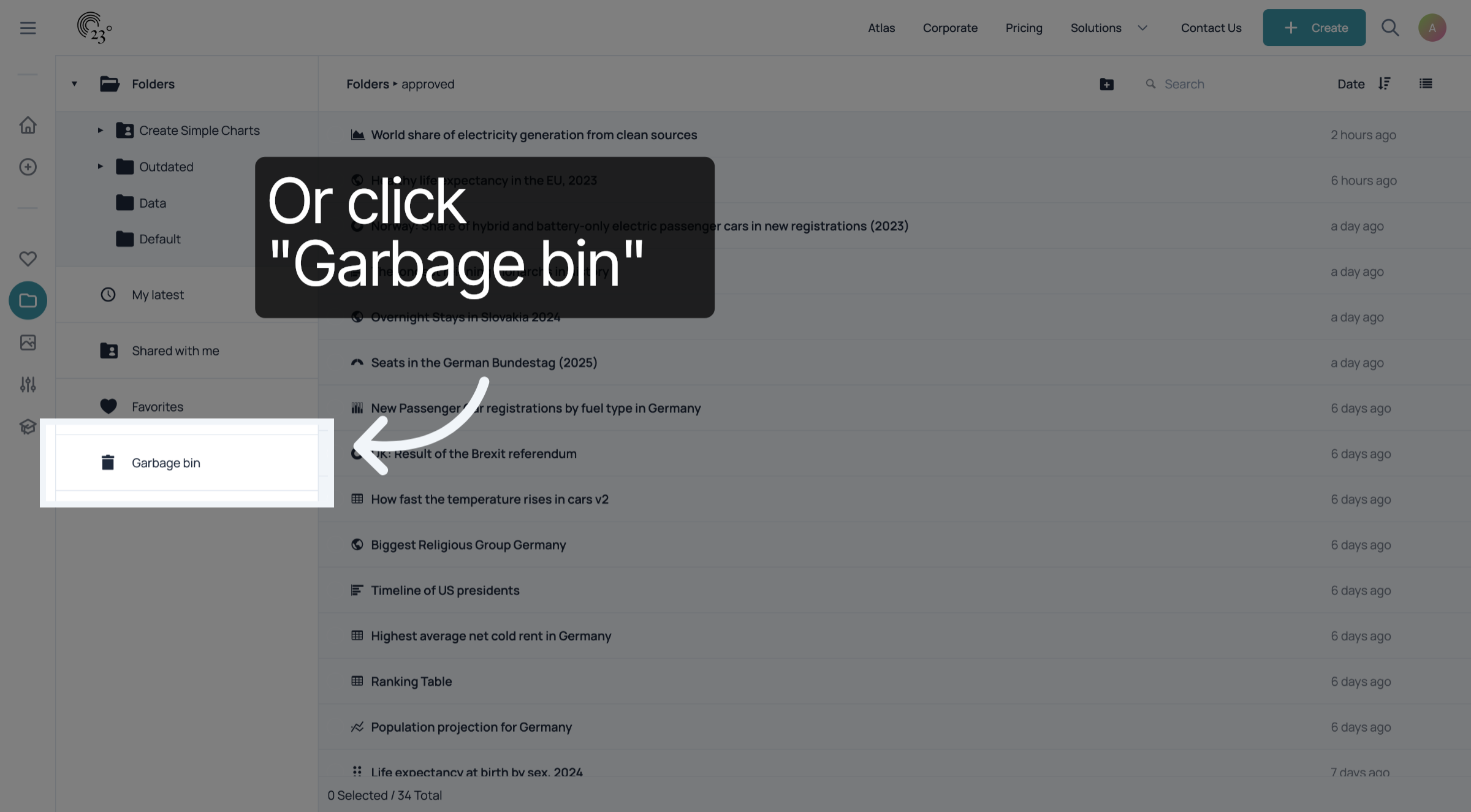
to review your deleted items navigate to the garbage bin in the side bar.
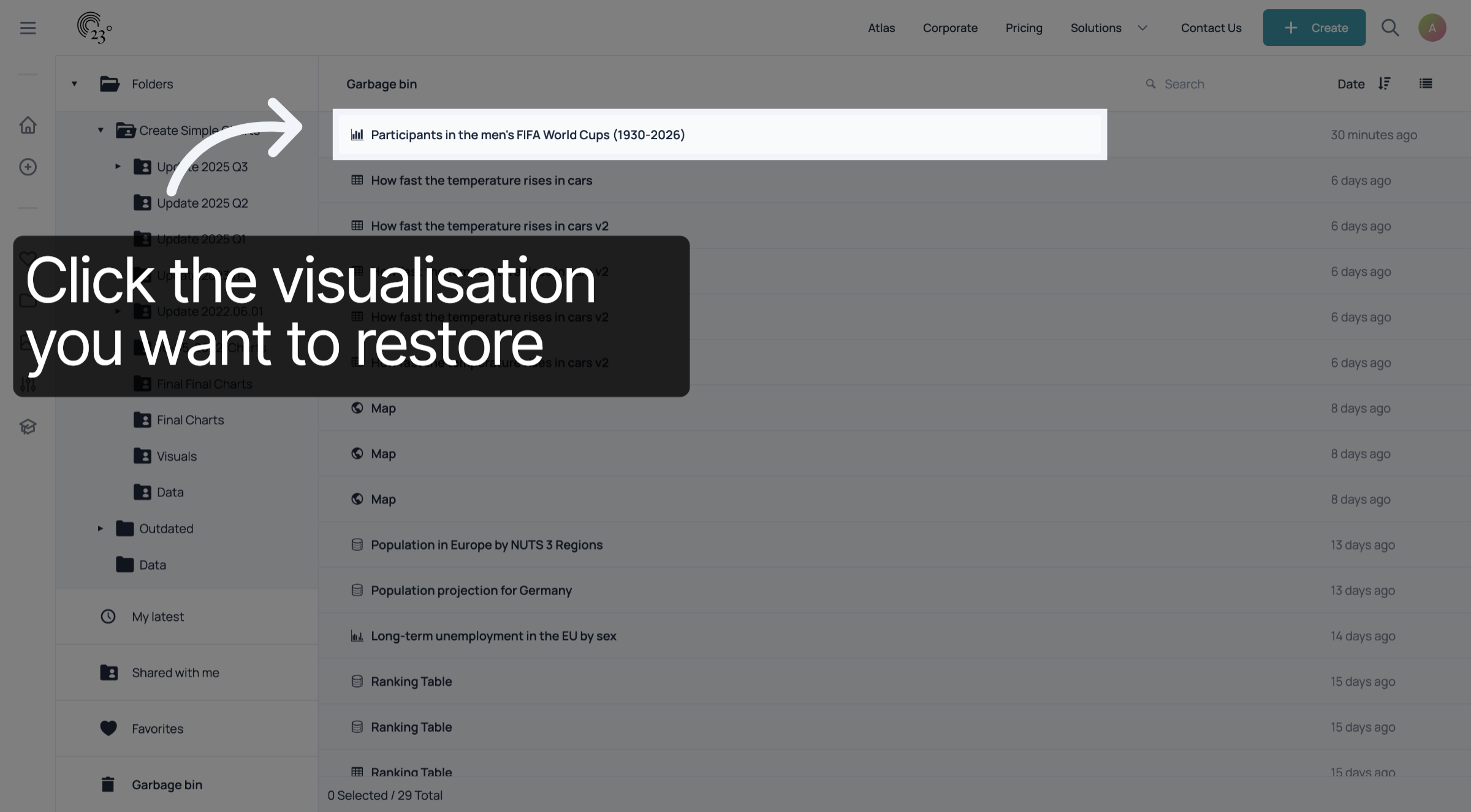
if you want to restore a deleted item from the garbage bin, select the item you wish to restore
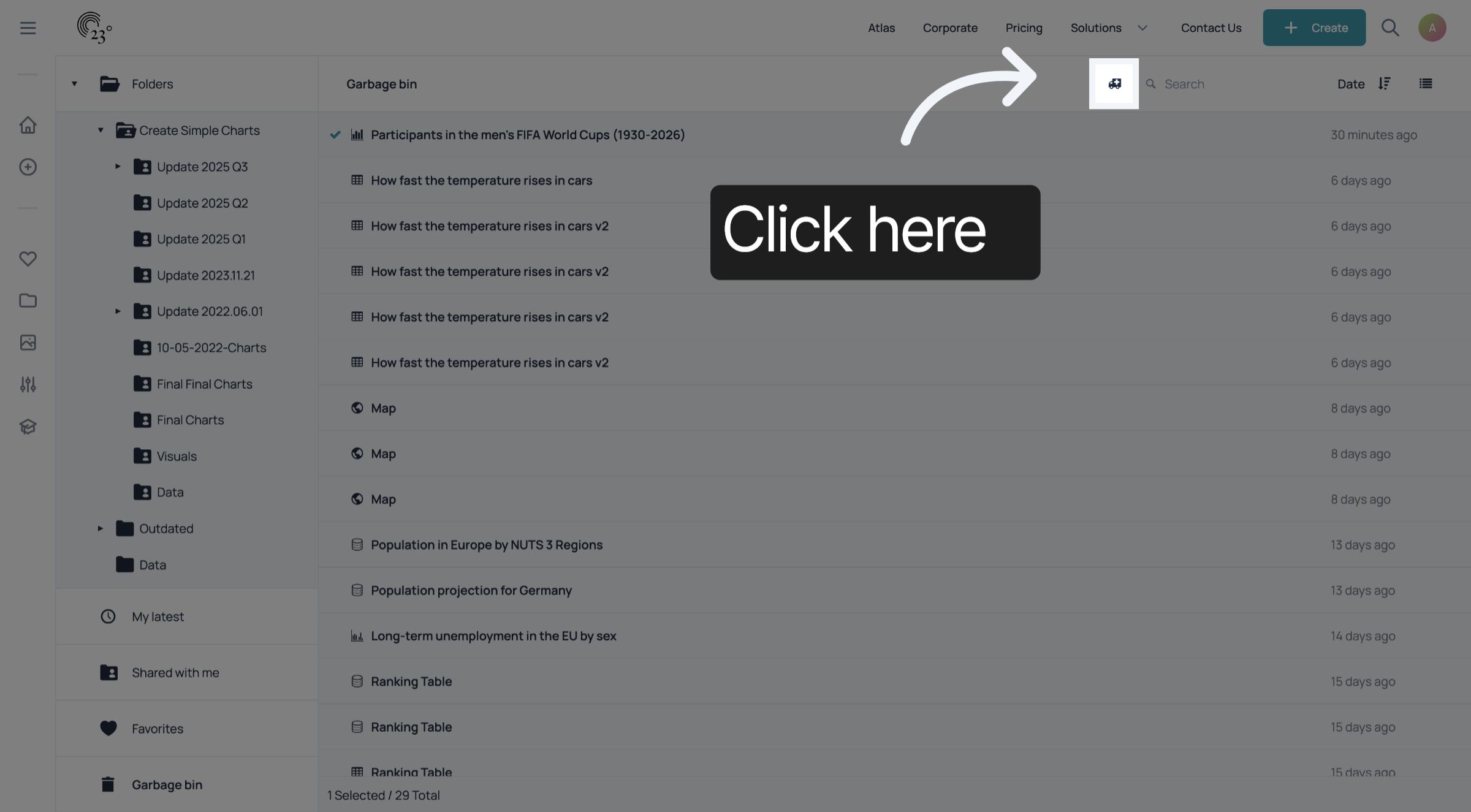
by selecting the ambulance icon. your item will appear in the same folder as it was before deletion.
Great! You’ve now learned how to delete and restore content within the 23degrees application. Just keep in mind — if you delete an embedded visualization, it will show a 404 error wherever it’s embedded. But don’t worry — as soon as you restore it, the visualization will start working again.