Multiselect Visualizations And Folders In 23degrees
This tutorial demonstrates how to multiselect and move visualisations and folders within the 23degrees application.
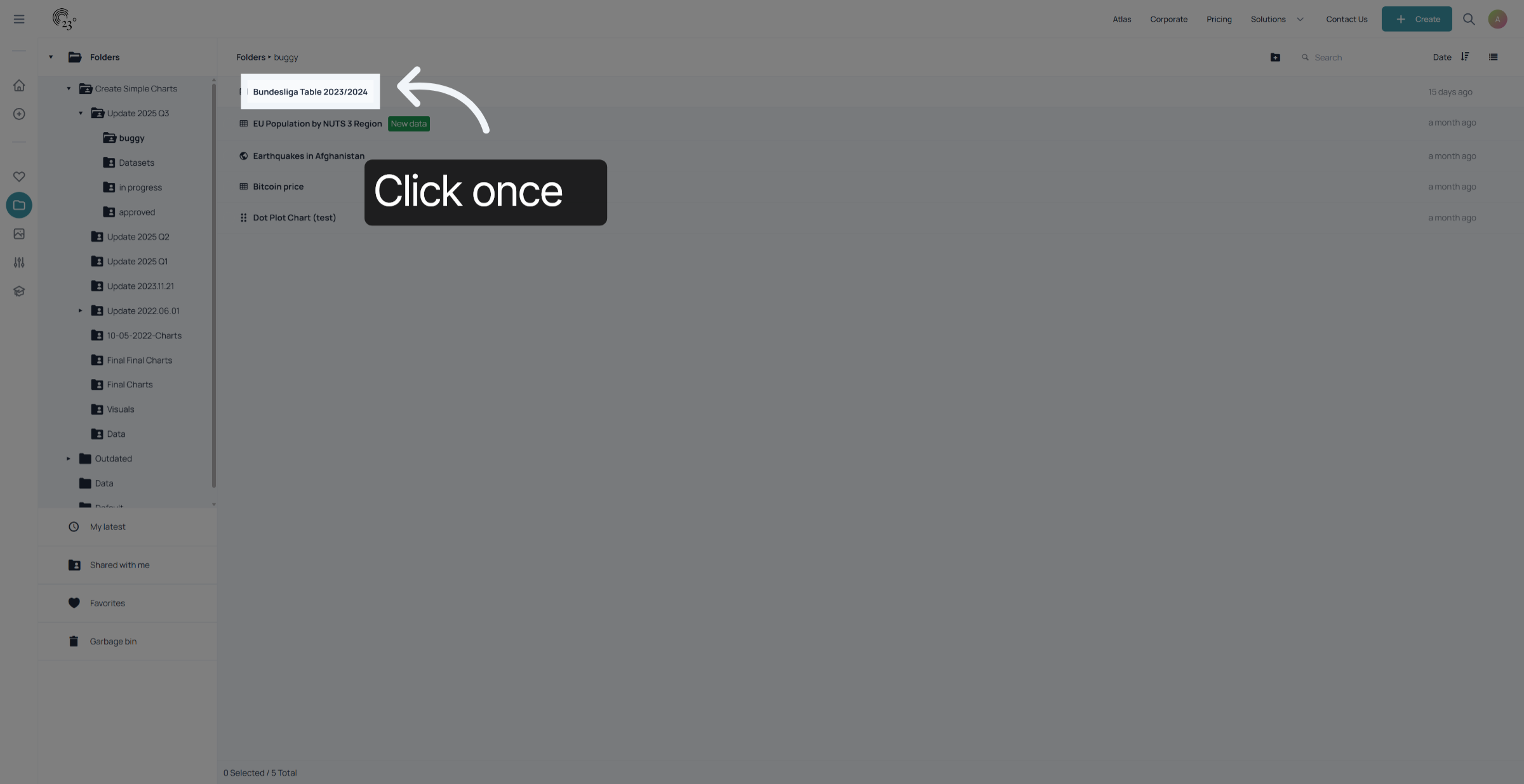
click on the item you wish to move once
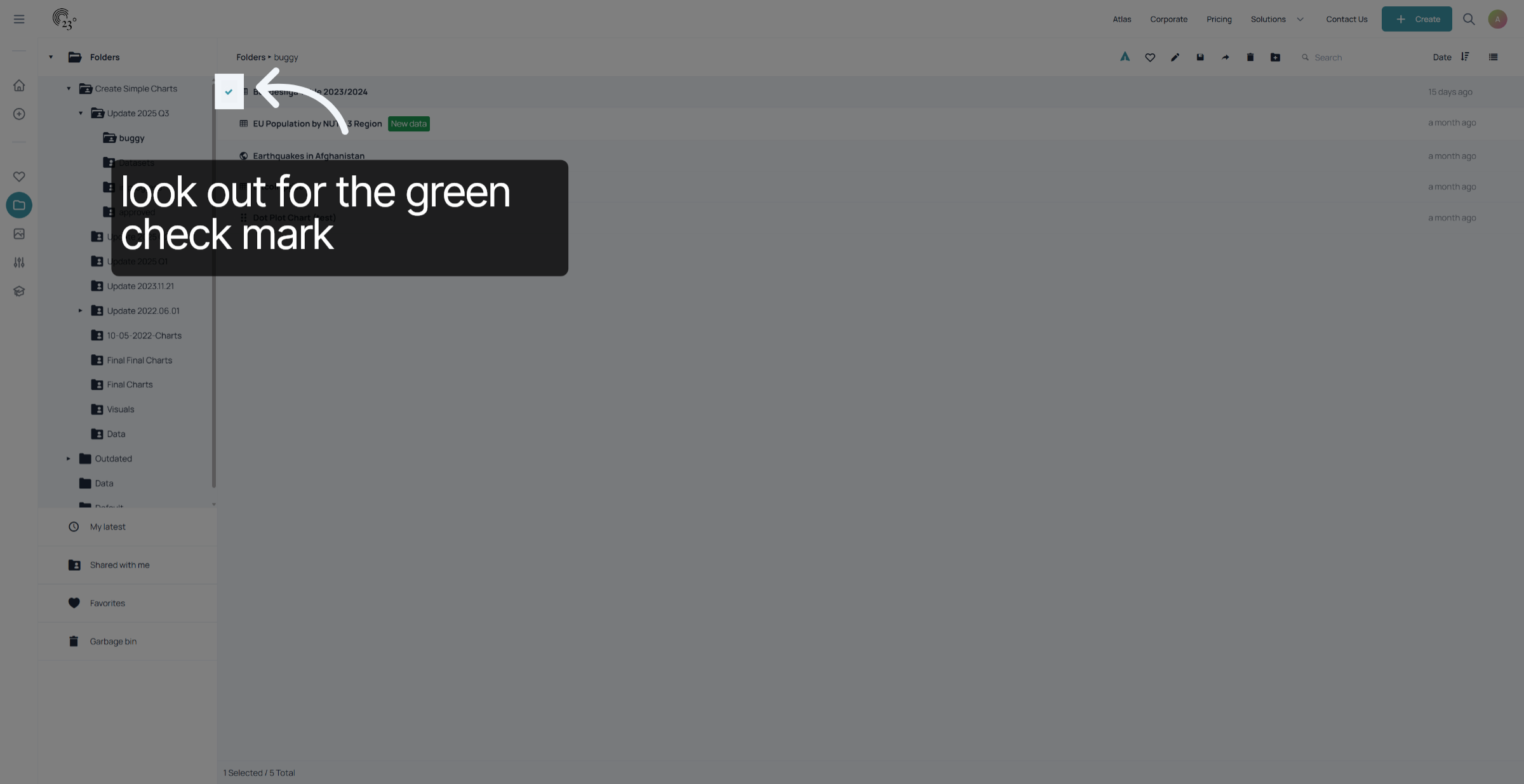
the selected icon is going to display a green check mark.
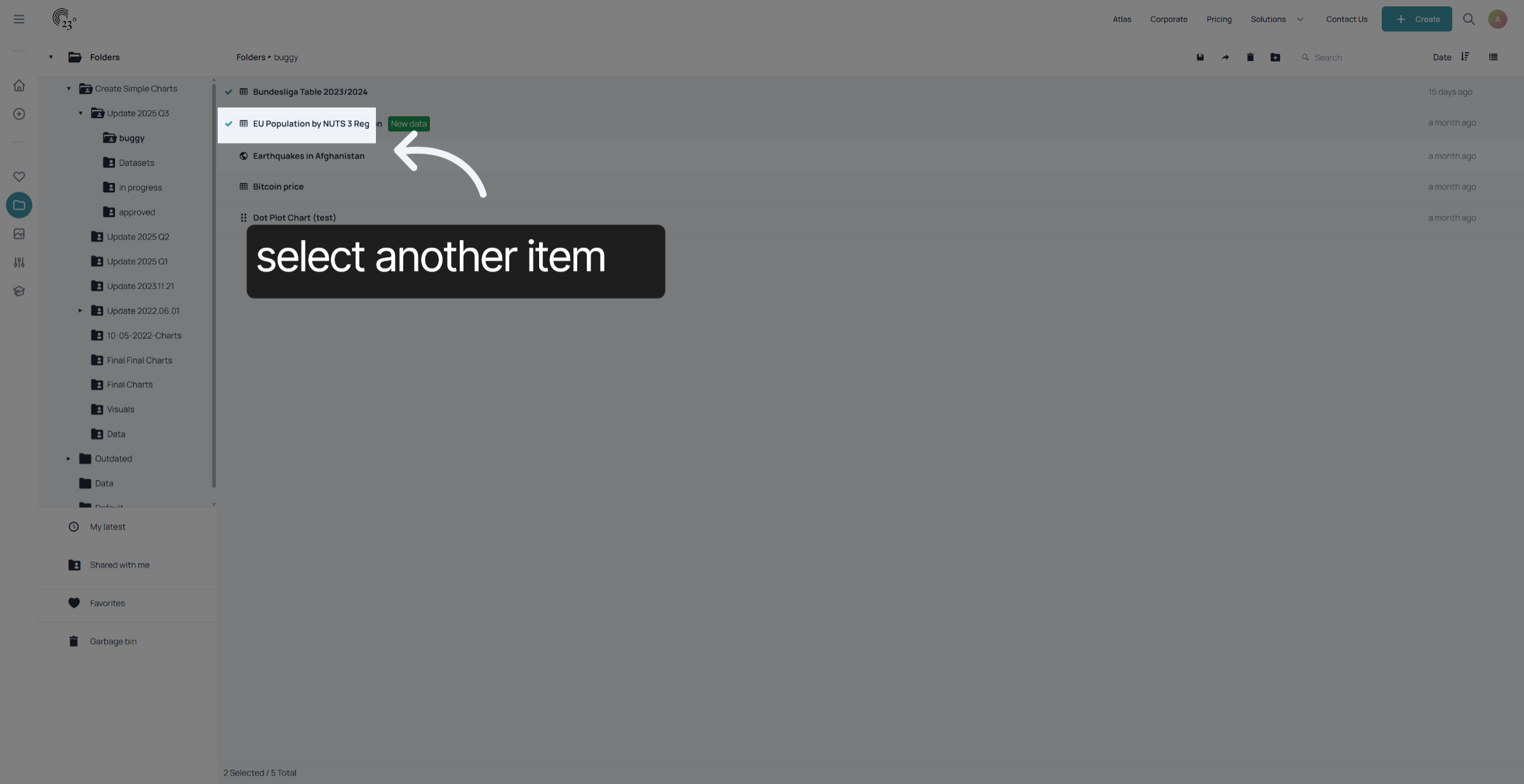
Click on the second item you wish to move once.
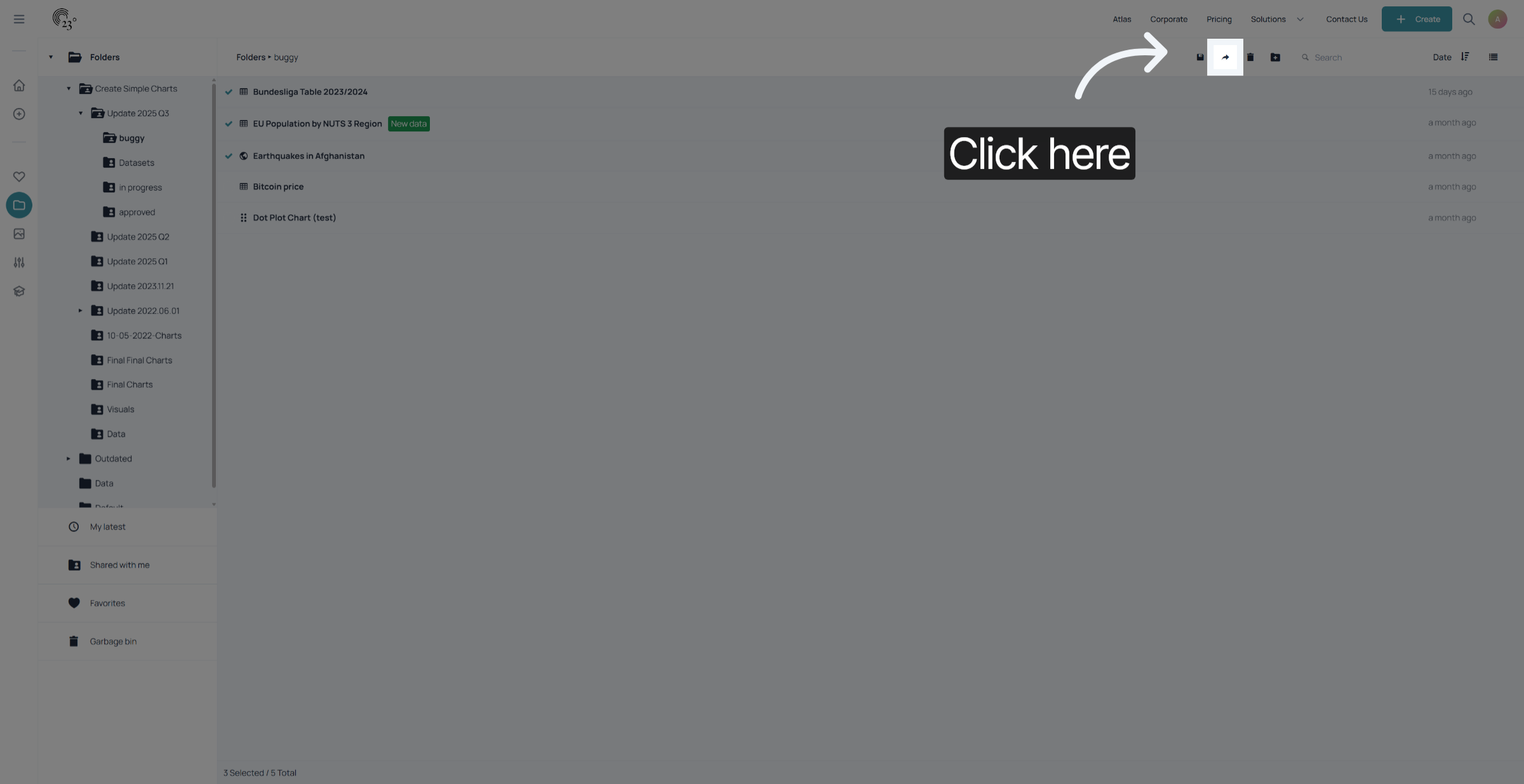
Click on the right facing arrow in the top right corner of the screen
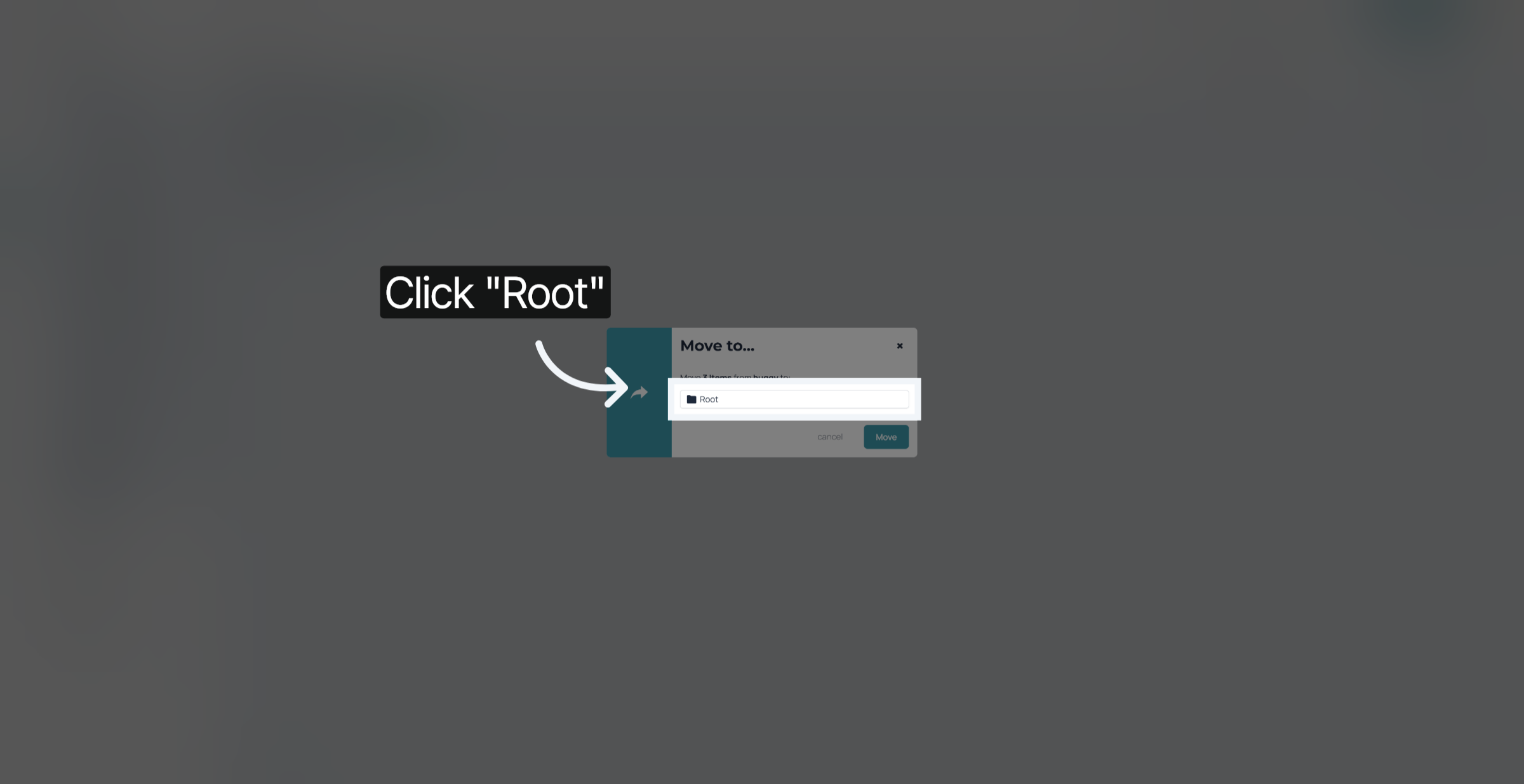
Select a Target folder you wish to move your selected items to
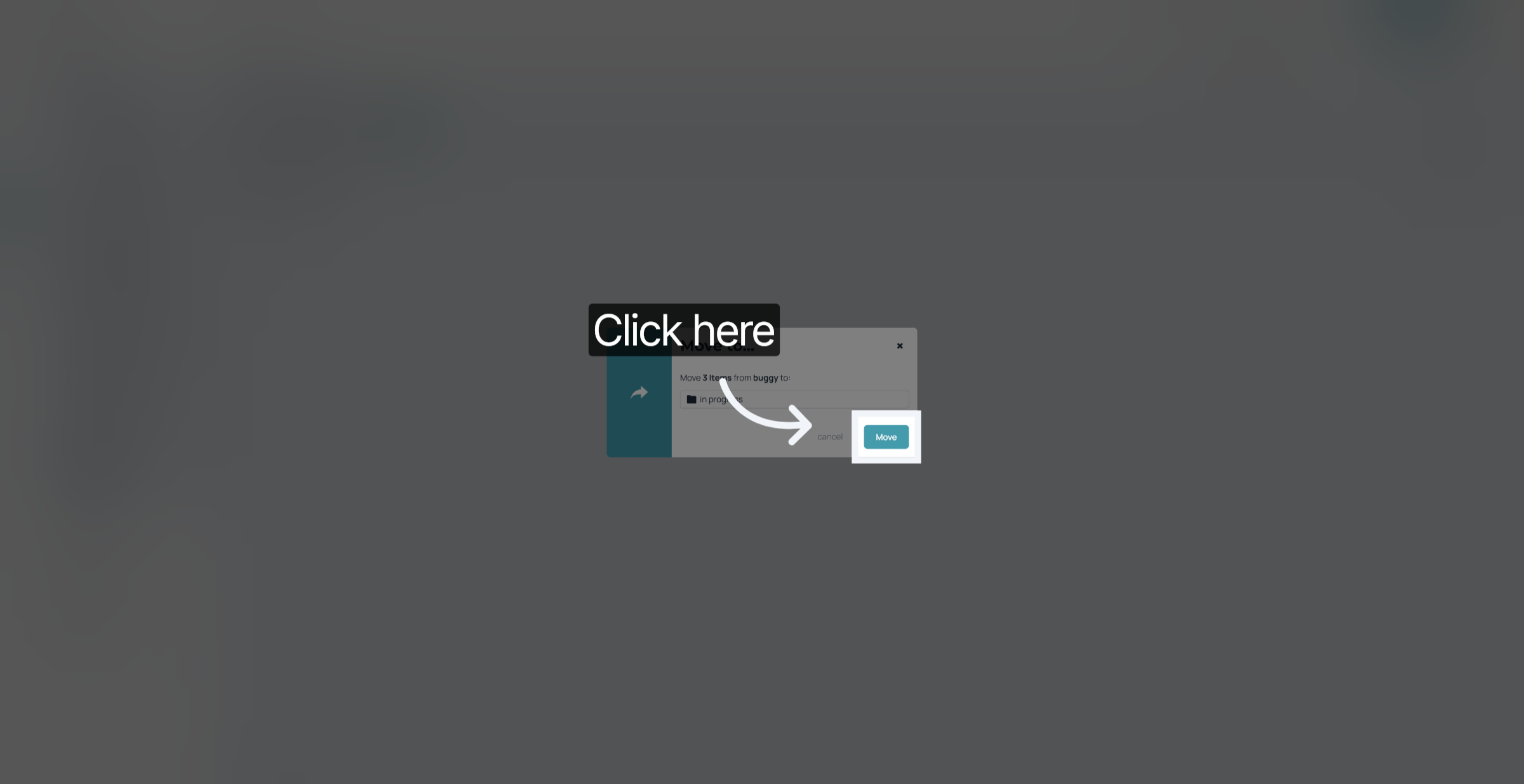
Click on "Move"
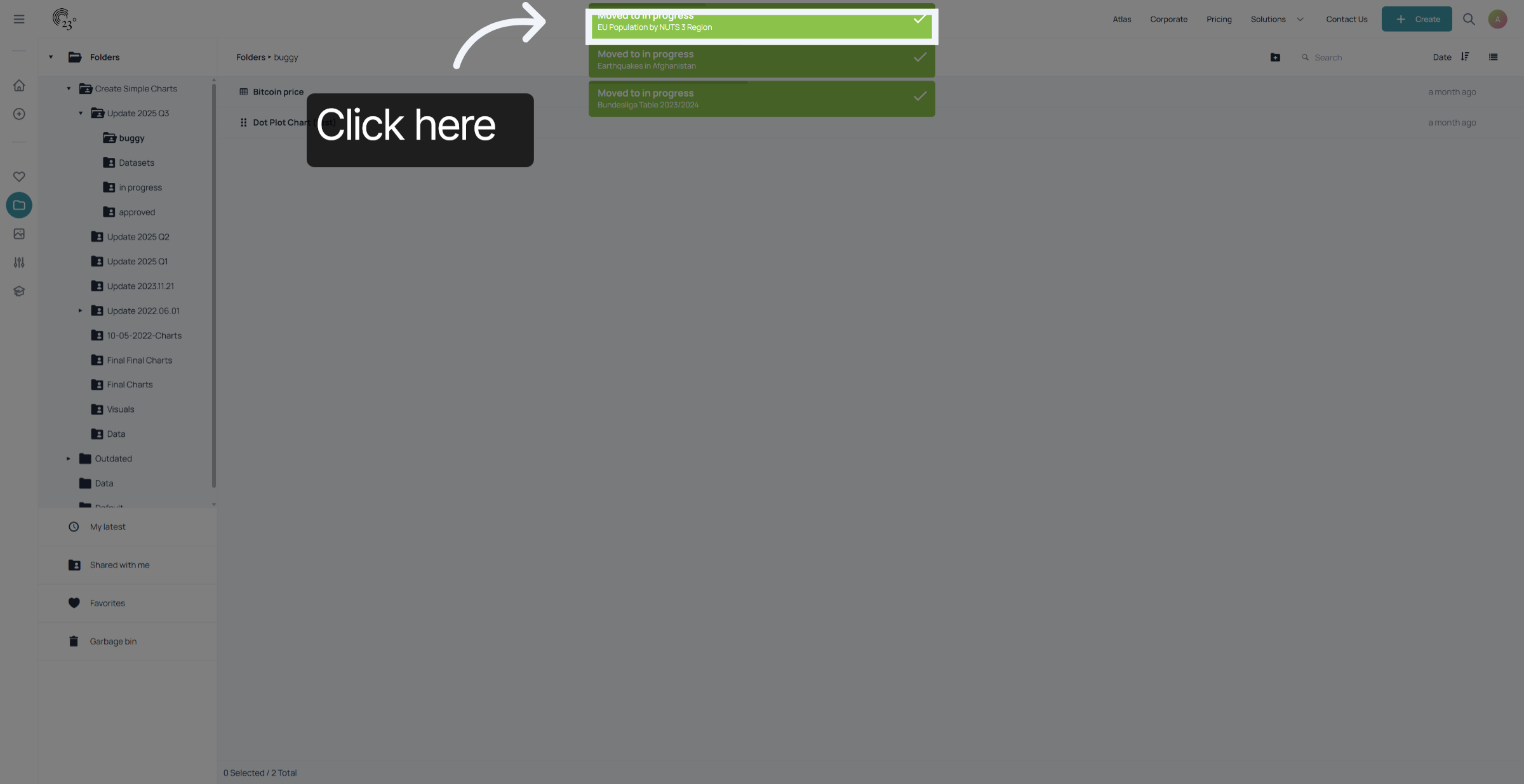
To undo your changes click on the top right banner appearing. Be quick the option is only going to be available for a couple of seconds.
You have successfully multiselected and moved various visualisations within 23degrees. This enables efficient management and organisation of your visualisations and leaves you more time creating beautiful and stunning charts.