How to invert the Value Axis in Line Chart
This tutorial explains how to invert the value axis in a line chart.
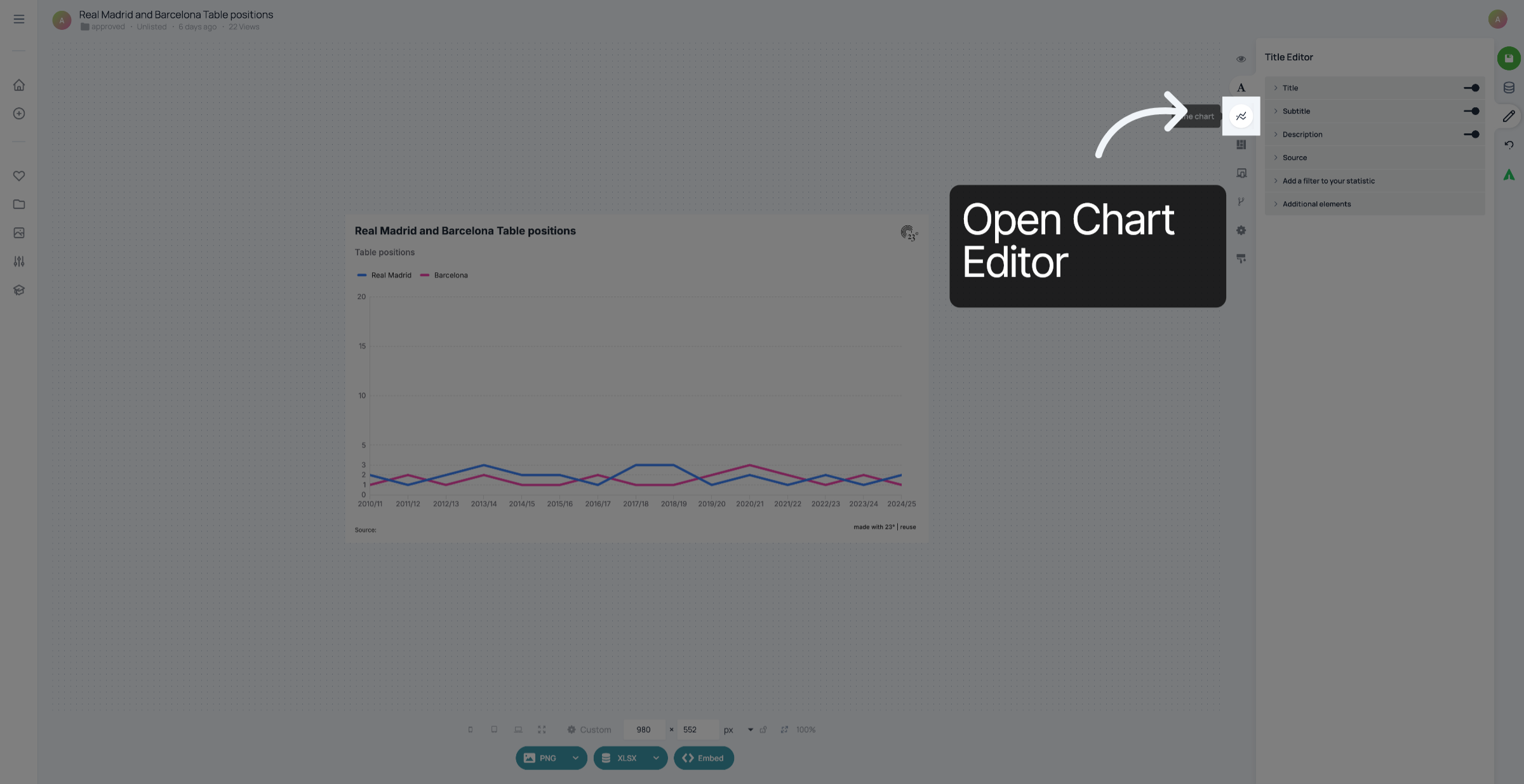
1. Open Chart Settings
Click the main settings area to begin configuring your line chart.
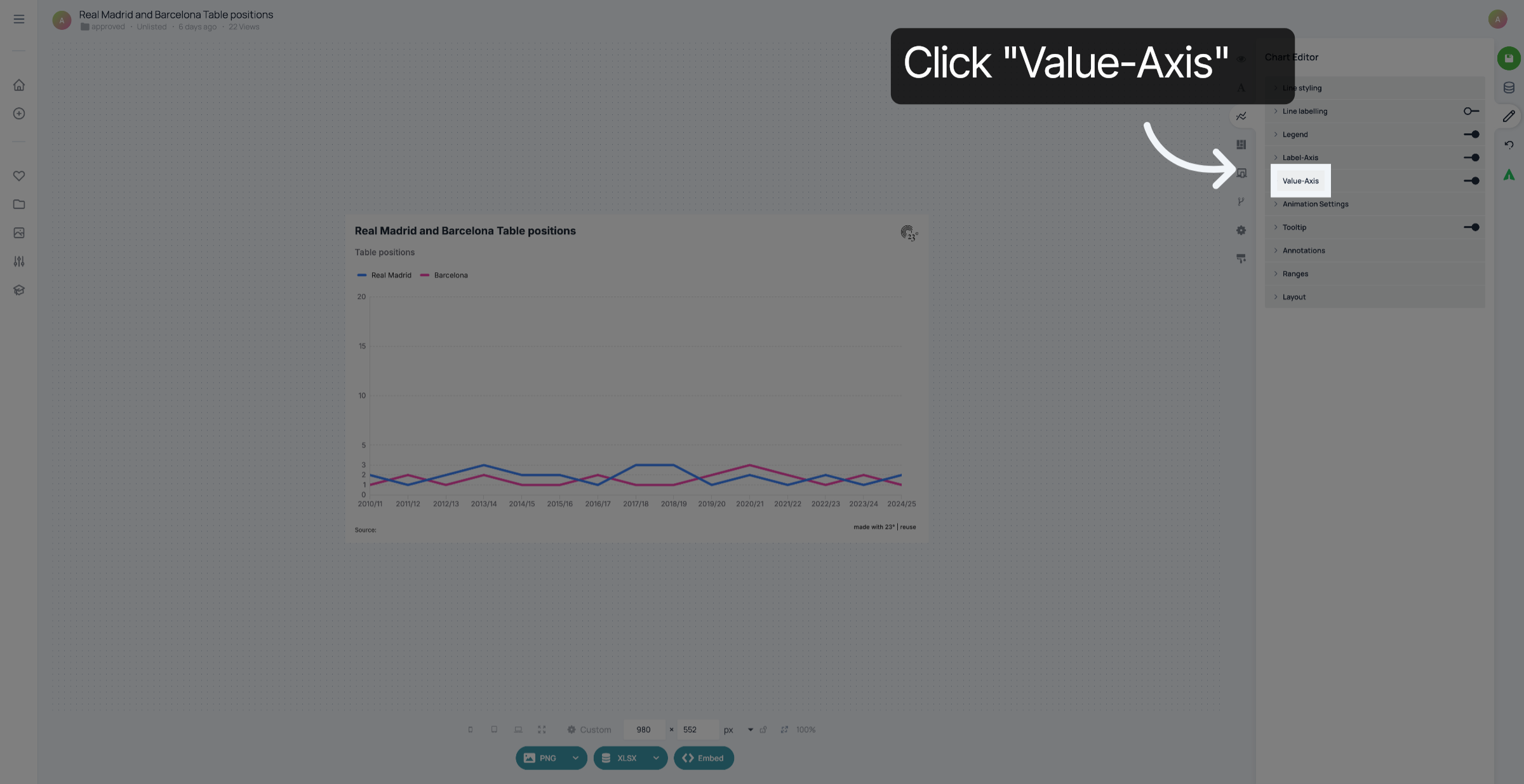
2. Access Value Axis Options
Click "Value-Axis".
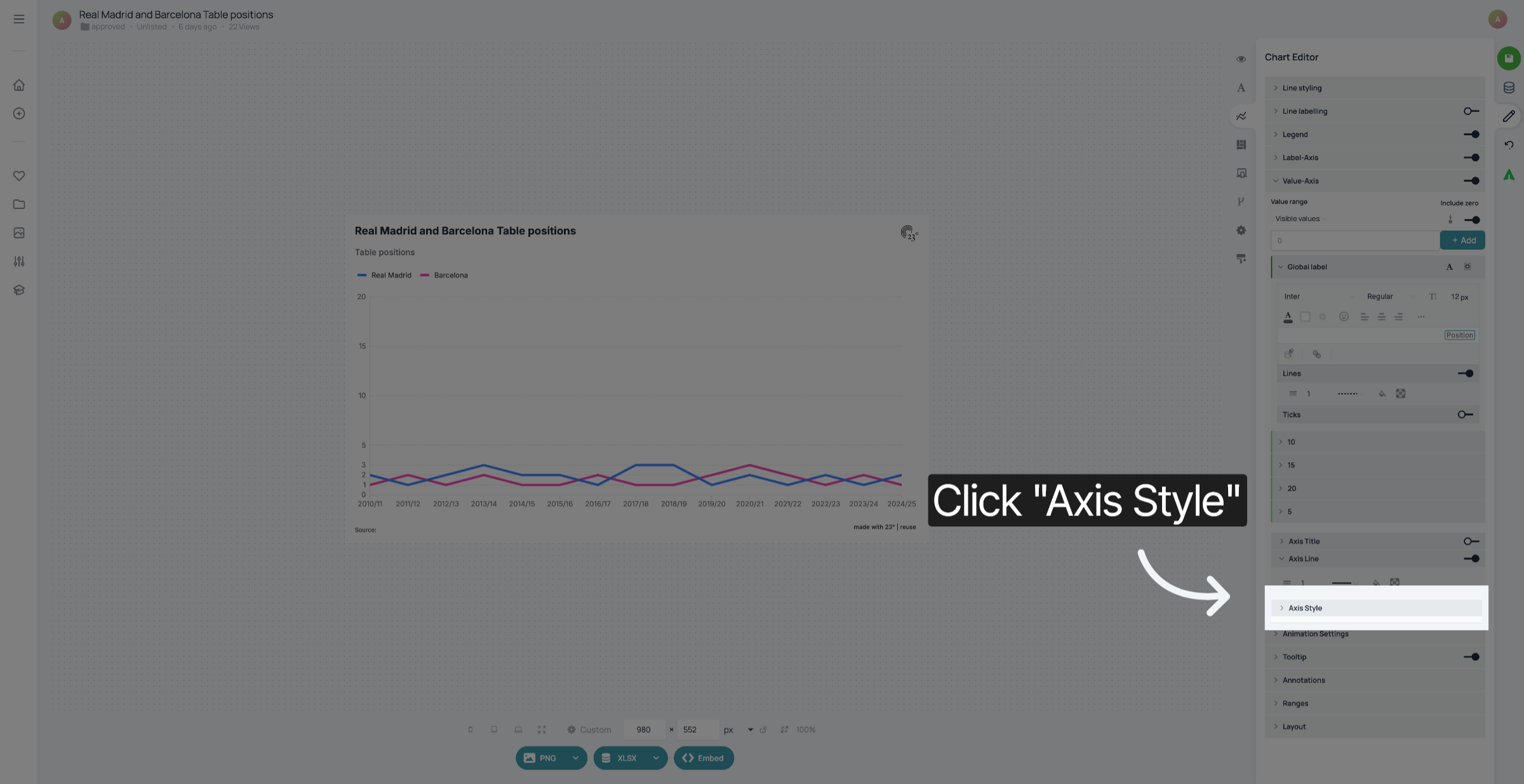
3. Select Axis Style Tab
Click "Axis Style".
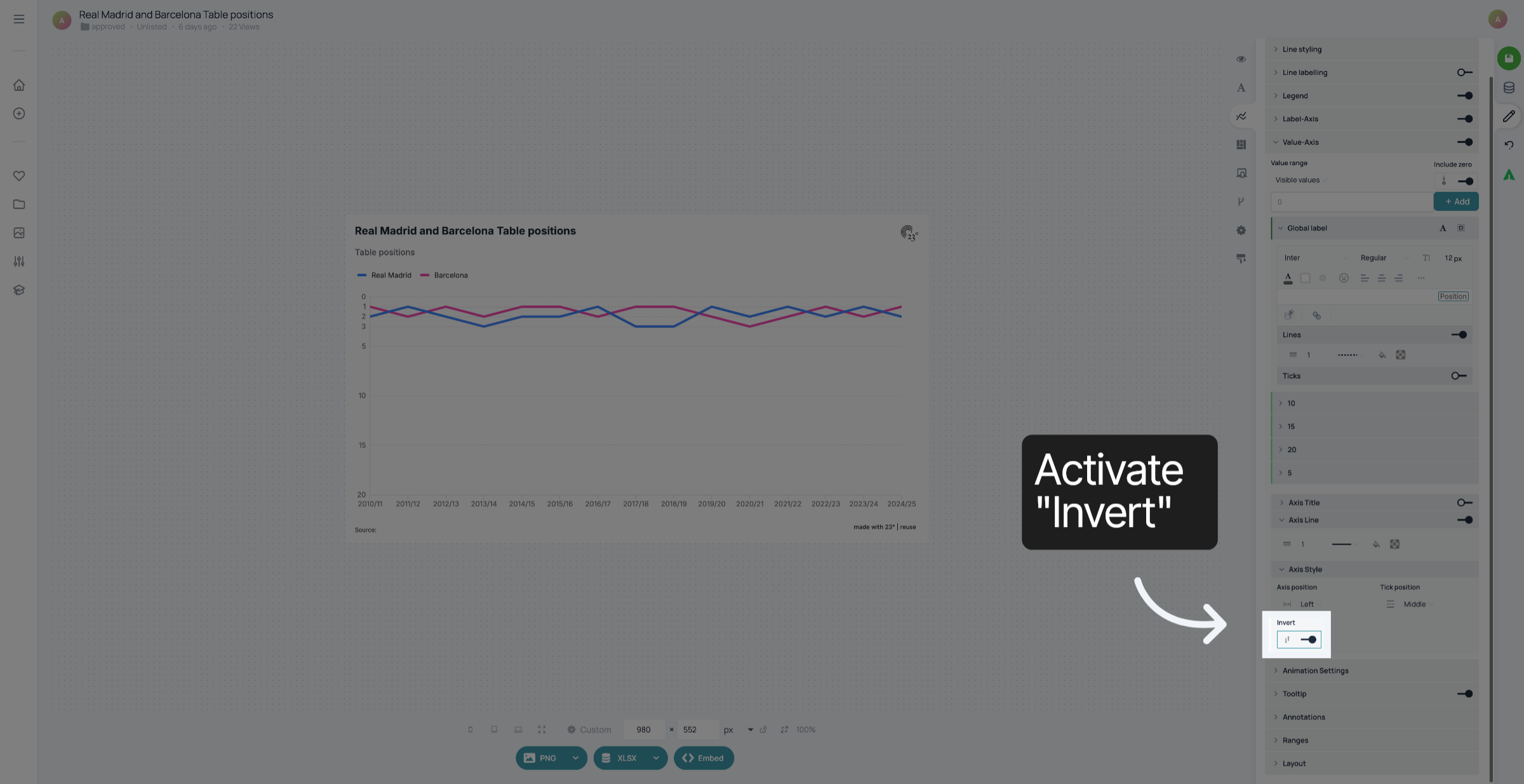
4. Confirm Inversion Activation
Click the "on" option to confirm enabling the axis inversion.
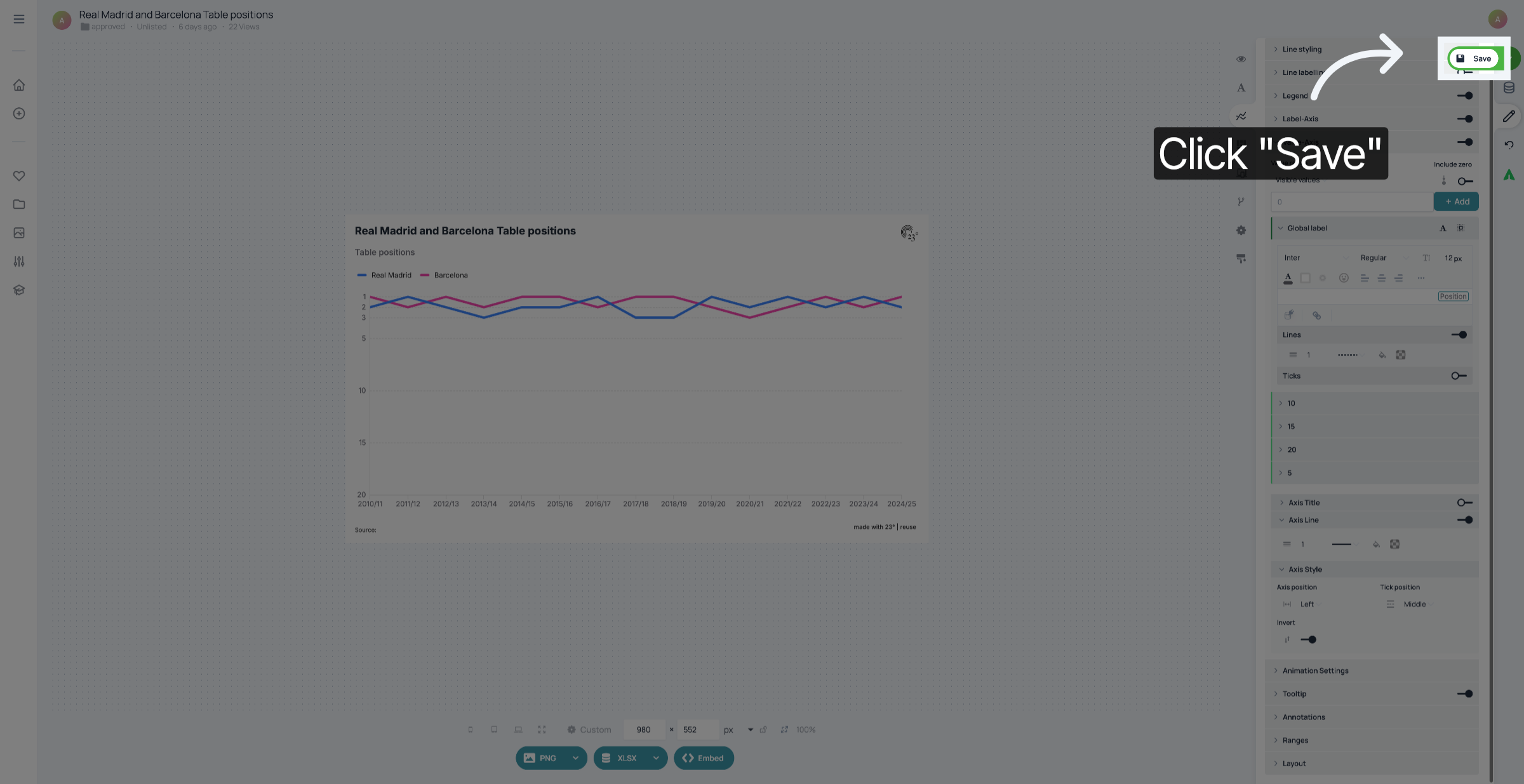
5. Click "Save"
Don't forget to save your changes.
You have successfully inverted the value axis on your line chart.