Enable Lazy Loading For Embeds In 23degrees
This tutorial explains how to enable lazy loading for embeds in the 23degrees application to improve page load performance.
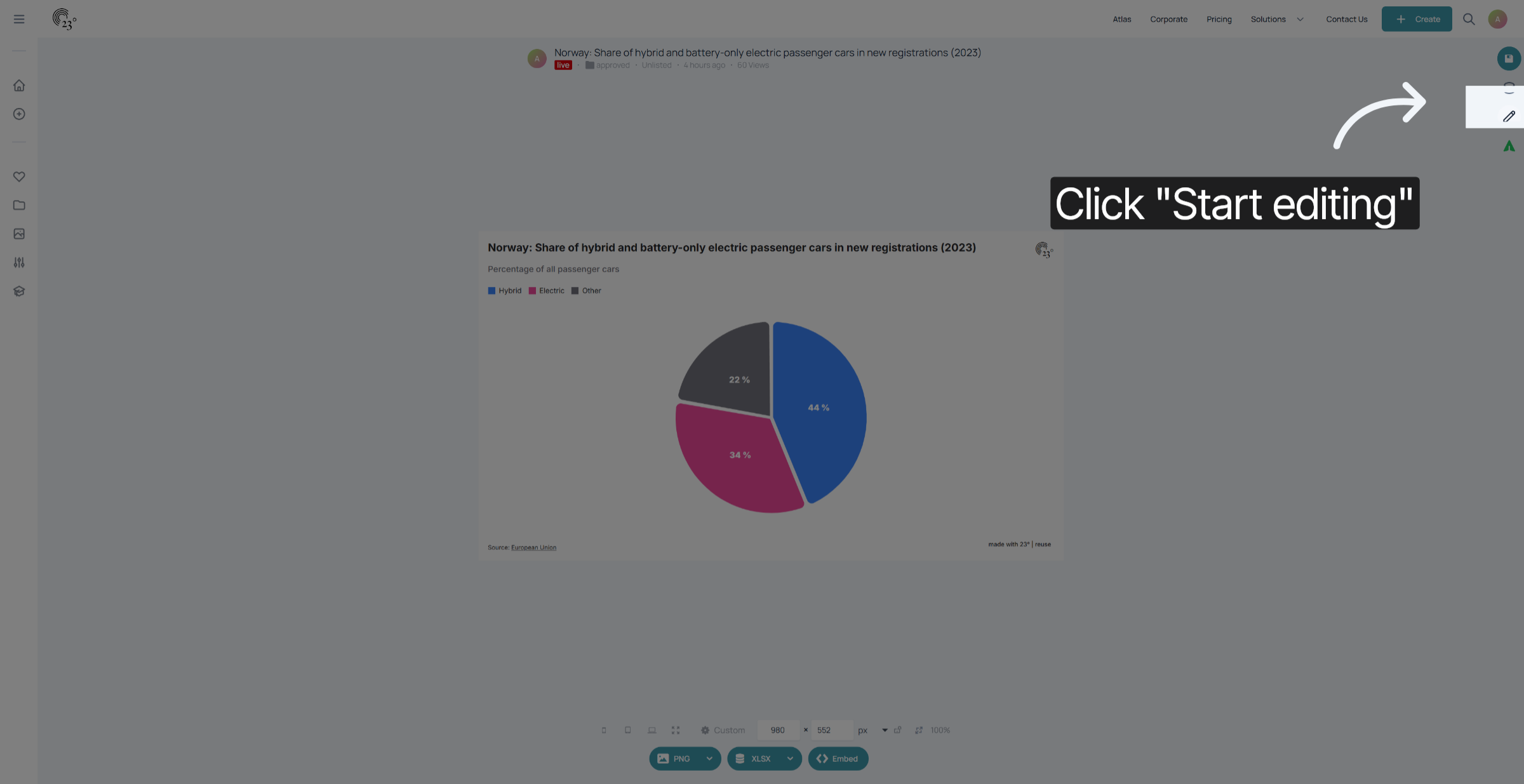
Click "Start editing" to access the chart editor.
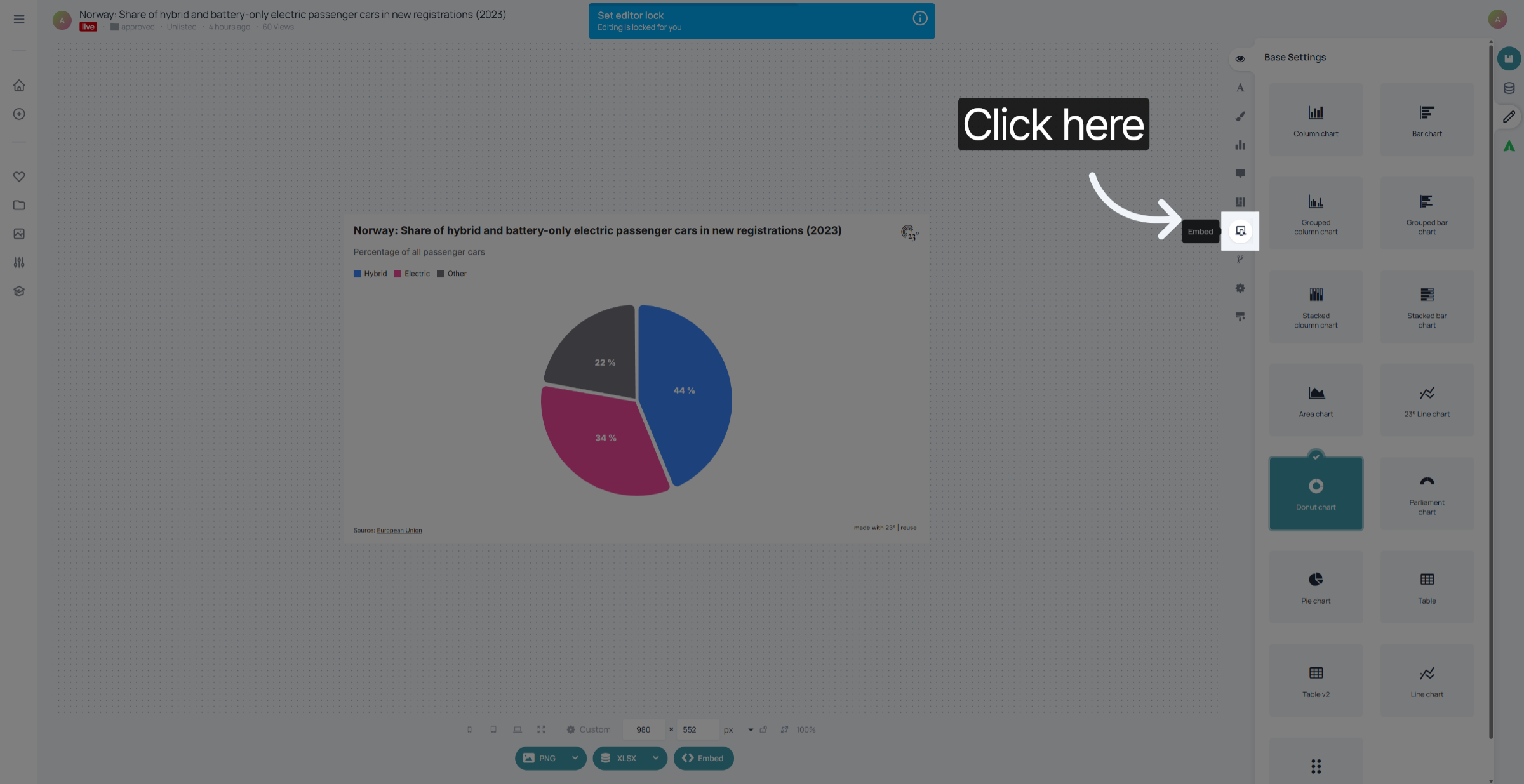
Click on the embed editor.
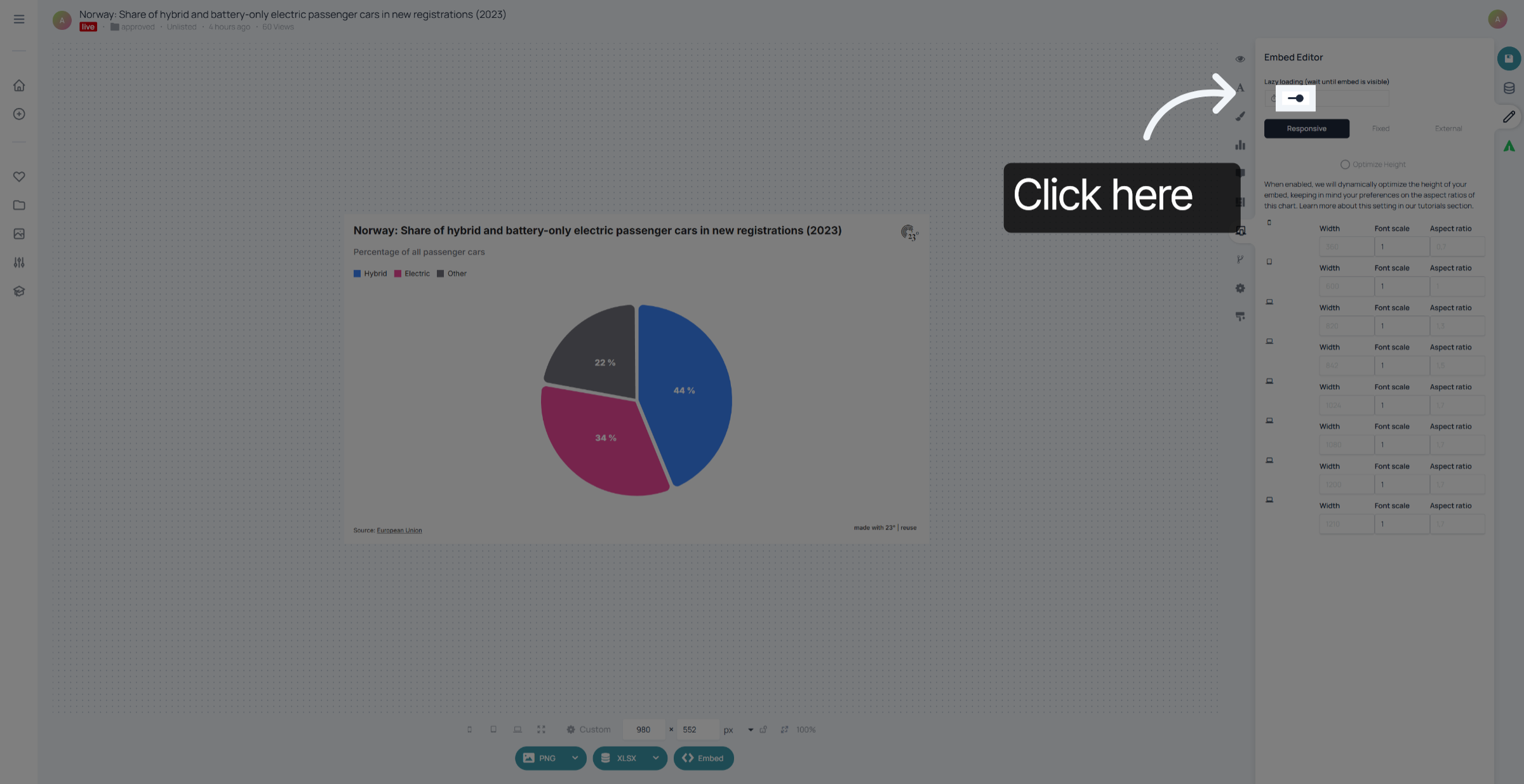
toggle the lazy loading button on to activate lazy loading. When "Lazy Loading" is activated the embedded chart is only going to be loaded once it becomes visible on the website. This helps to reduce loading times of the website and increases performance especially if you have embedded multiple charts on your website.
If you dont have lazy loading active your embedded chart will automatically load once the website is loaded.
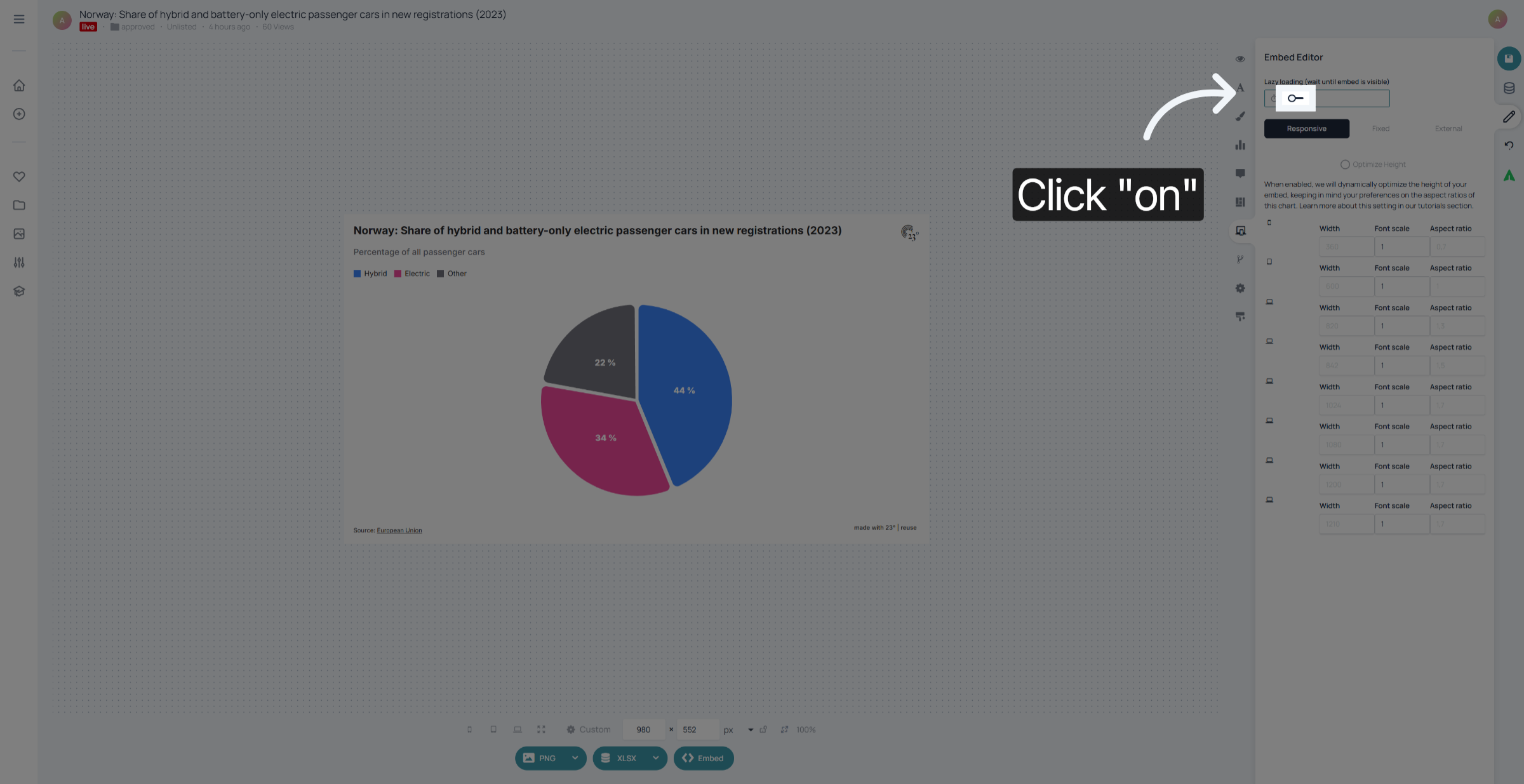
You have successfully enabled lazy loading for embeds in 23degrees. This will help improve your page load times and overall user experience.