Linked Datasets: US and German Decimal Separators
This tutorial demonstrates how to configure a linked dataset that correctly handles both English (US) and German decimal separators.
When creating a linked statistic....
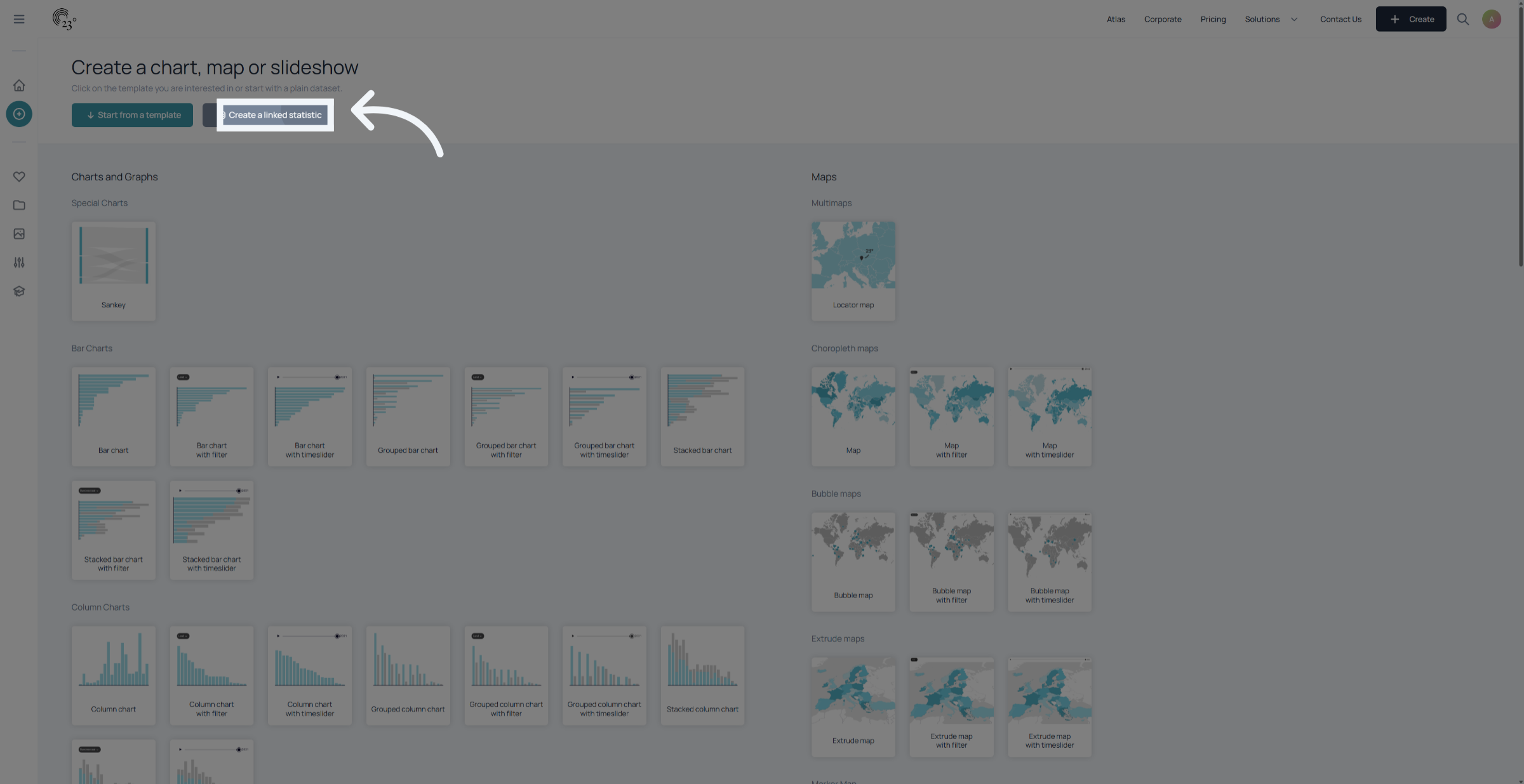
you’ll have the option to select either German or US decimal separators. In this tutorial, I’ll quickly show you what the key differences are and why they matter.
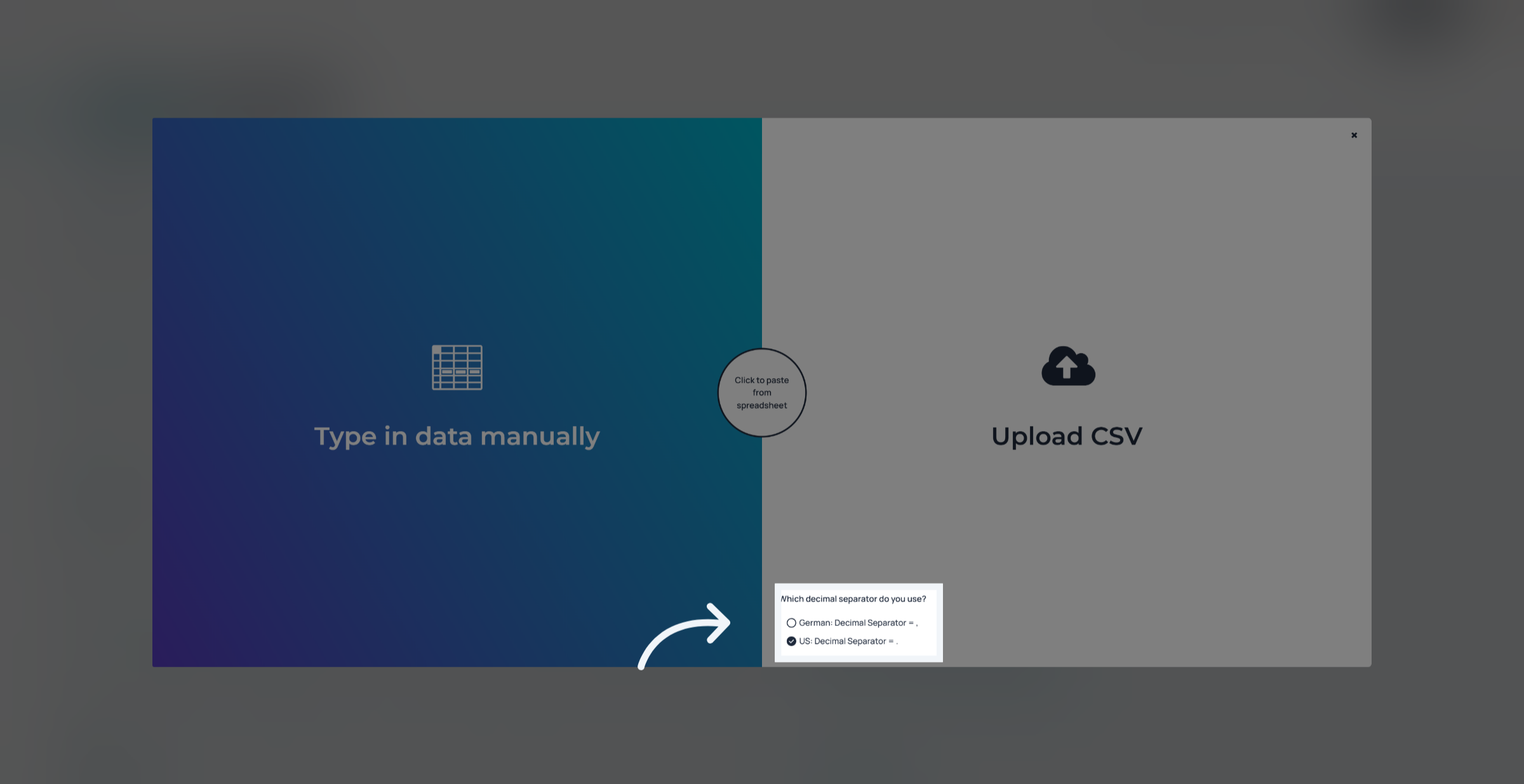
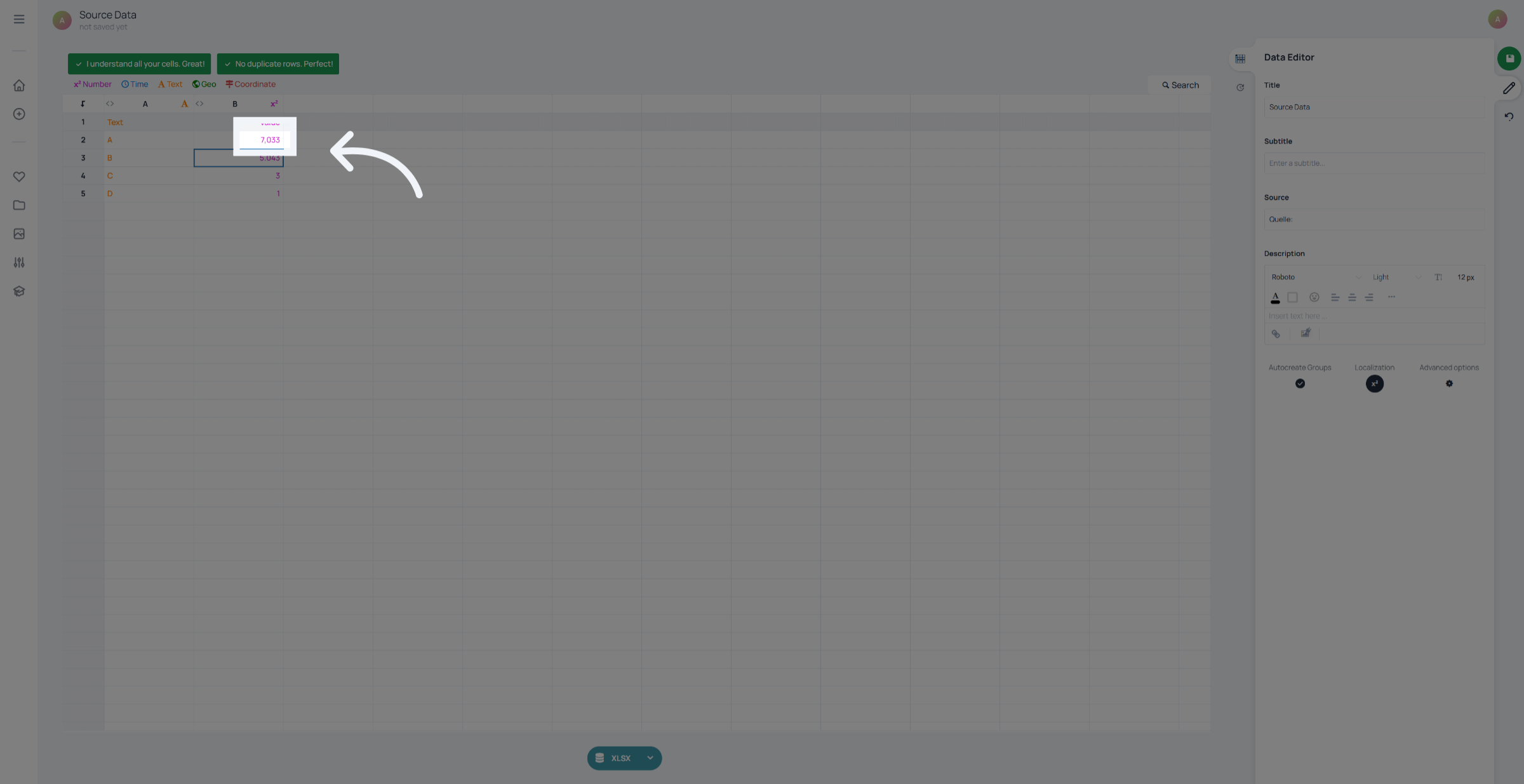
In short German Number format separates decimals by using a comma and a dot for separating thousands. In the US it's dot for decimals and comma for thousands. Make sure before you upload data that you know what format your data is in. Using the wrong one can lead to your data being interpreted differently. In this example the 7,033 would be interprated as seven thousand thirtythree in a us decimal format and as 7 point zero three three in a german format
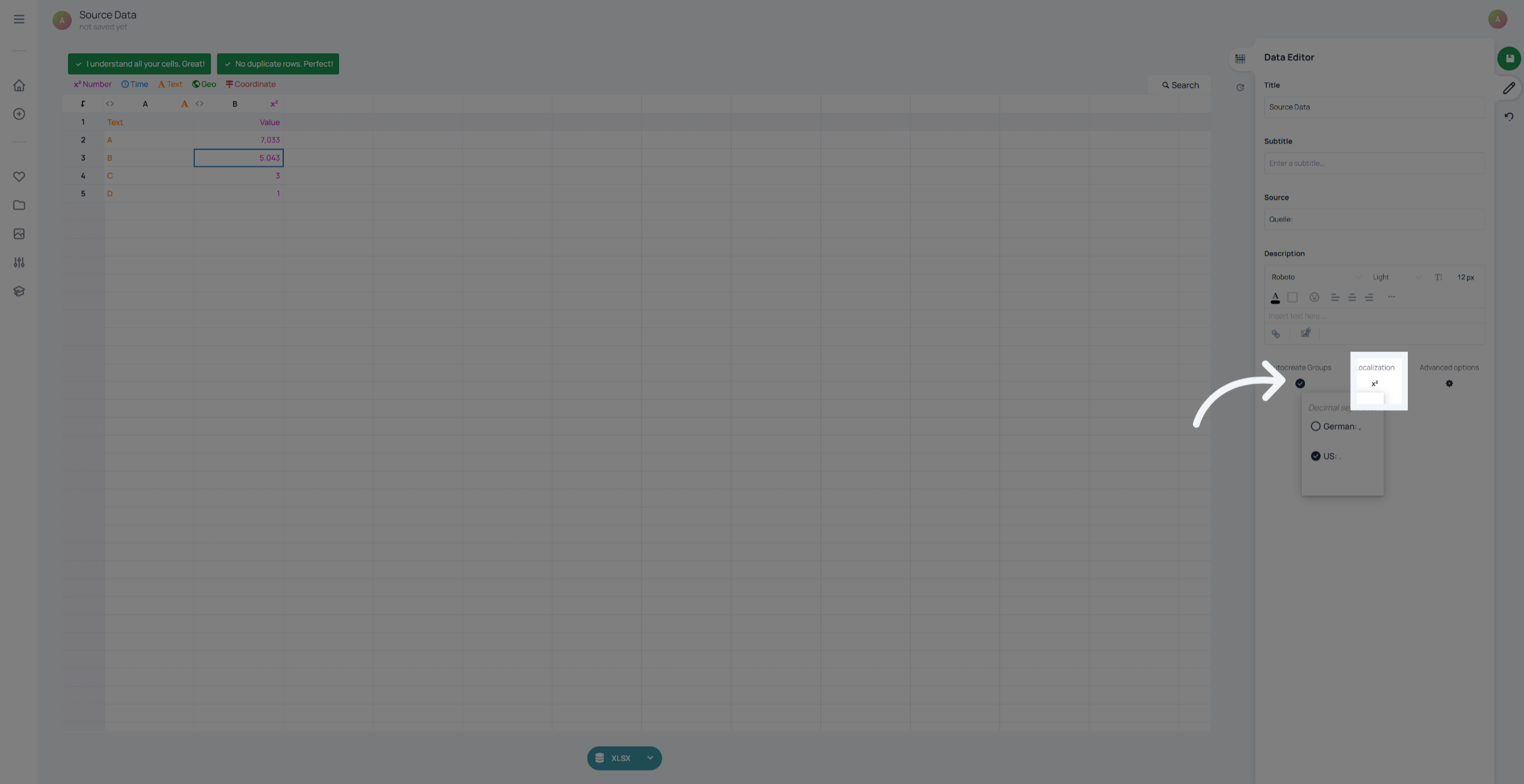
If you realise you chose the wrong format, you can still fix it.Go to the dataset view and click on “Localization”.Here, you can change the decimal settings so your numbers are interpreted correctly.
You have successfully configured a linked dataset that correctly handles English and German decimal separators.Choosing the right format ensures that your numbers are accurate and your charts tell the right story.Check out more tutorials for additional best practices.