Move Items to Different Folder in 23degrees
This tutorial explains how to move visualisations or datasets to a different folder within the 23degrees application.
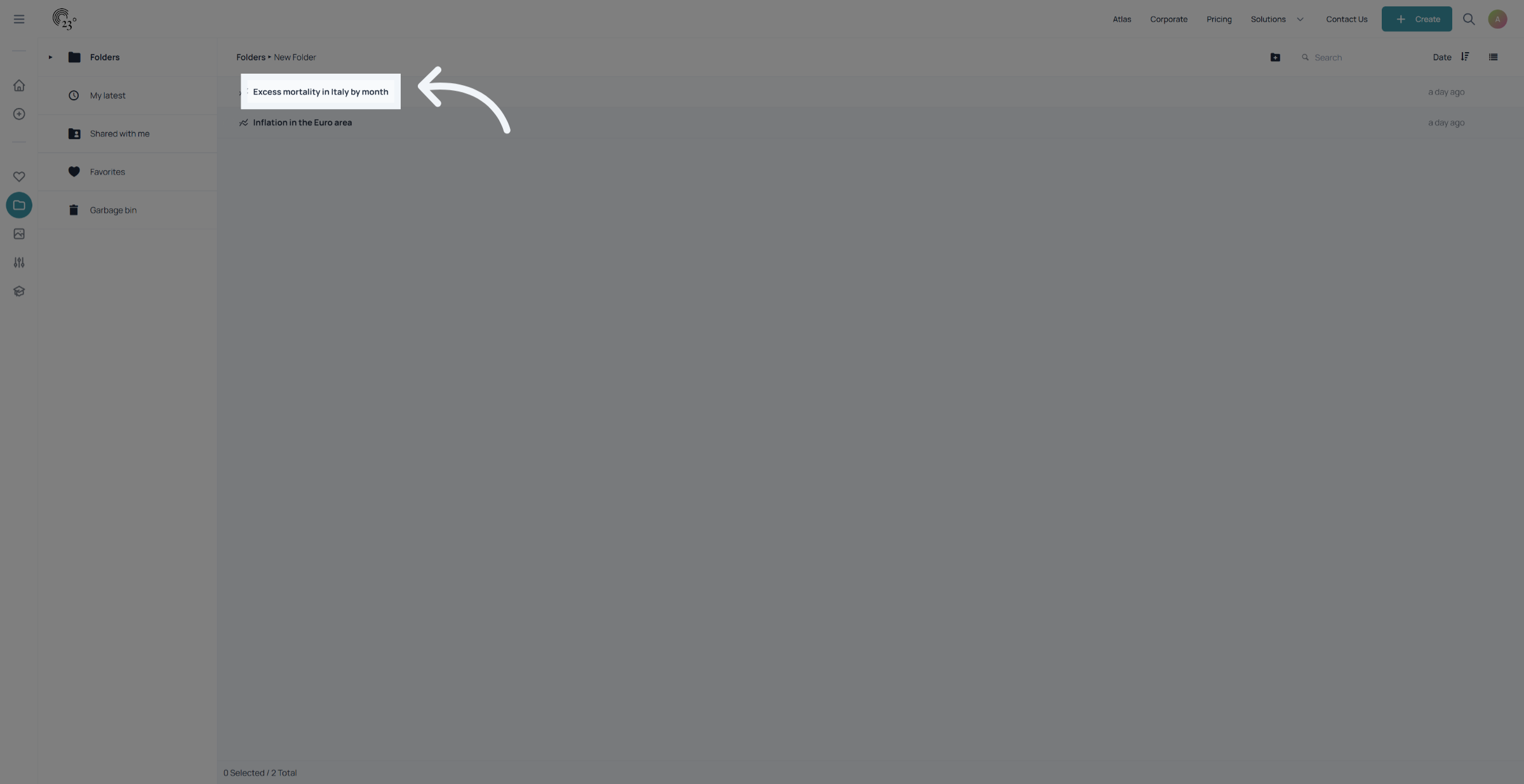
1. Select Item to Move
Select the item you wish to move from the folder navigation menu
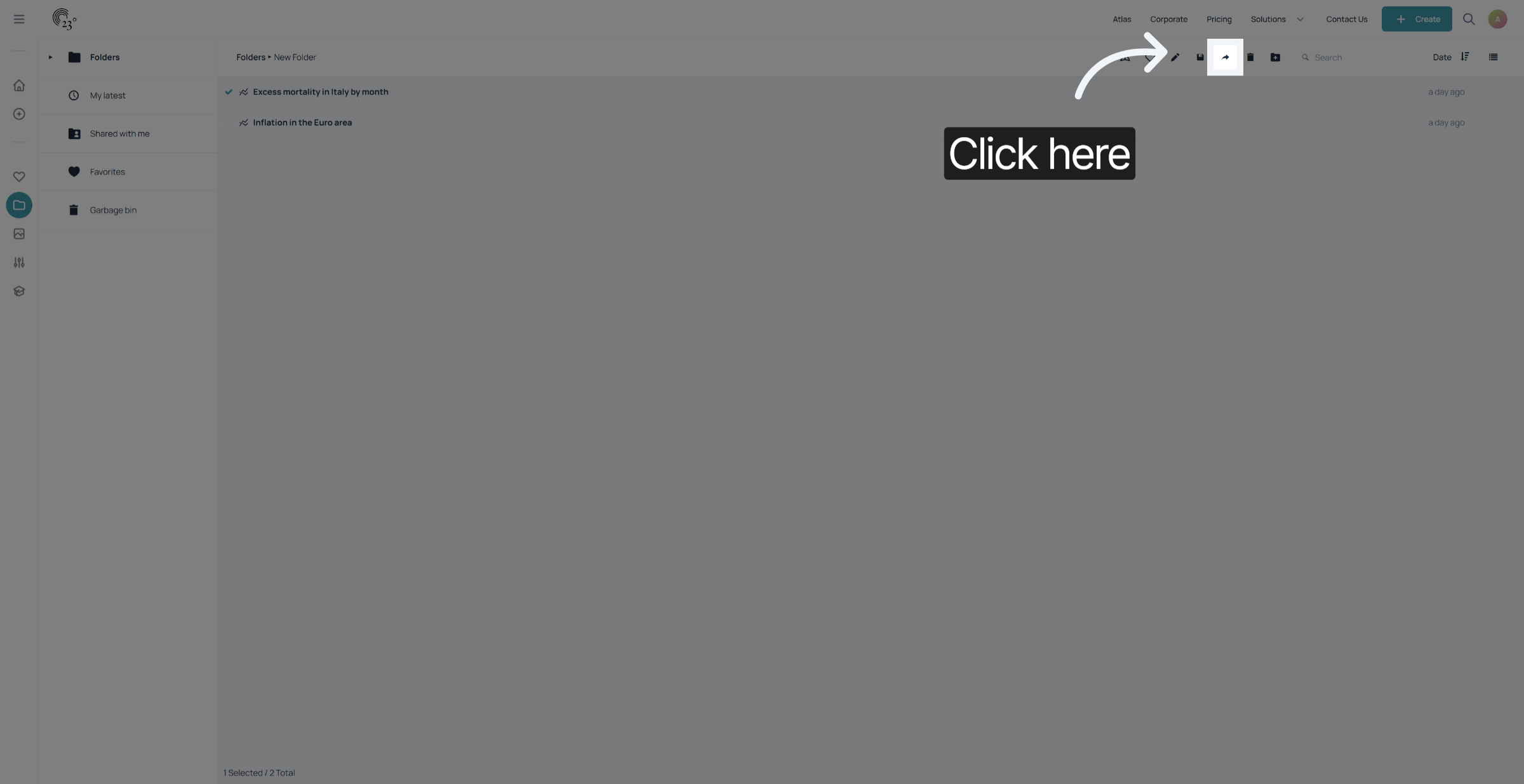
2. Open Folder Options
Click here to access the folder options menu for managing your files.
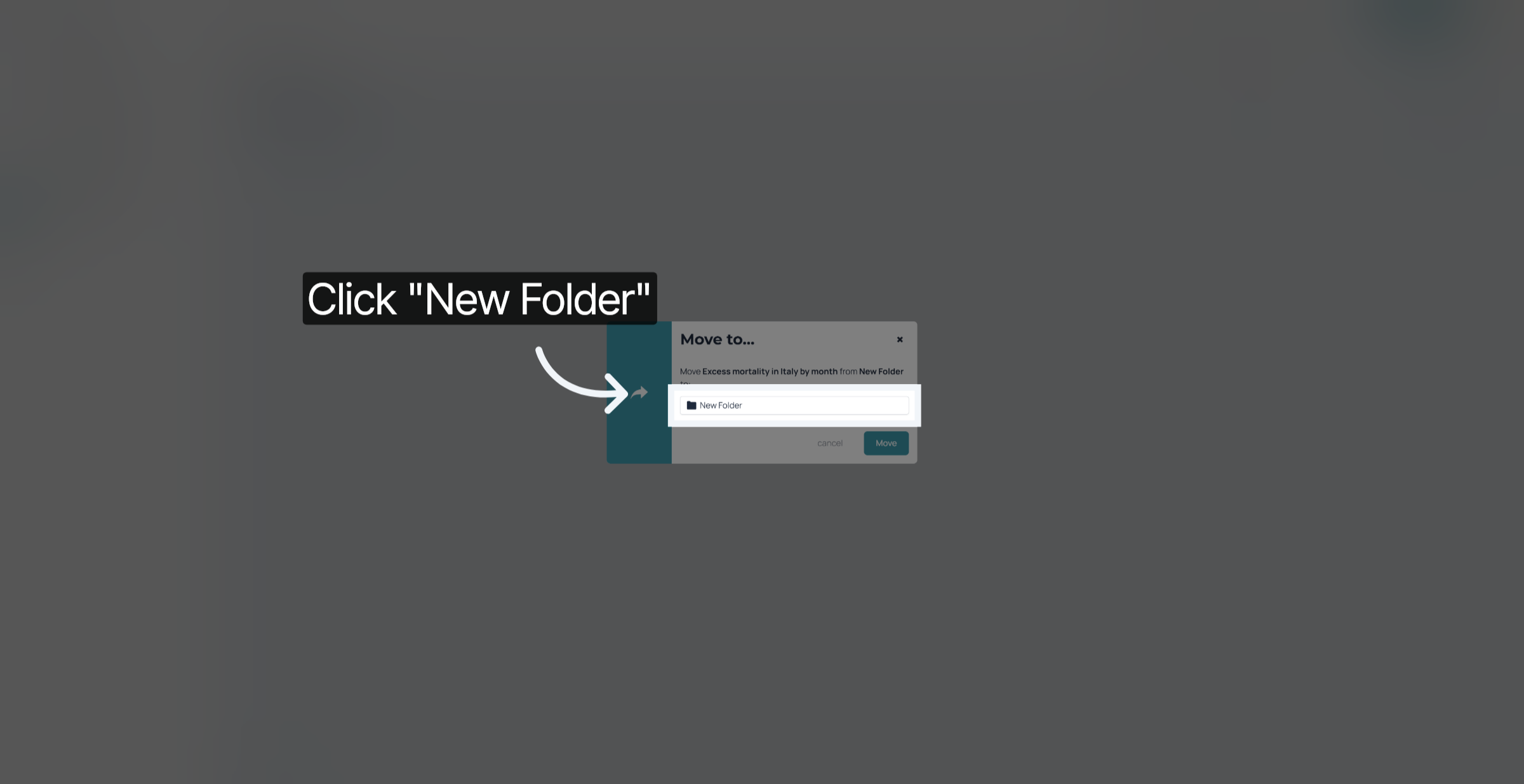
3. Select Target Folder
Select the target folder to save your visualisation in.
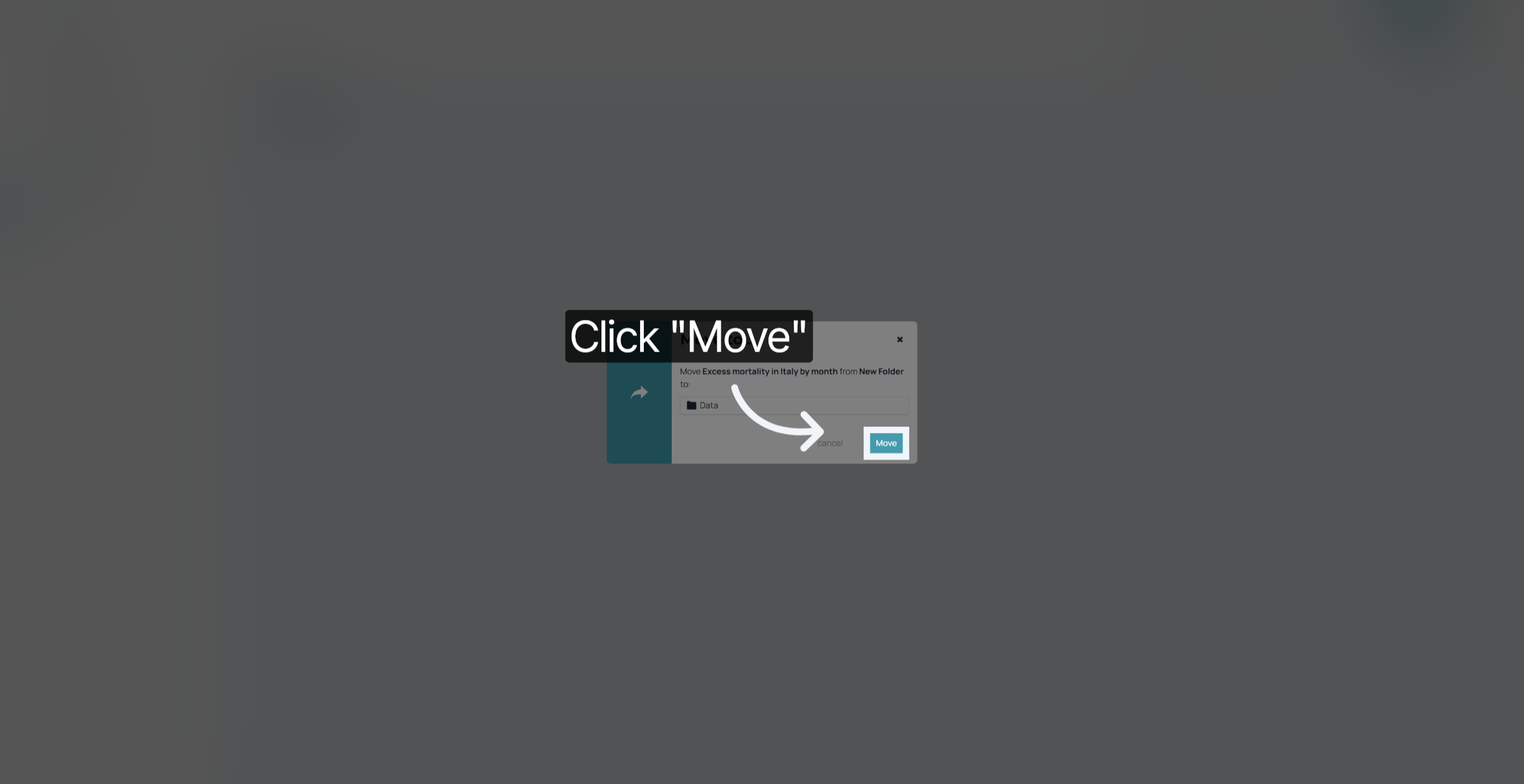
4. Confirm Move Action
Click "Move" to relocate the selected item to the chosen folder.
You have successfully moved an item to a different folder in 23degrees.