Remove Map Intro Animations
This tutorial explains how to remove the introductory animations from maps within the 23degrees application.
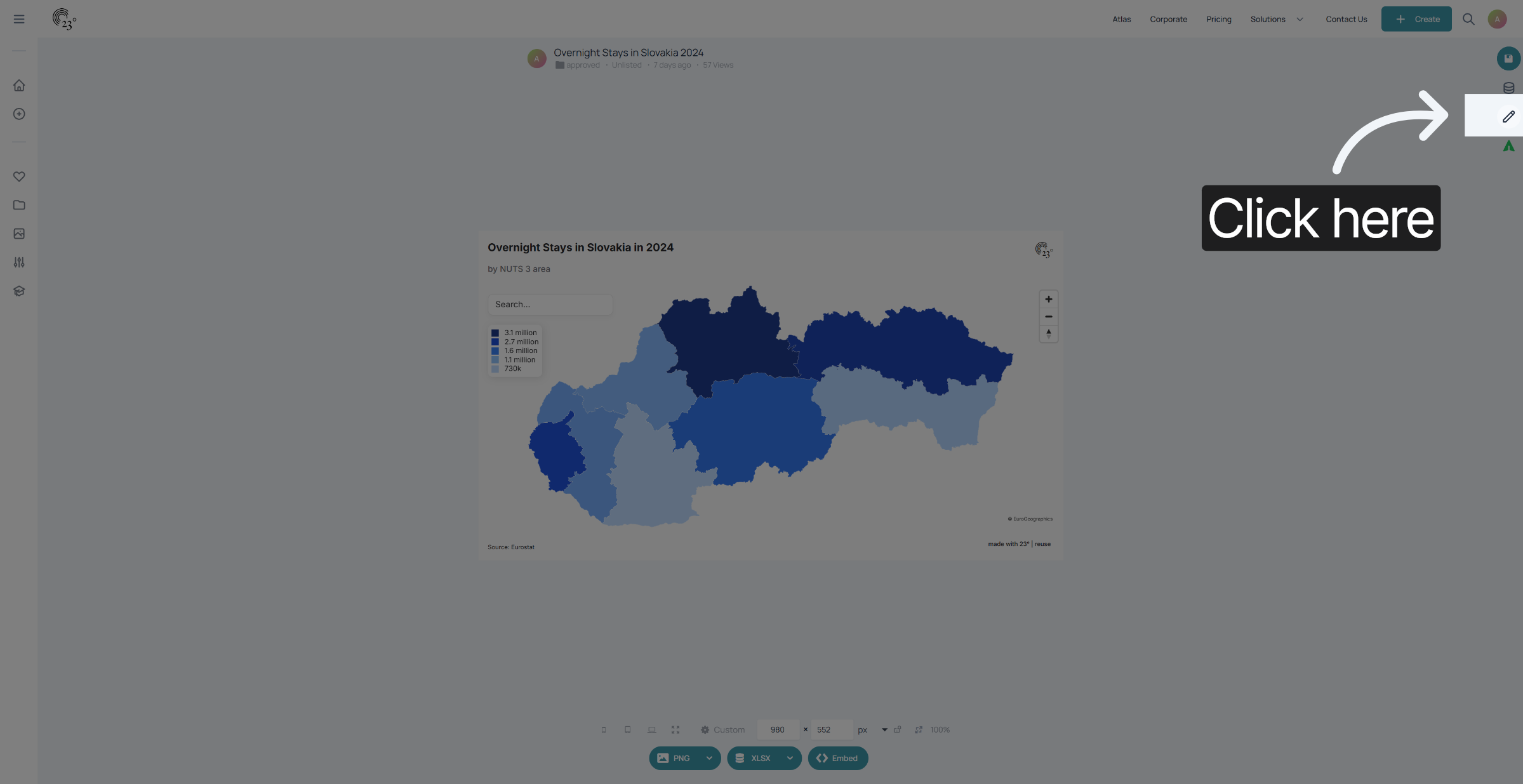
1. Chart Editor
Click here to open the chart editor menu where animation options are located.
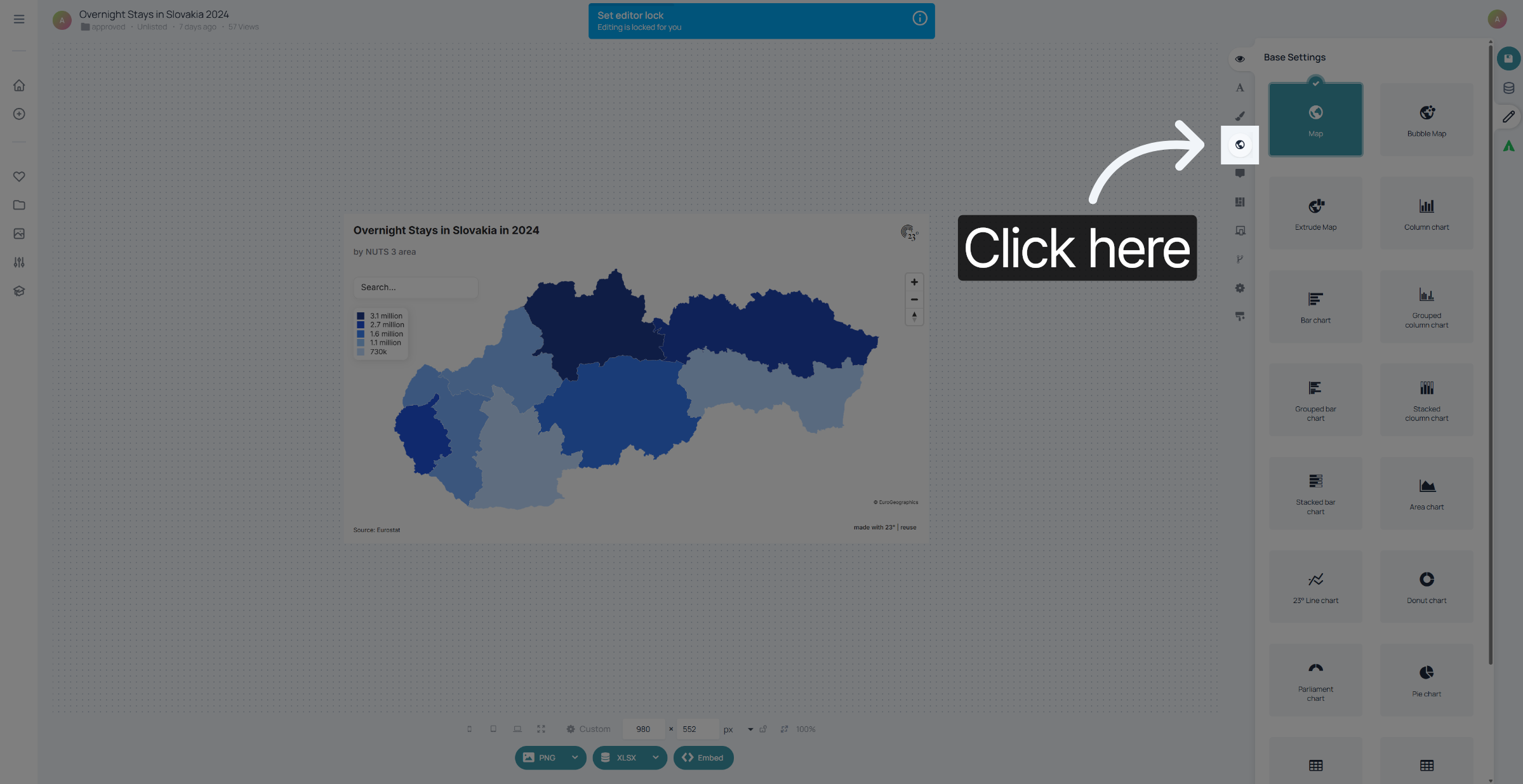
2. Map Editor
Go to map settings.
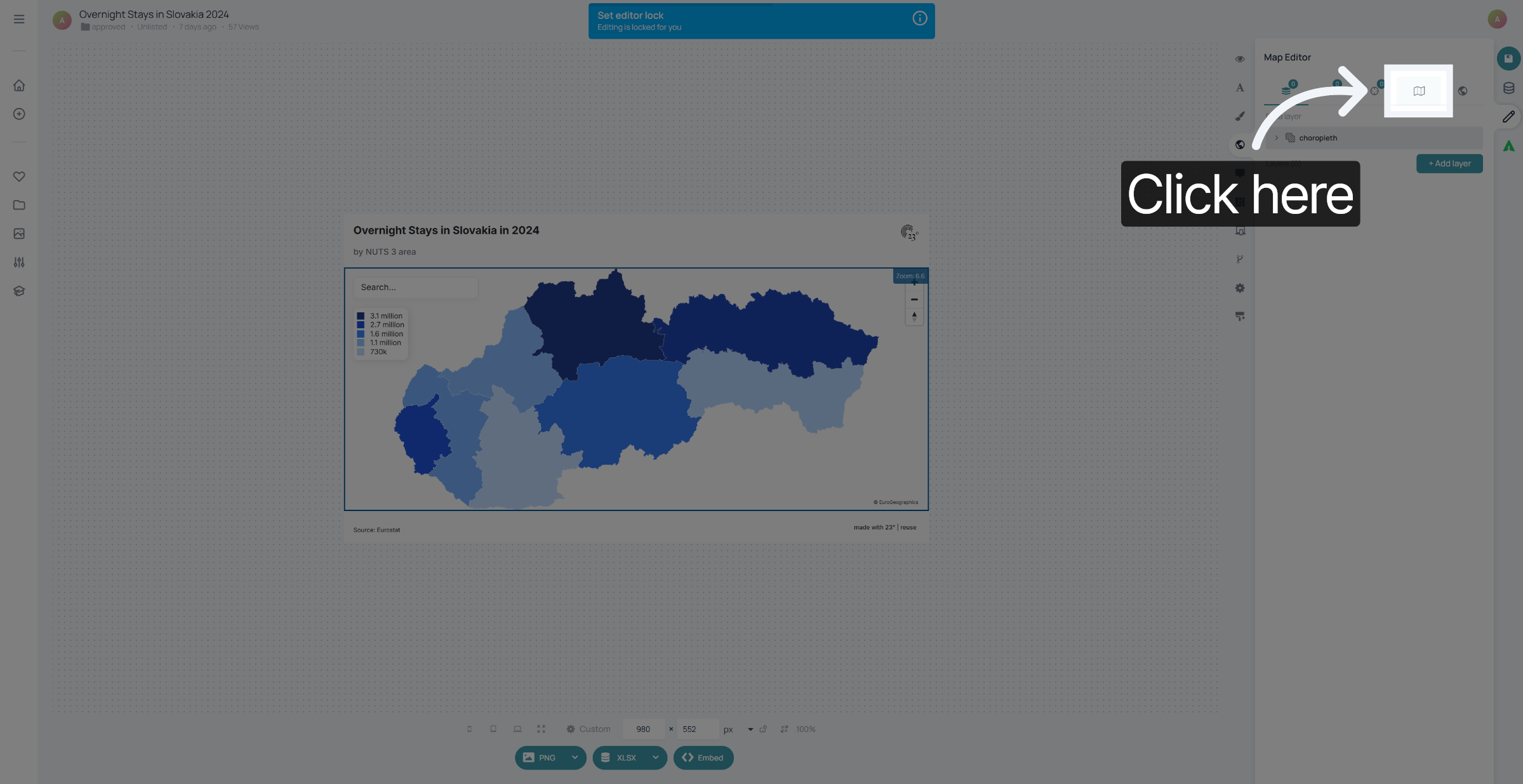
3. Map Settings
Click here to access the map settings.
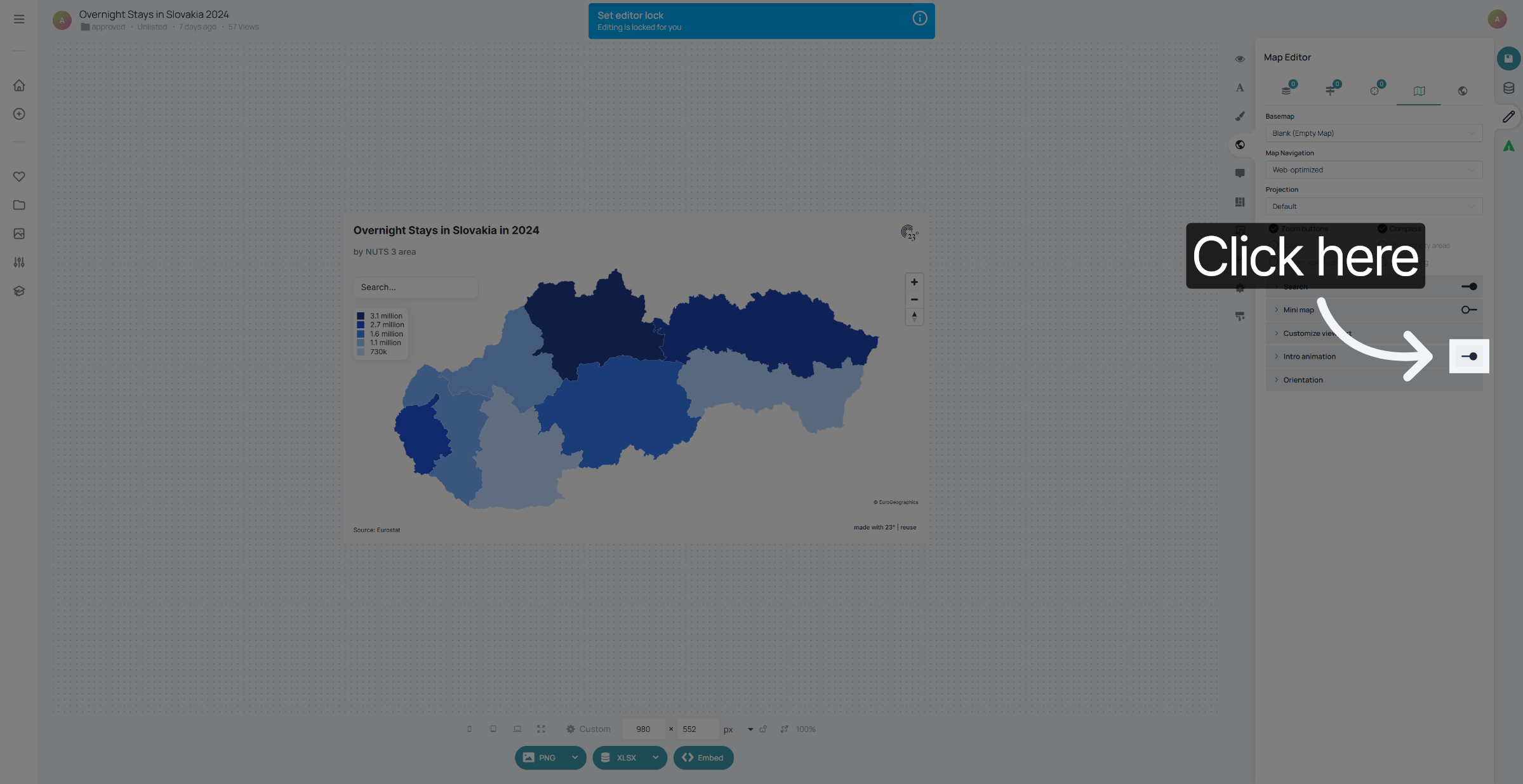
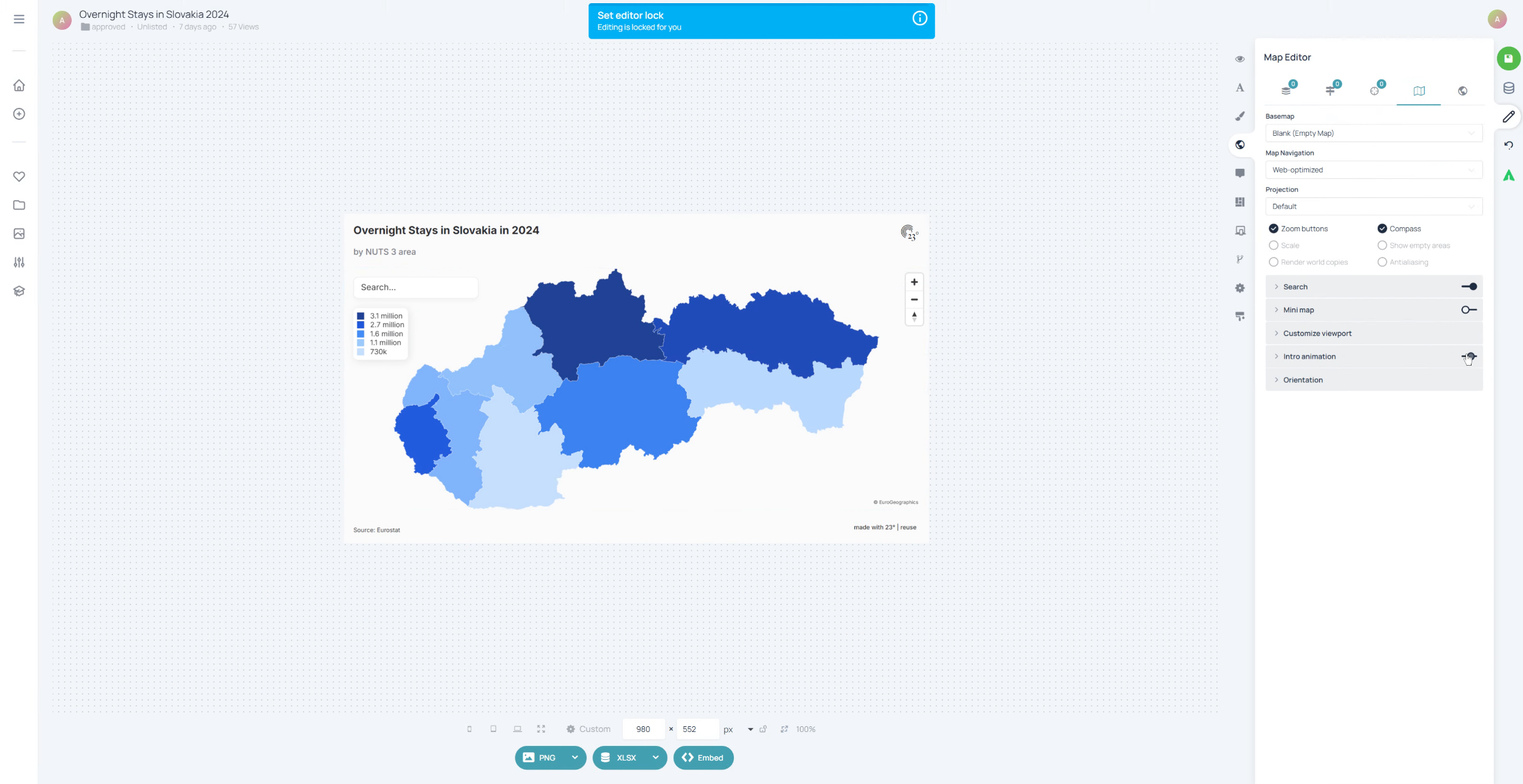
4. Disable Intro Animation
Untoggle Intro-Animation.
5. Finished
That's it. Now your maps are being displayed without the zoom in intro animation
You have successfully removed the map intro animations. This will provide a more immediate map display without introductory effects.