Configure Metric Value Prefixes In 23degrees Application
This tutorial explains how to configure metric value prefixes within the 23degrees application.
You will learn to set and adjust prefix values to customize your metrics display.
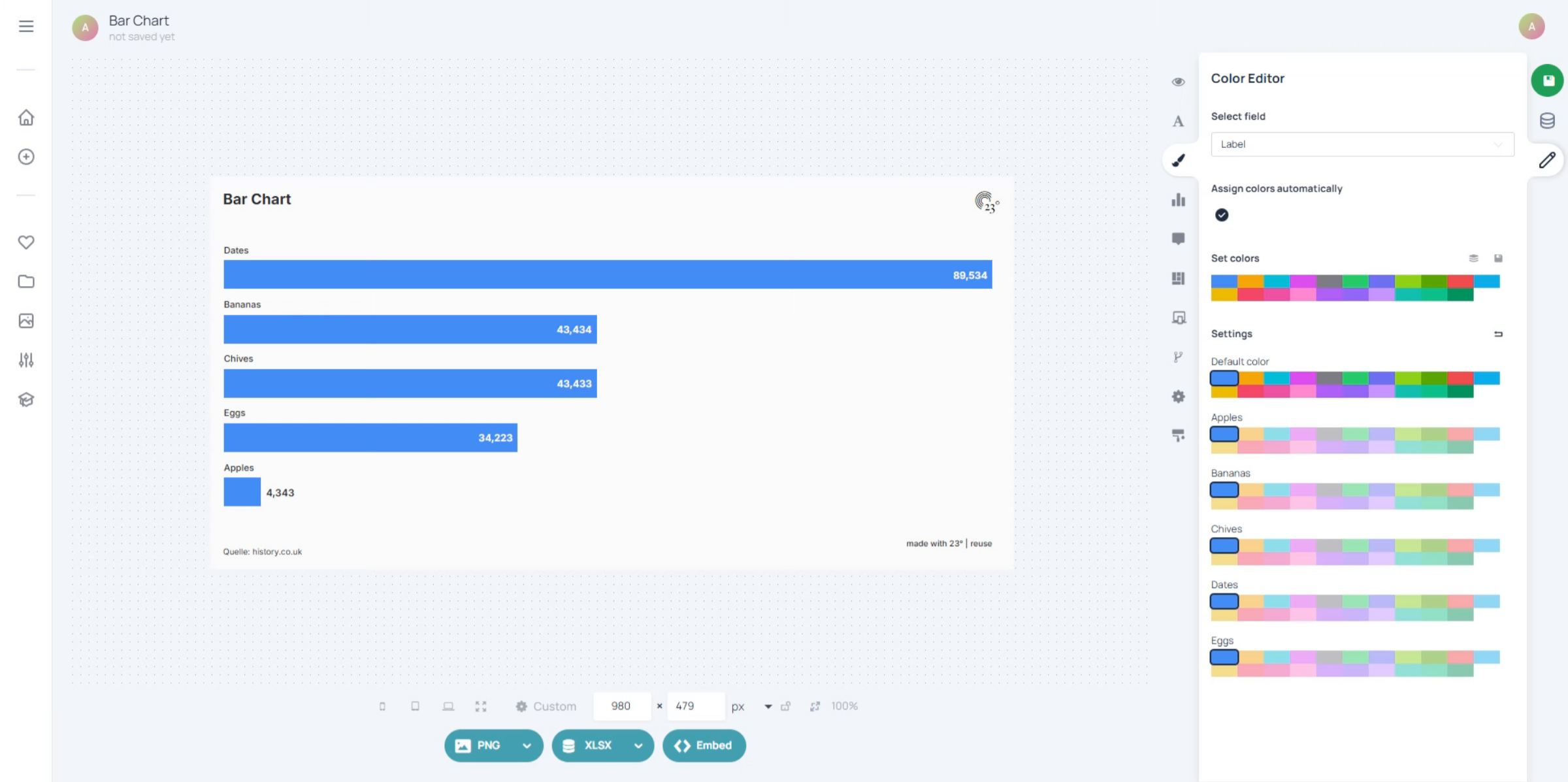
Click here to open the data editor menu where you can access display options.
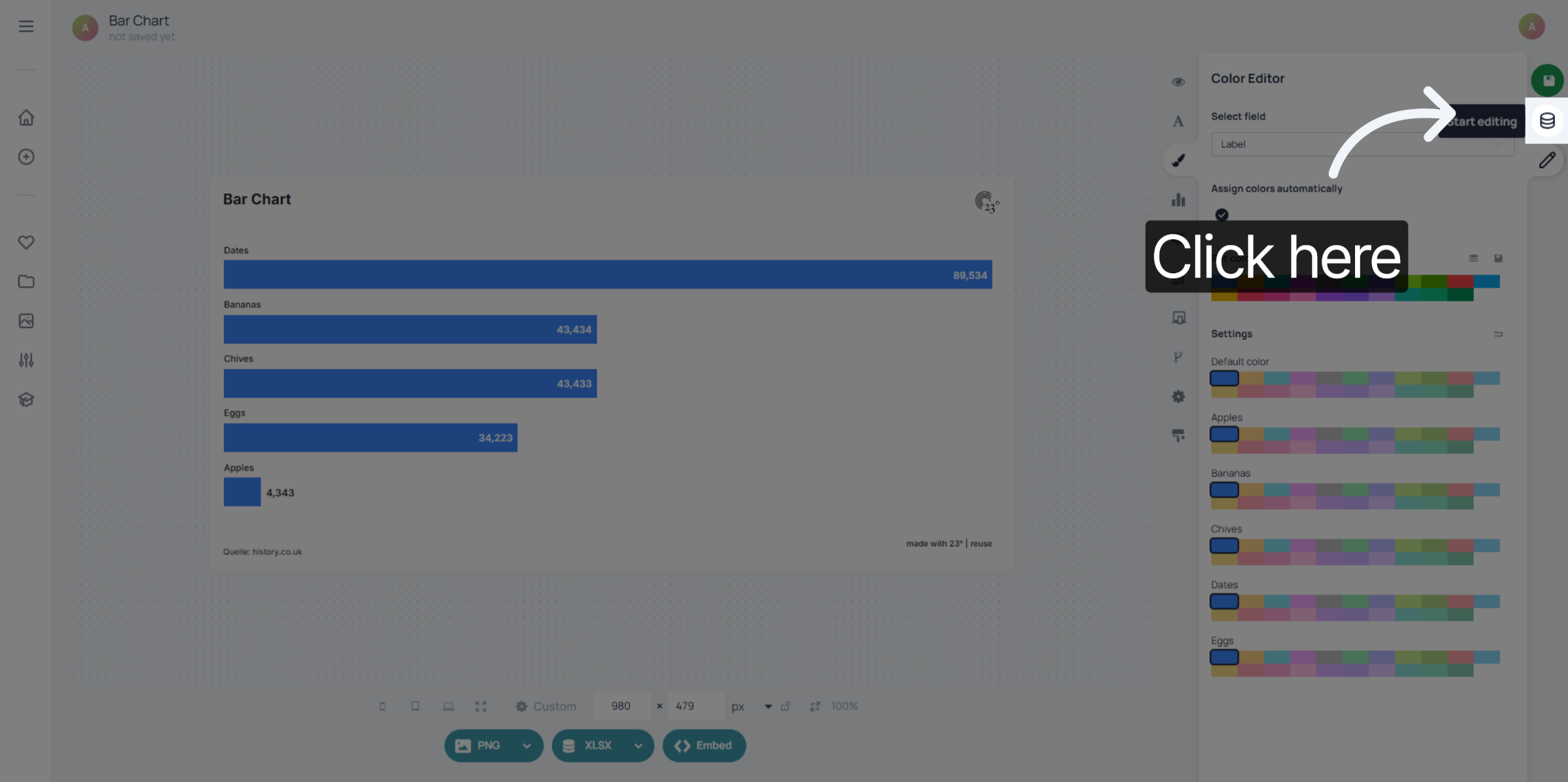
Select your column and click on the column type icon to access the value display settings.
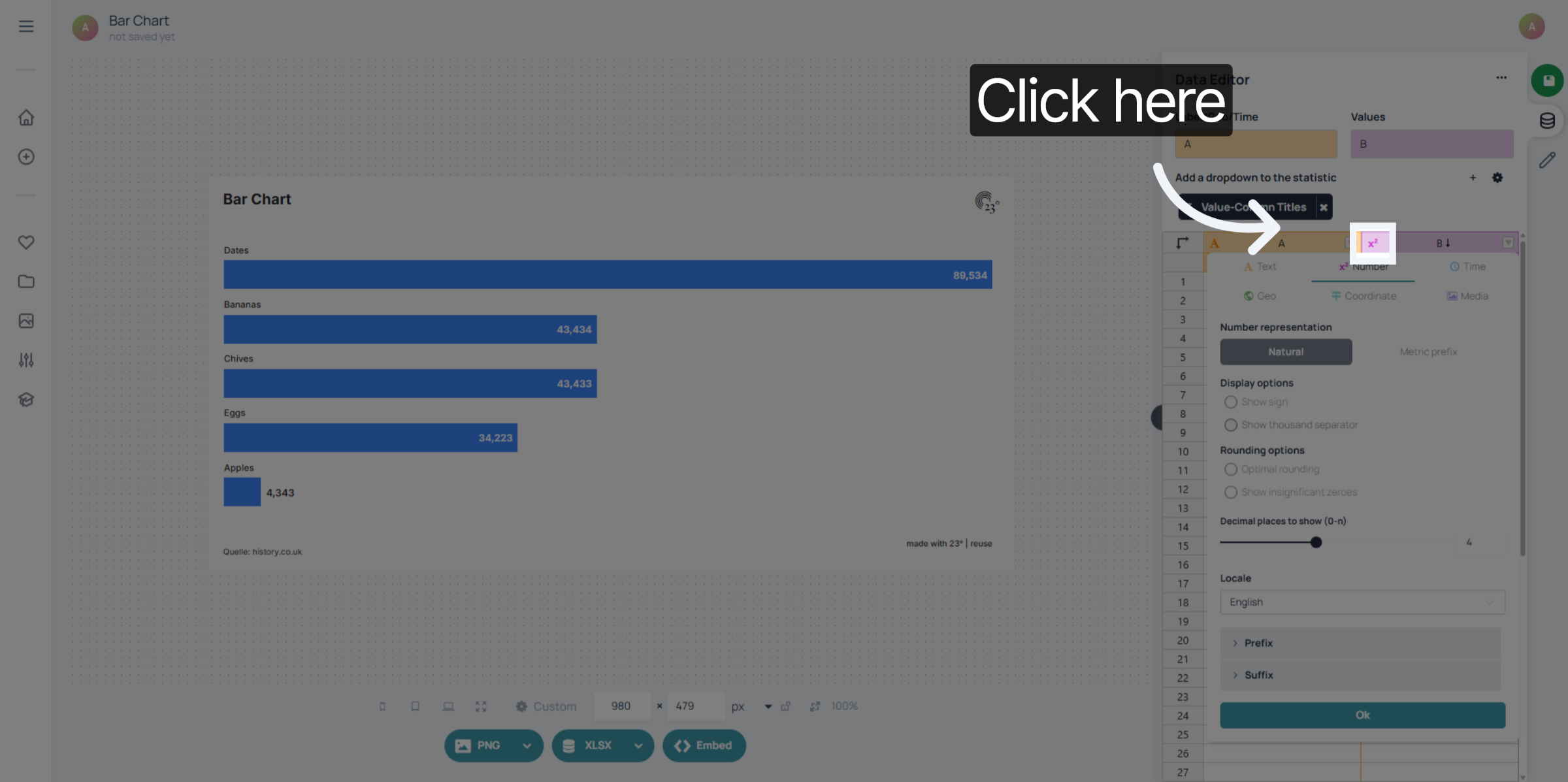
Click "Metric prefix" to open the metric prefix configuration settings.
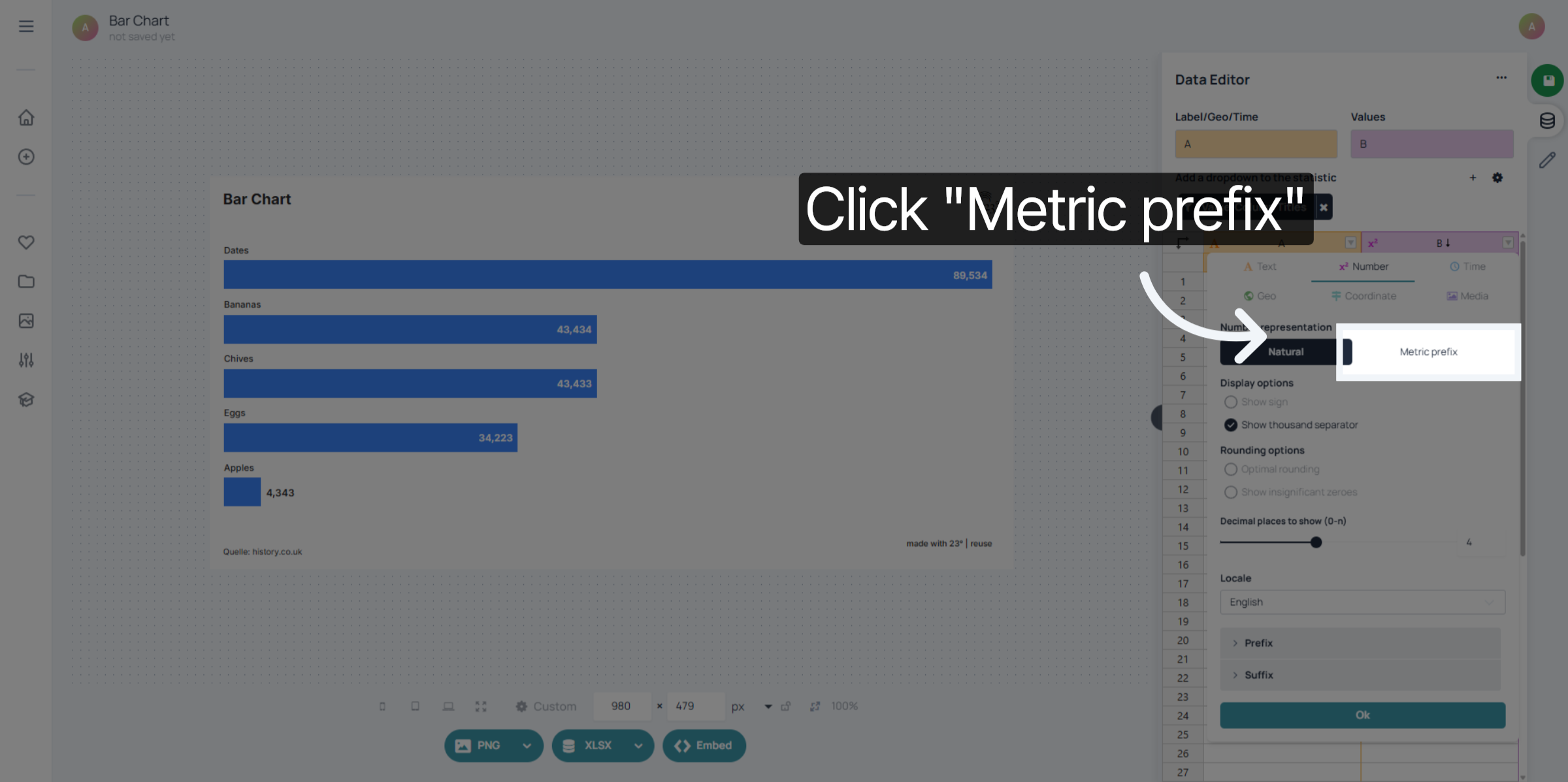
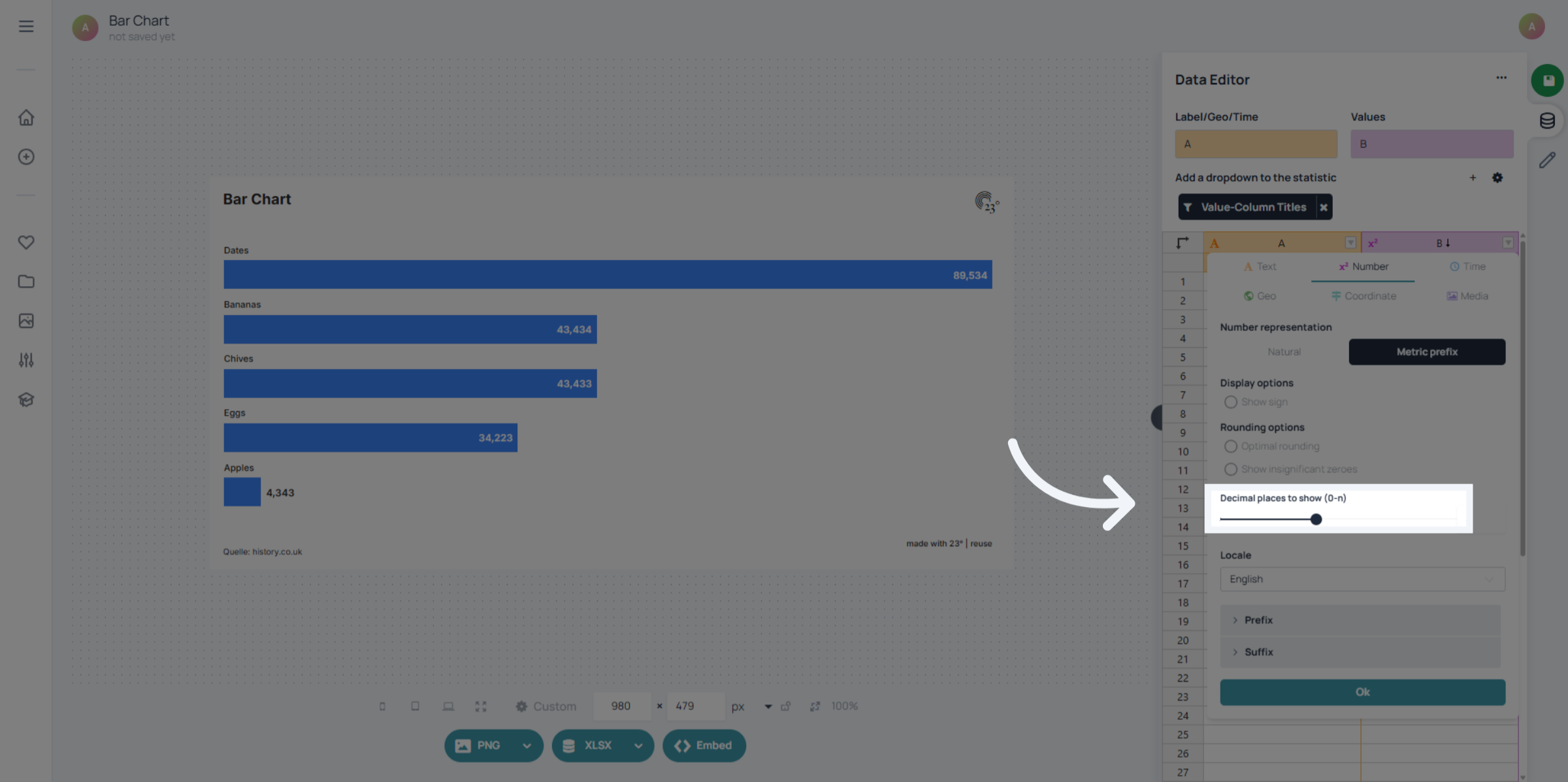
Here you can select to how many digits your metric display should be rounded to.
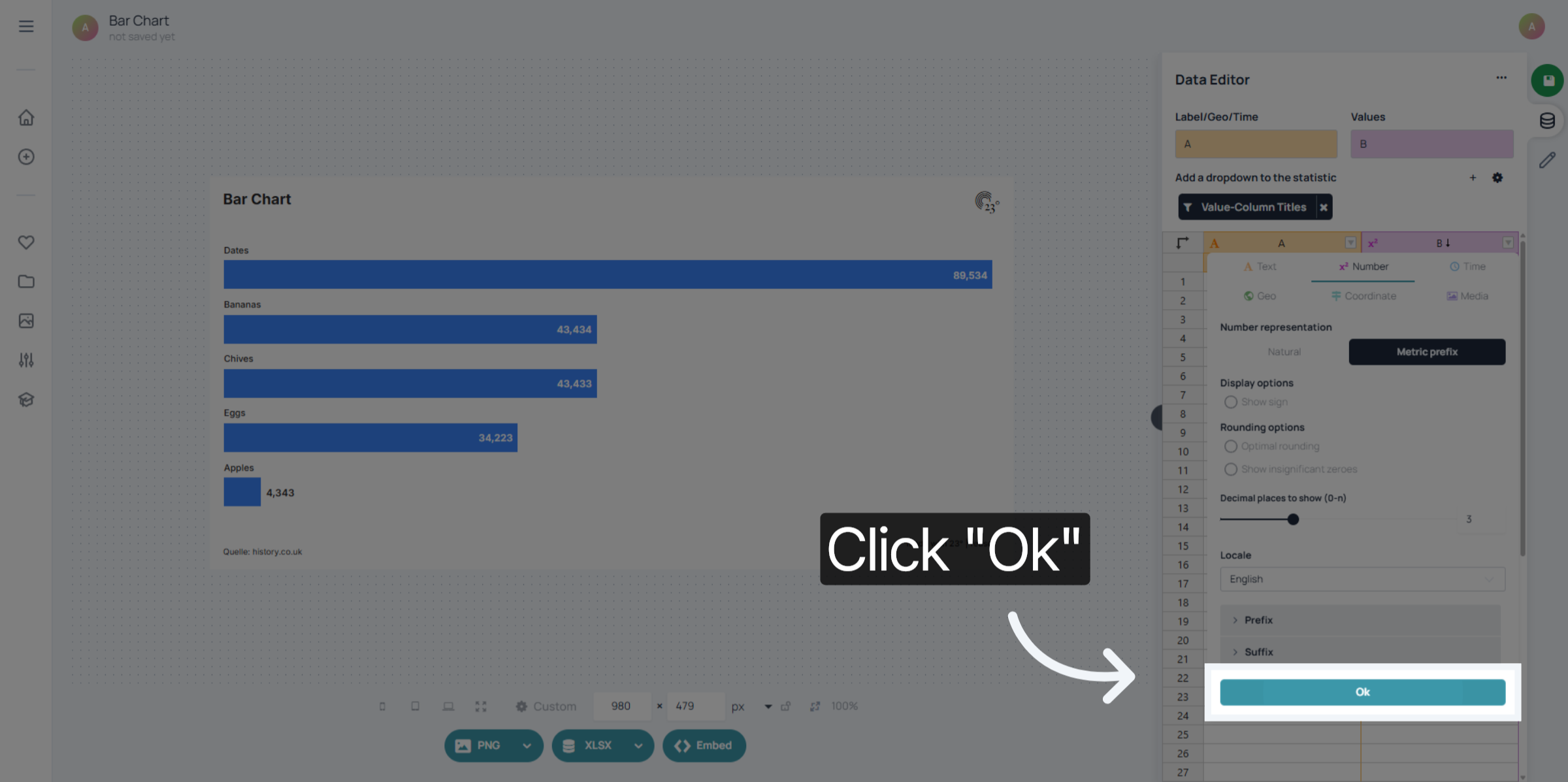
Click "Ok" to save your metric prefix settings and complete the configuration process.
Your values are now displayed in a metric way
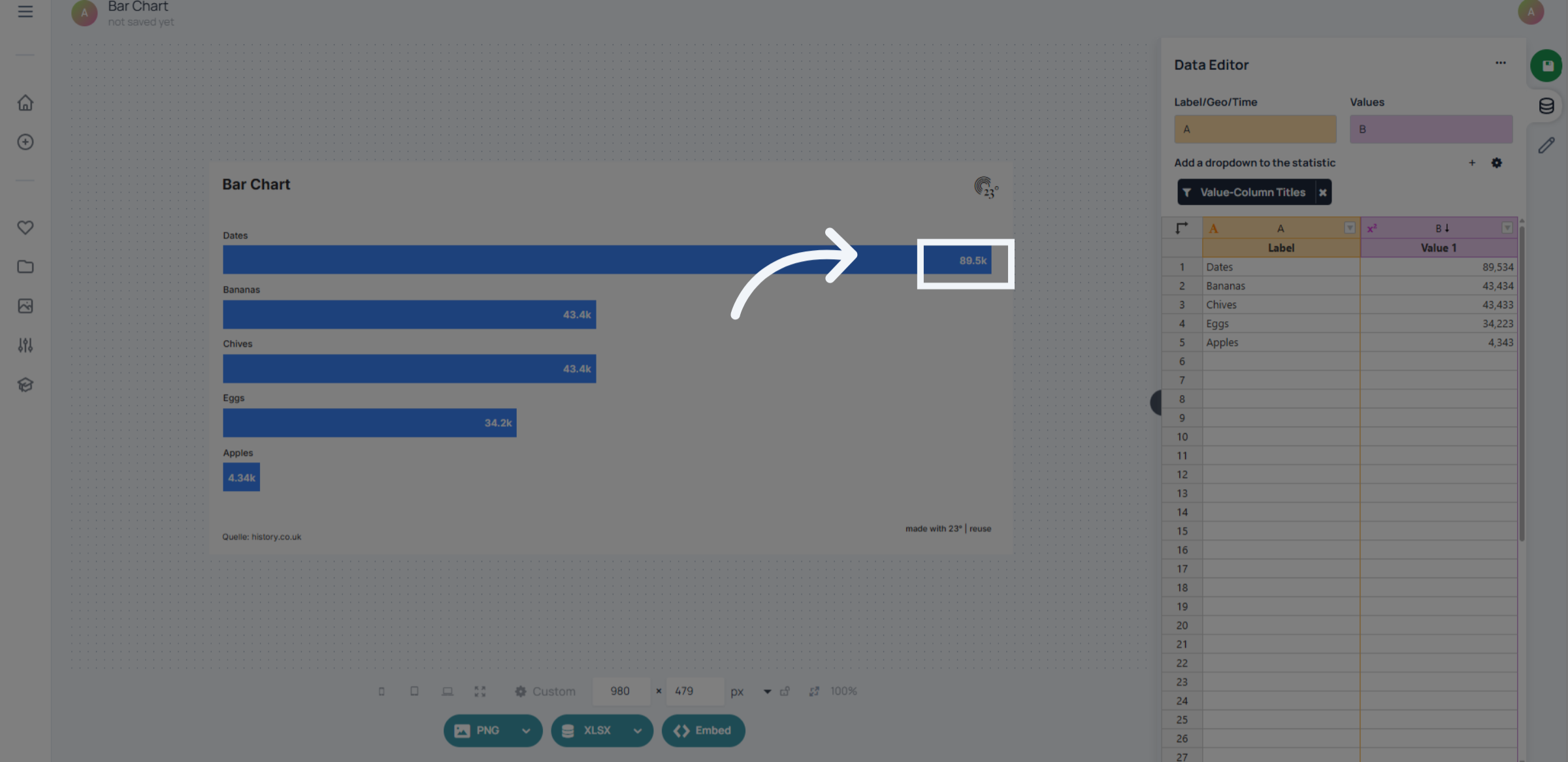
You have successfully configured metric value prefixes in the 23degrees application. This setup customizes how metric values are displayed, ensuring better readability of numbers.