How to add labels above dots in dotplots
This tutorial shows how to add labels above dots in dotplots.
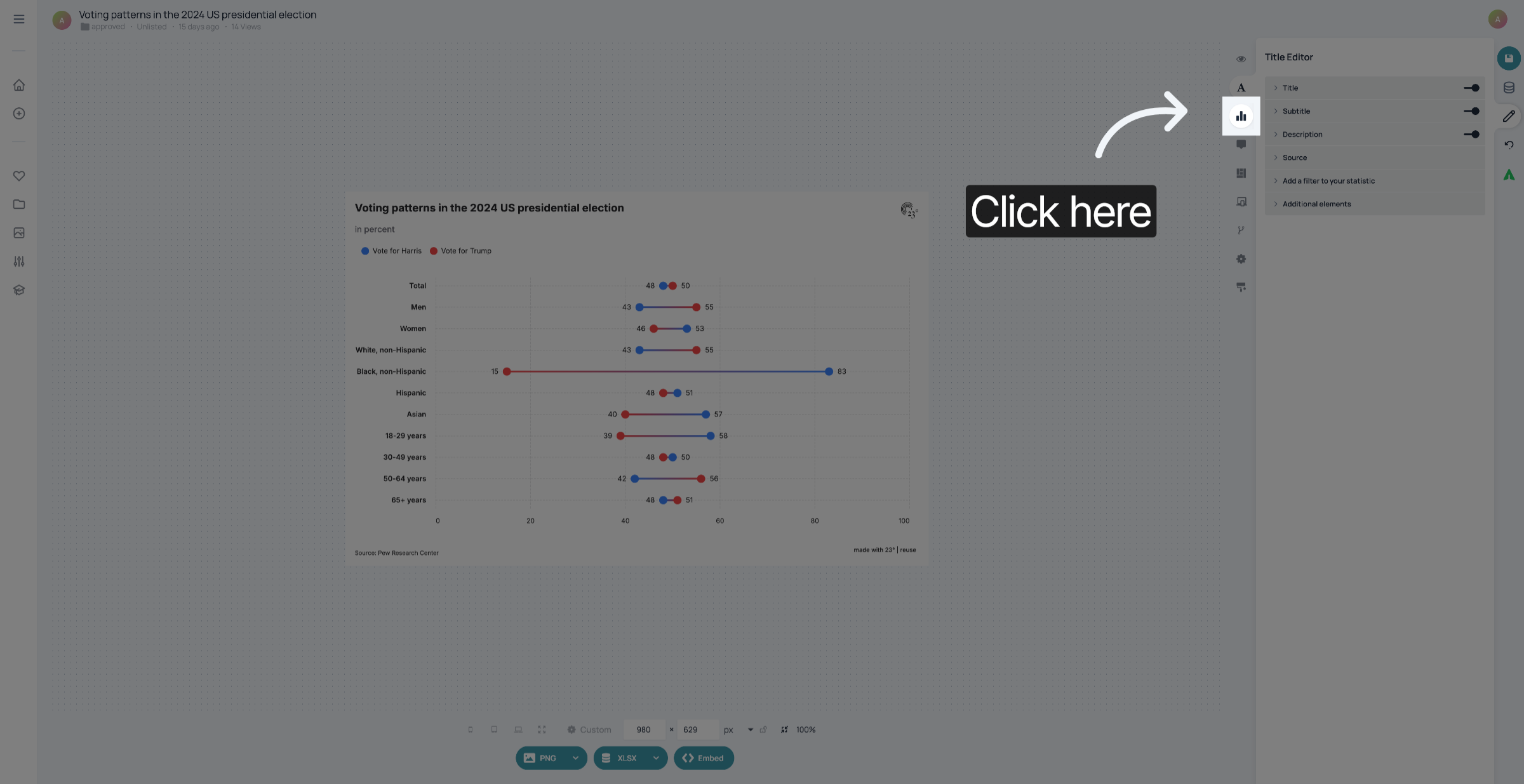
1. Open Chart Editor.
Open the Chart Editor.
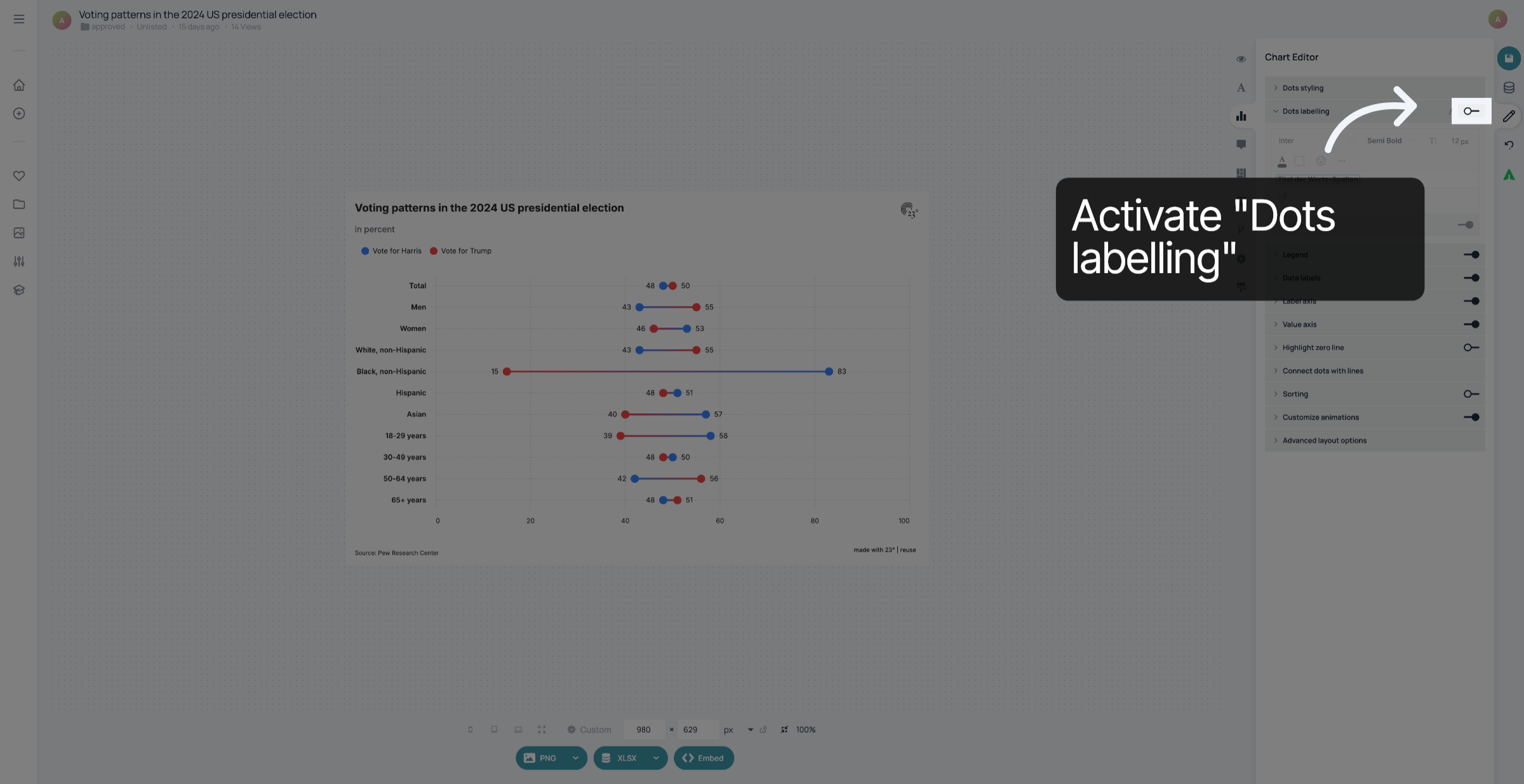
2. Enable Dot Labeling
Click "on" to activate the dot labeling feature for your dotplot.
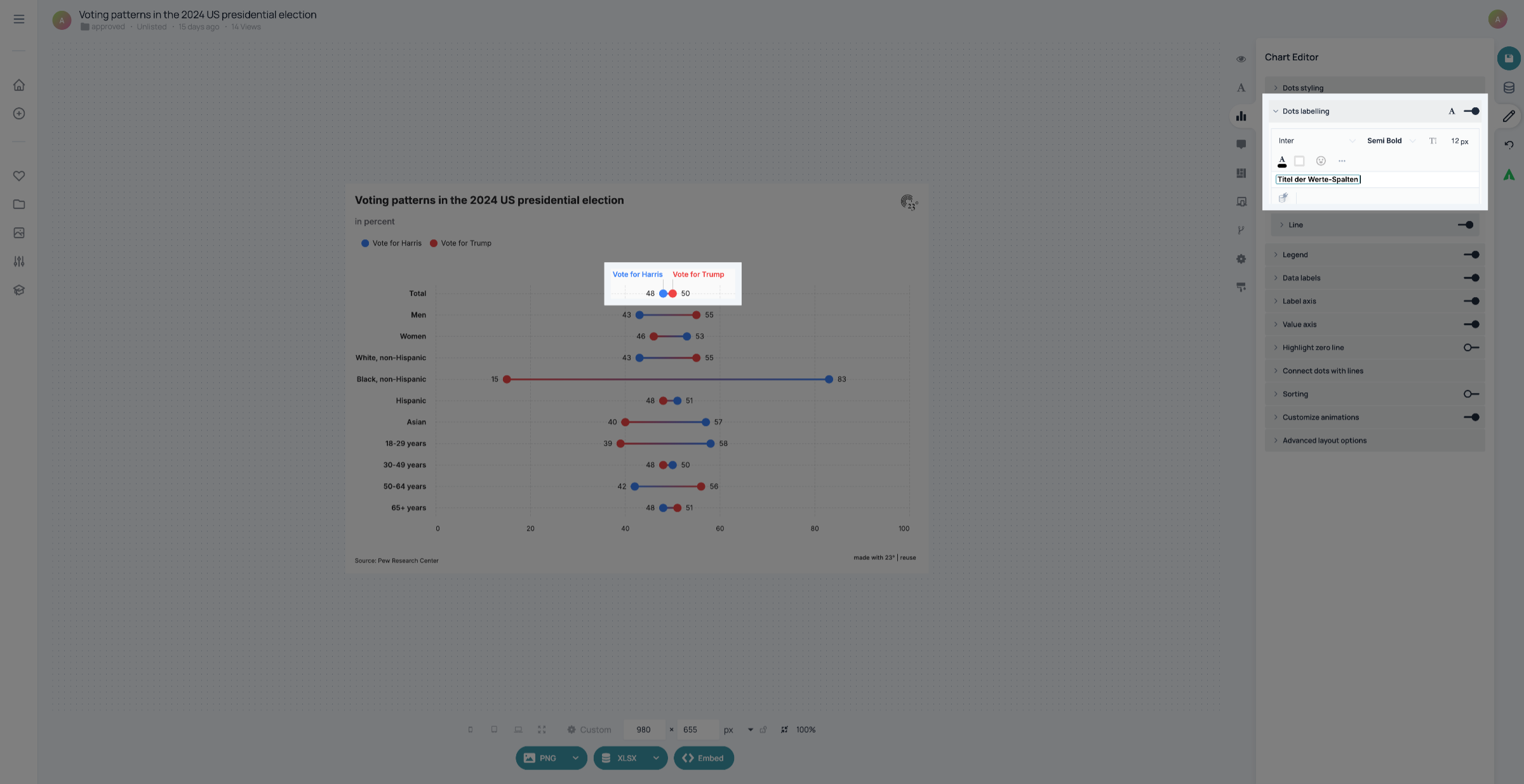
3. Customize text
You can customize the dot labels here.
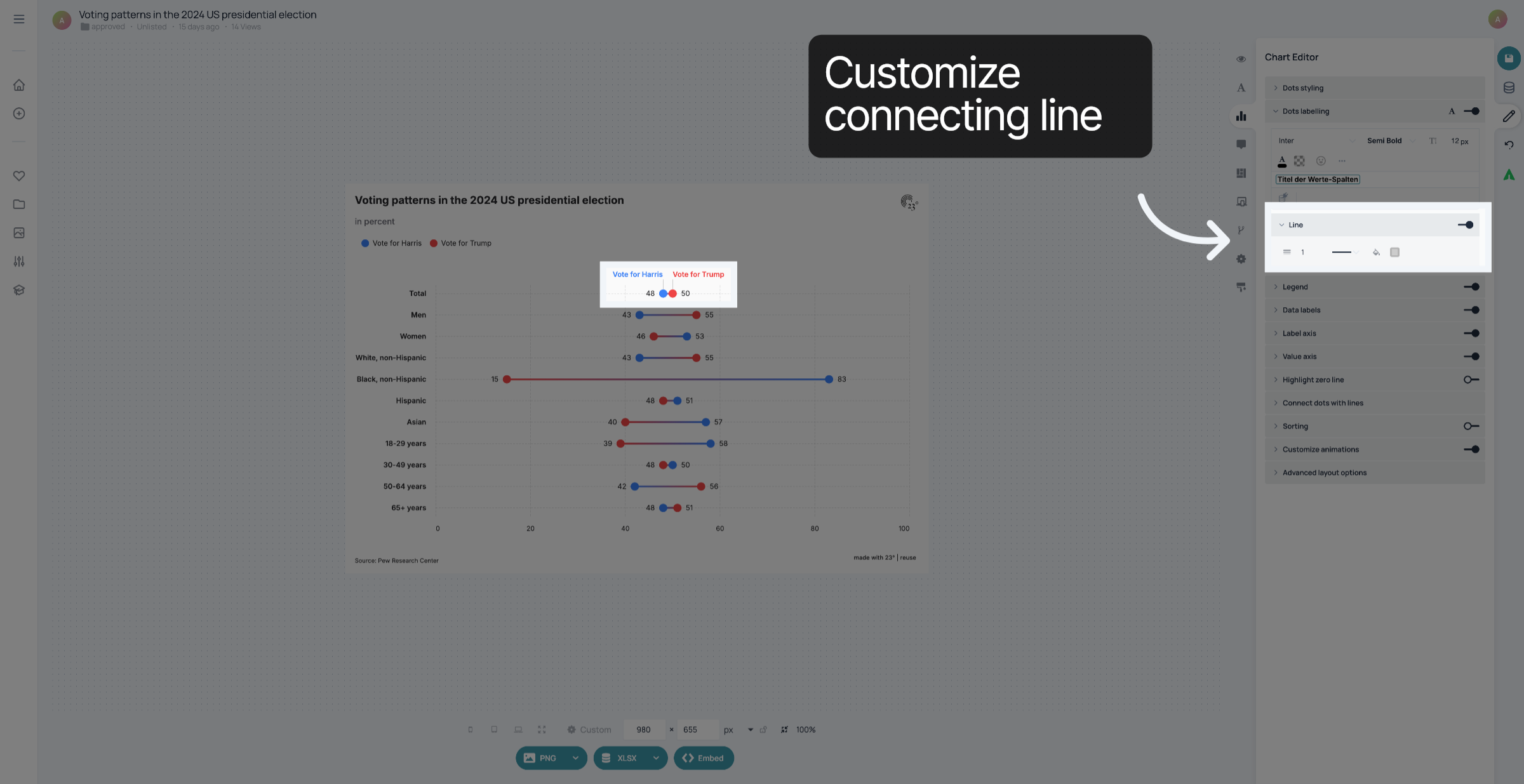
4. Customize connecting line
In the Line settings, you can activate and customize the Line that connects the dots with the labels.
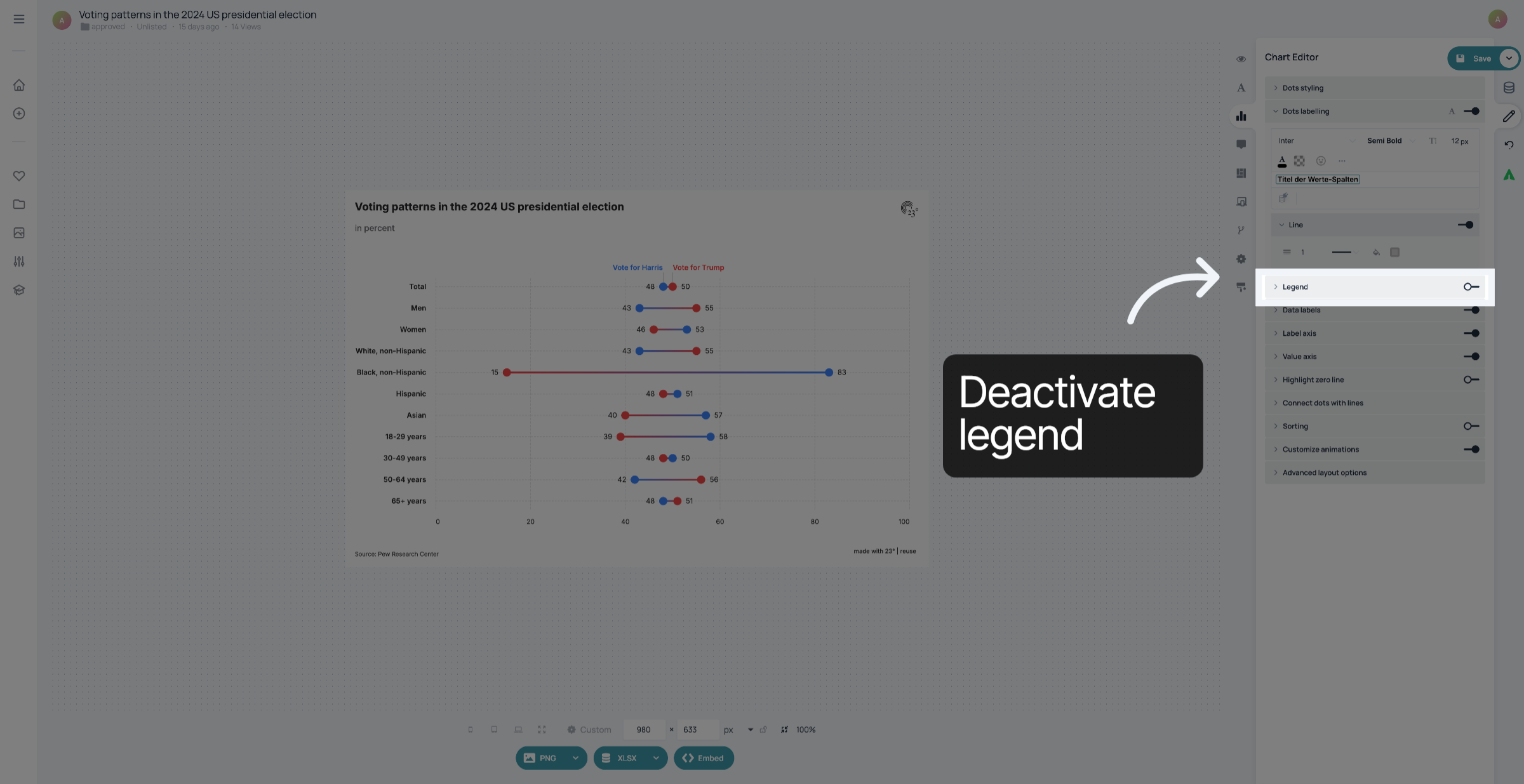
5. Deactivate legend
If there is a legend in your chart, you can deactivate it to avoid redundant information
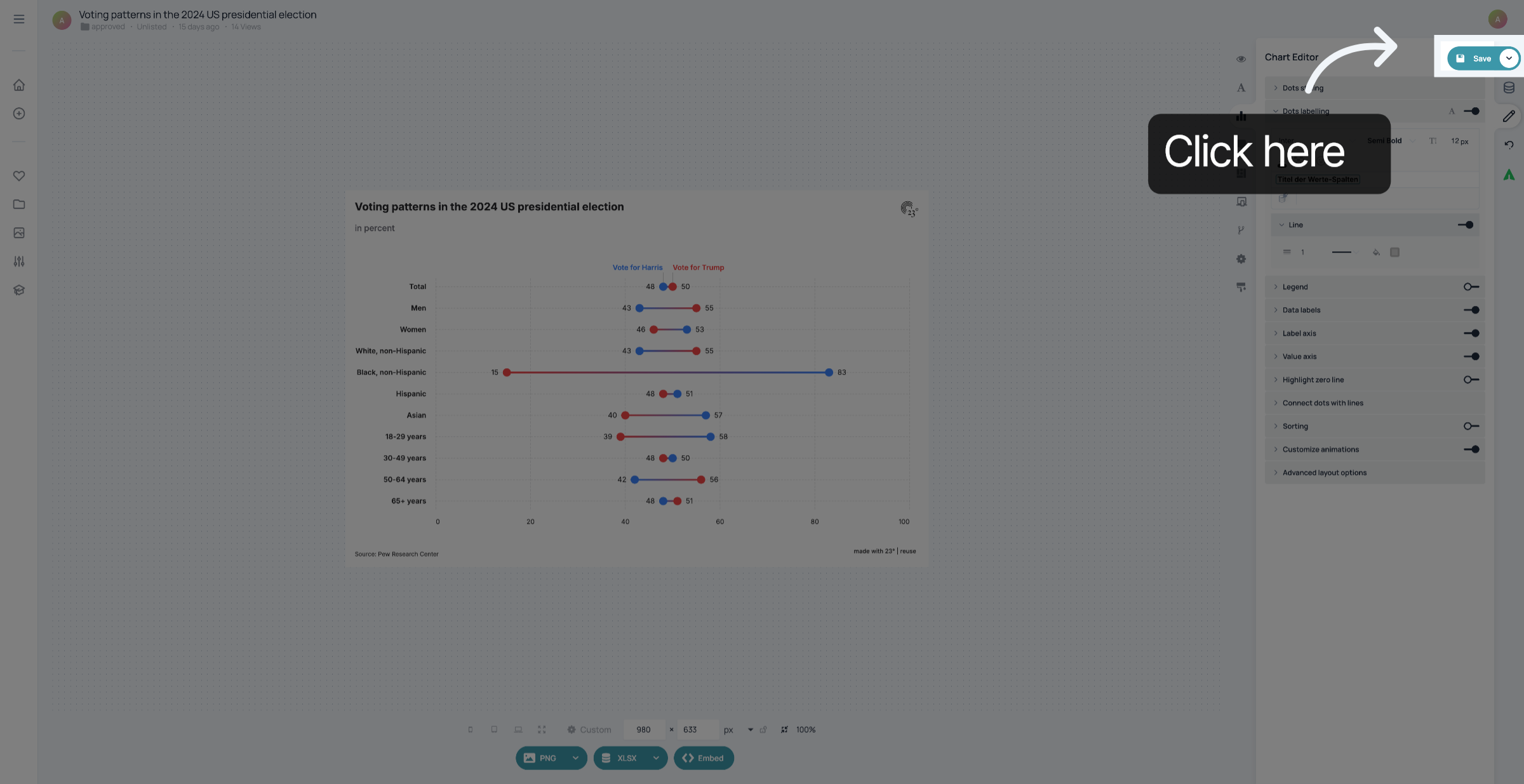
6. Save your changes
Don't forget to save your changes
You have successfully enabled and customized labels above dots in your dotplot.