Customize Missing Value Display In Line Charts
This tutorial explains how to customize the display of missing values in line charts.
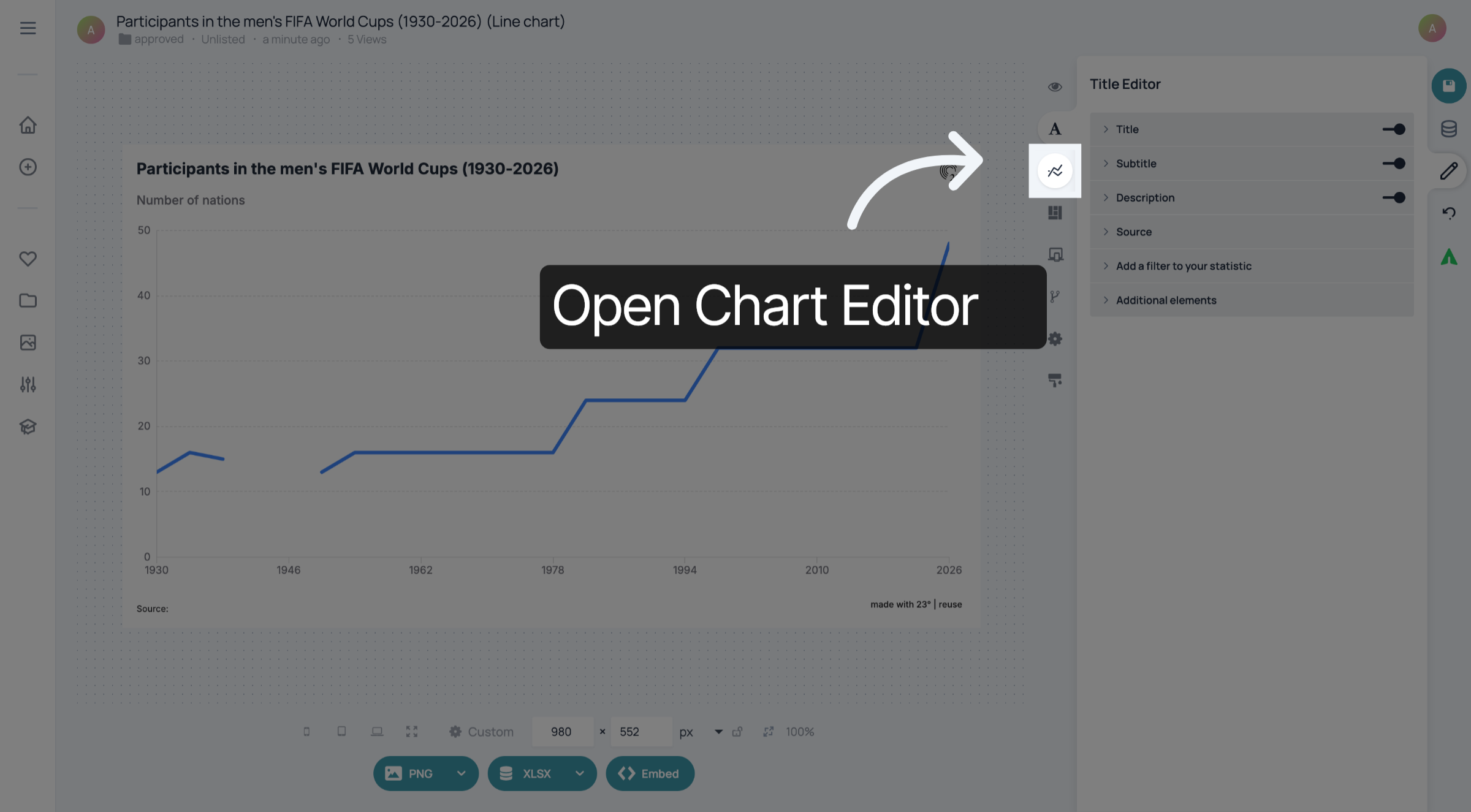
1. Open Chart Editor
Open Chart Editor
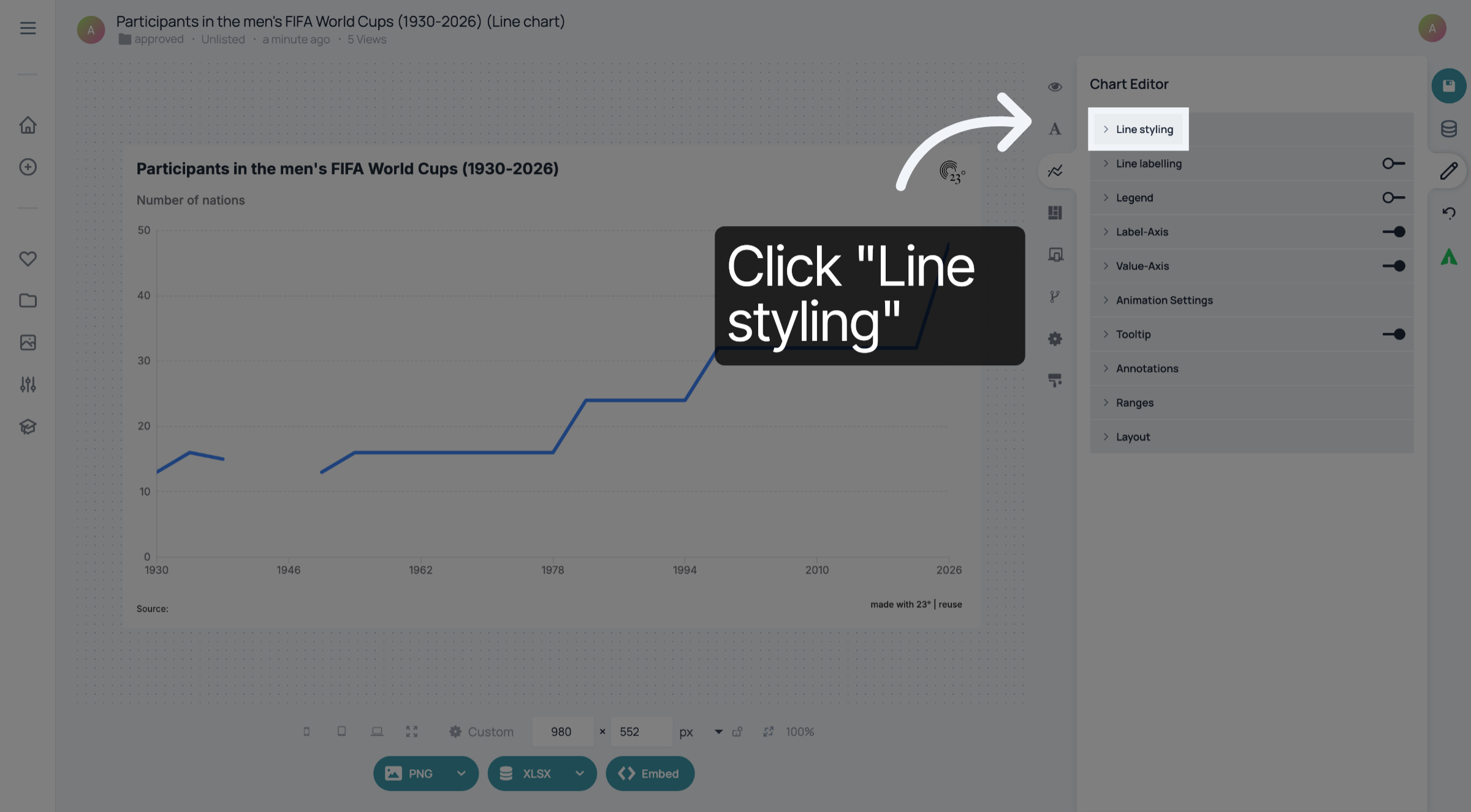
2. Expand "Line styling"
Click "Line styling" to expand it.
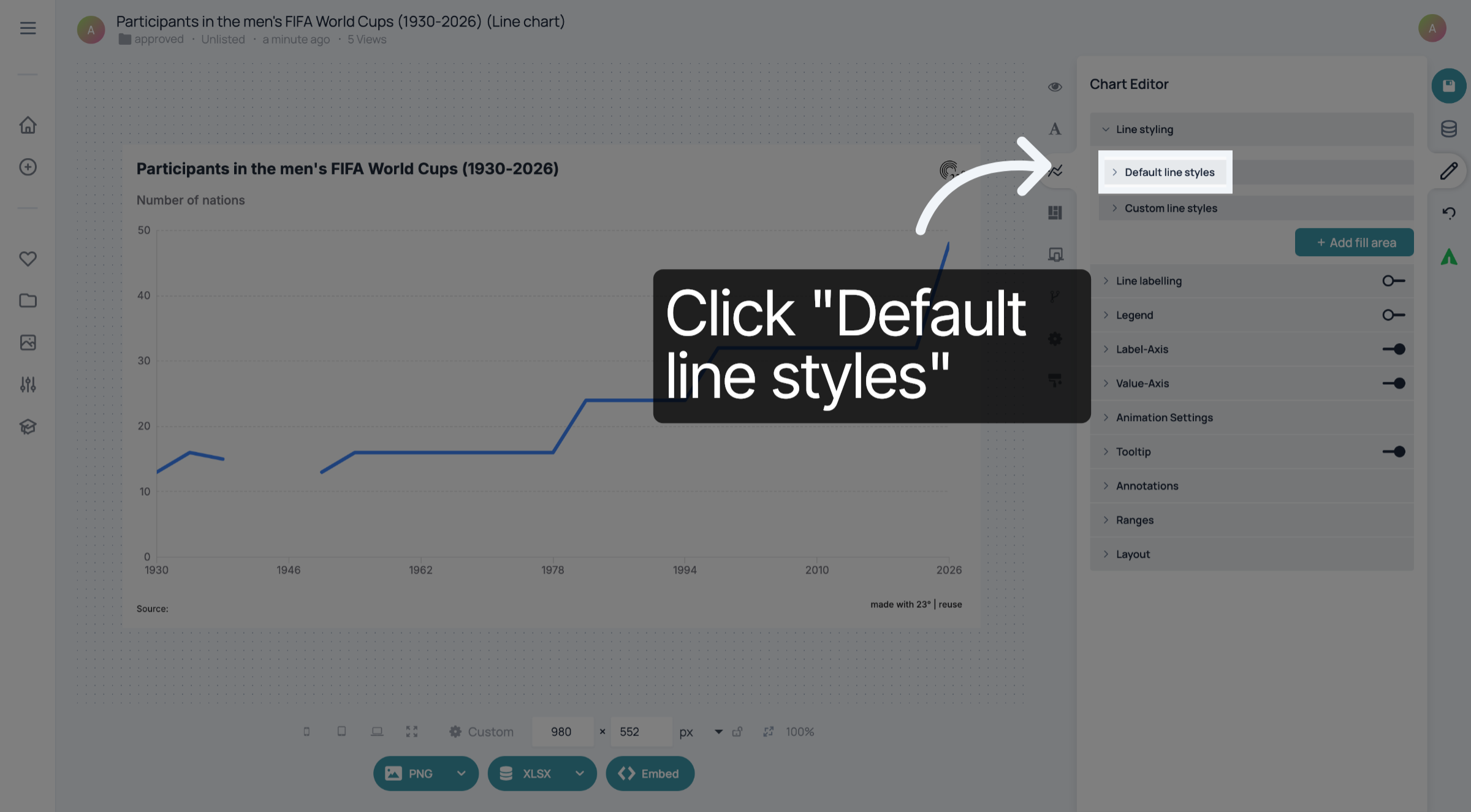
3. Click "Default line styles"
Click "Default line styles".
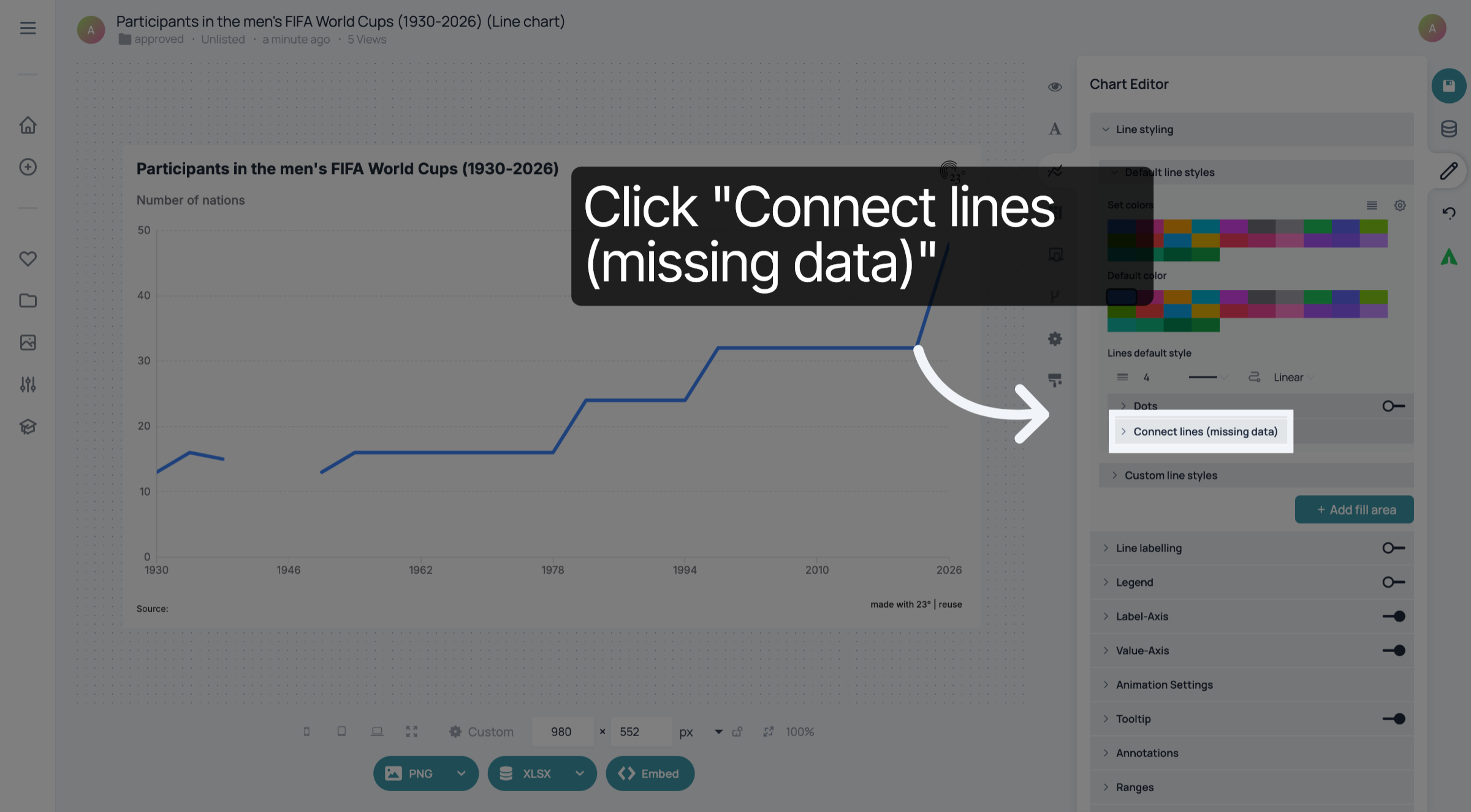
4. Click "Connect lines"
Click "Connect lines (missing data).
5. Choose style
You have three styling options. Empty,
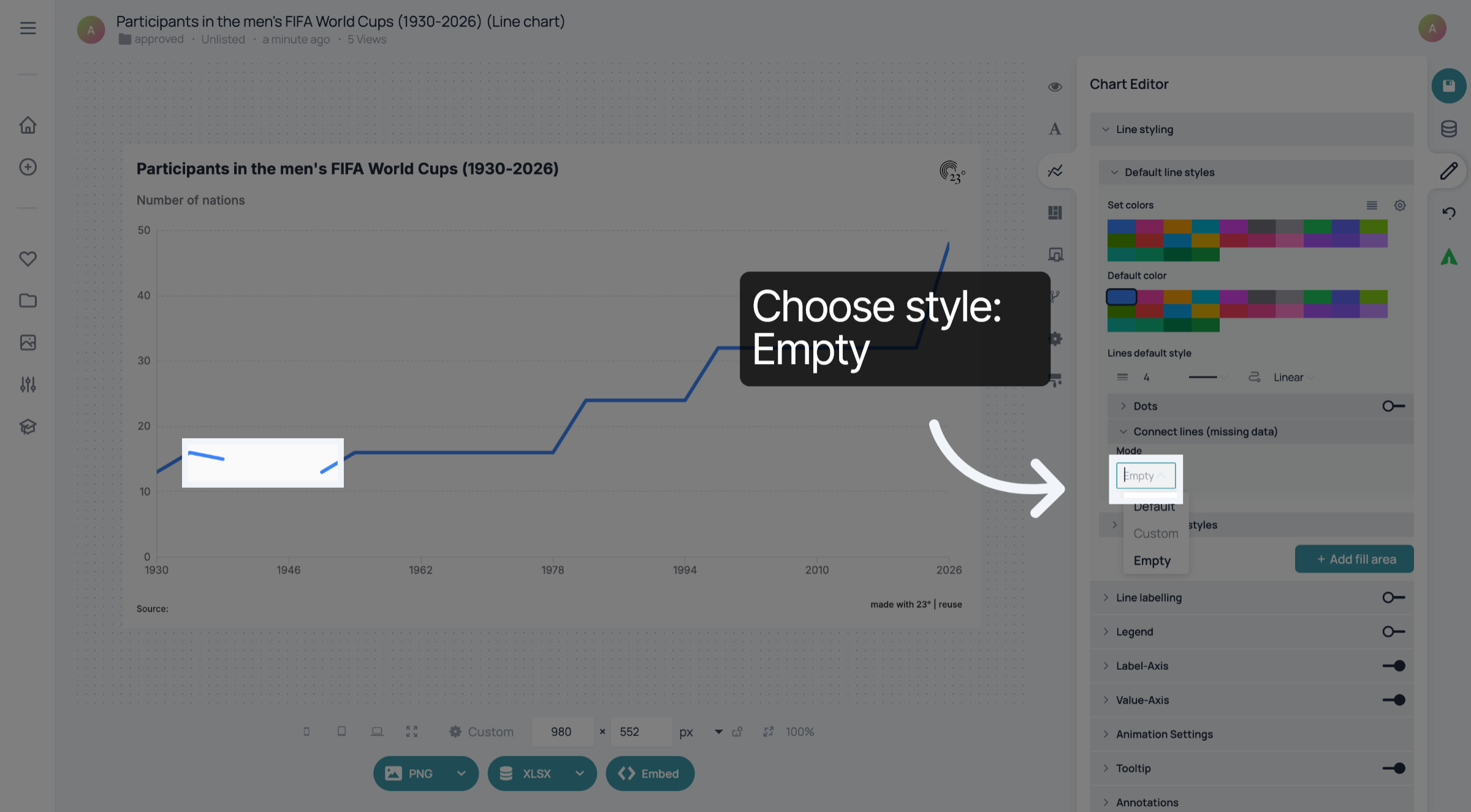
6. Choose style
default matches the default line style,
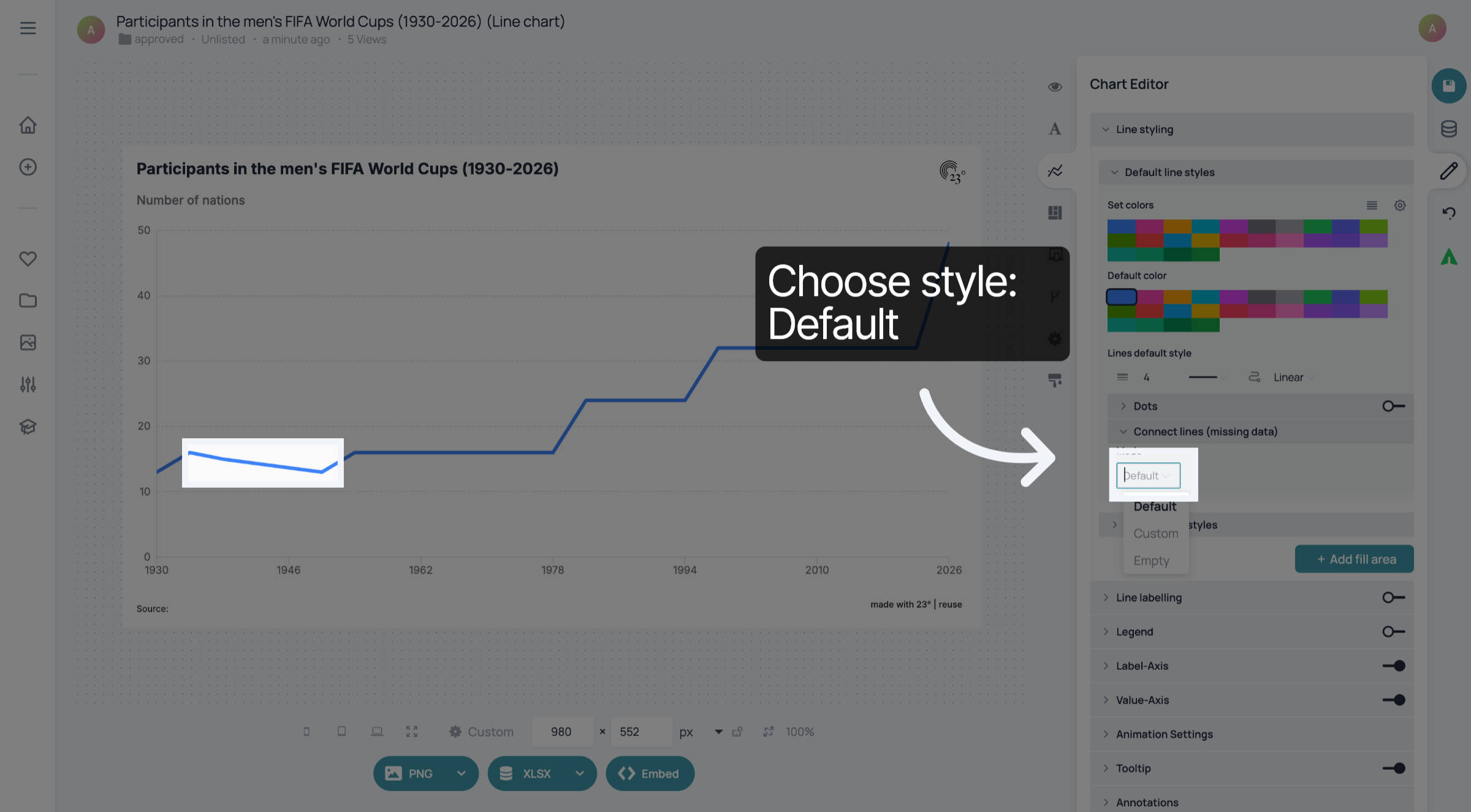
7. Choose style
and custom, where you can choose a custom weight and dotted or dashed styles.
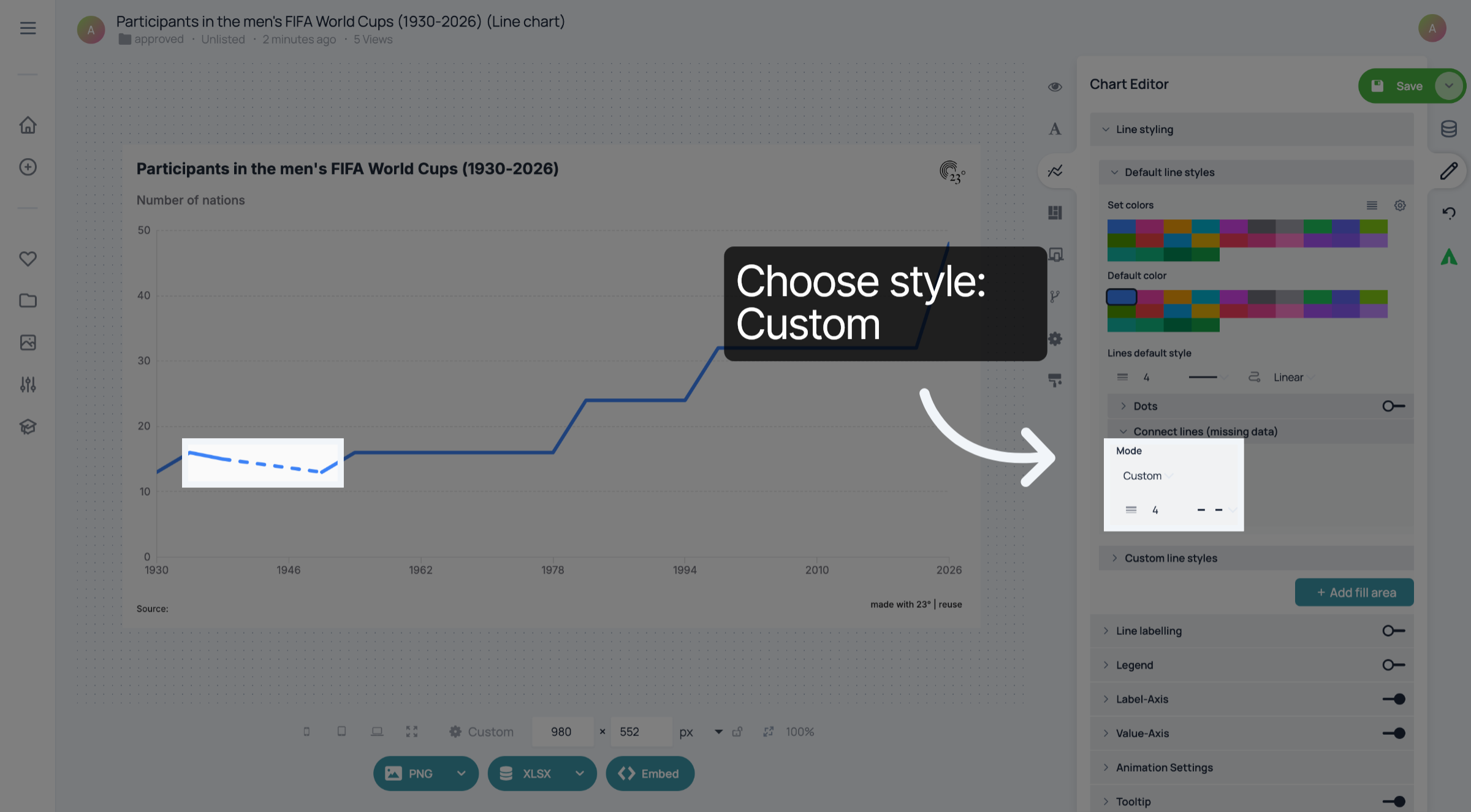
8. Click "Save"
Don't forget to save your changes.
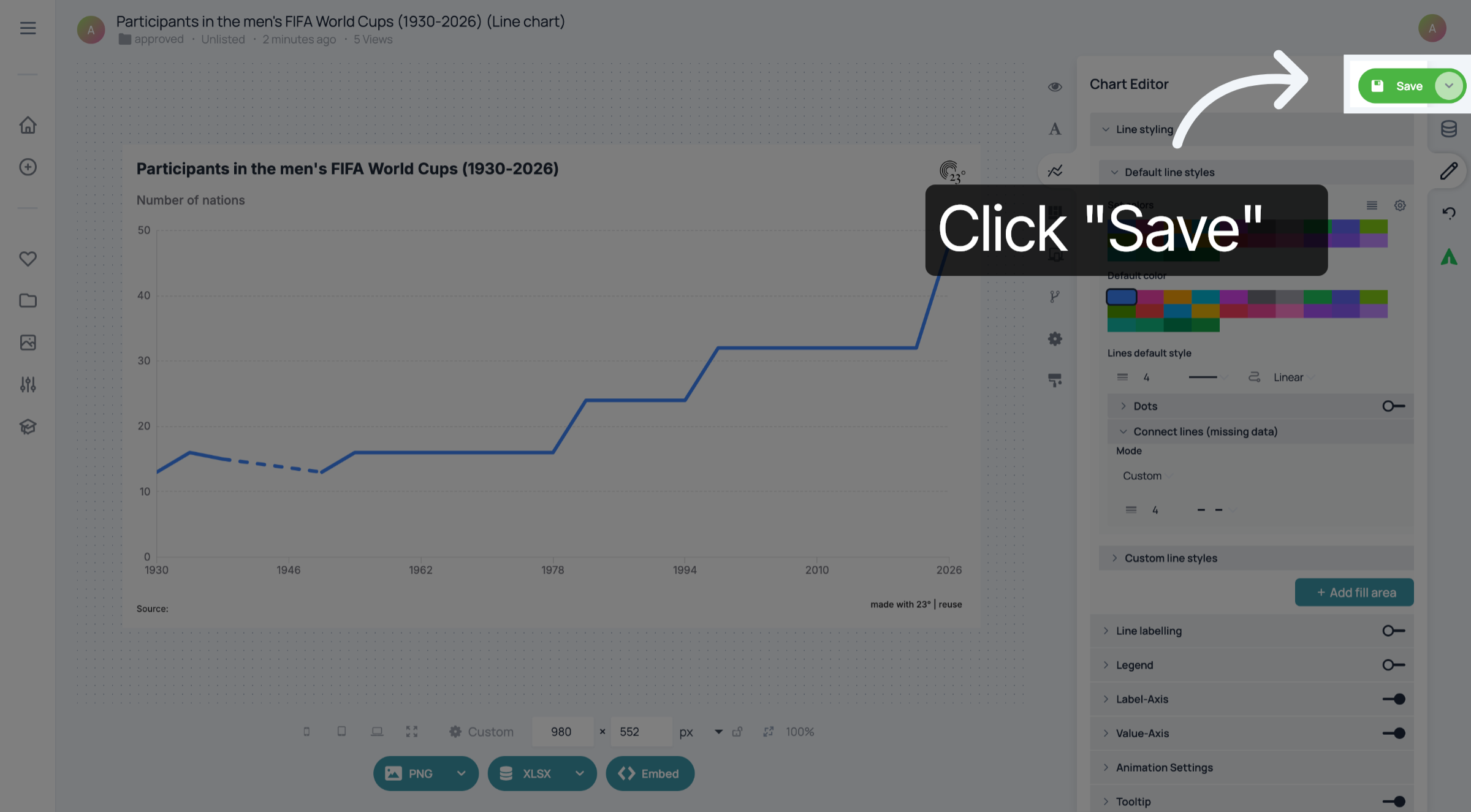
You have successfully customized how missing values are displayed in your line charts.