Filters: Timeline
This tutorial demonstrates how to change a dropdown filter to a timeline filter.
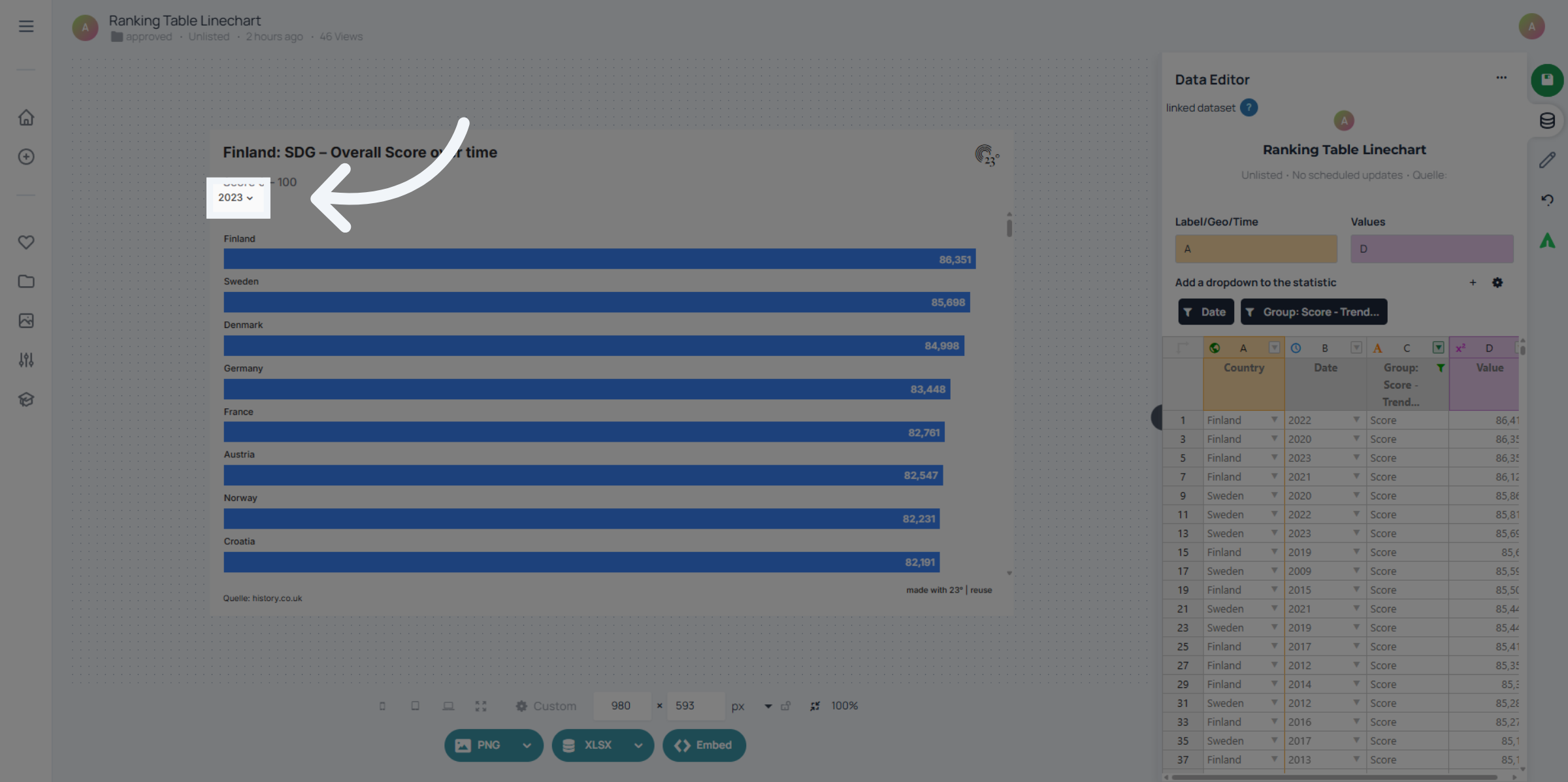
1. Dropdown
If you dont want a dropdown but a timeline filter for users to more easily switch between years...
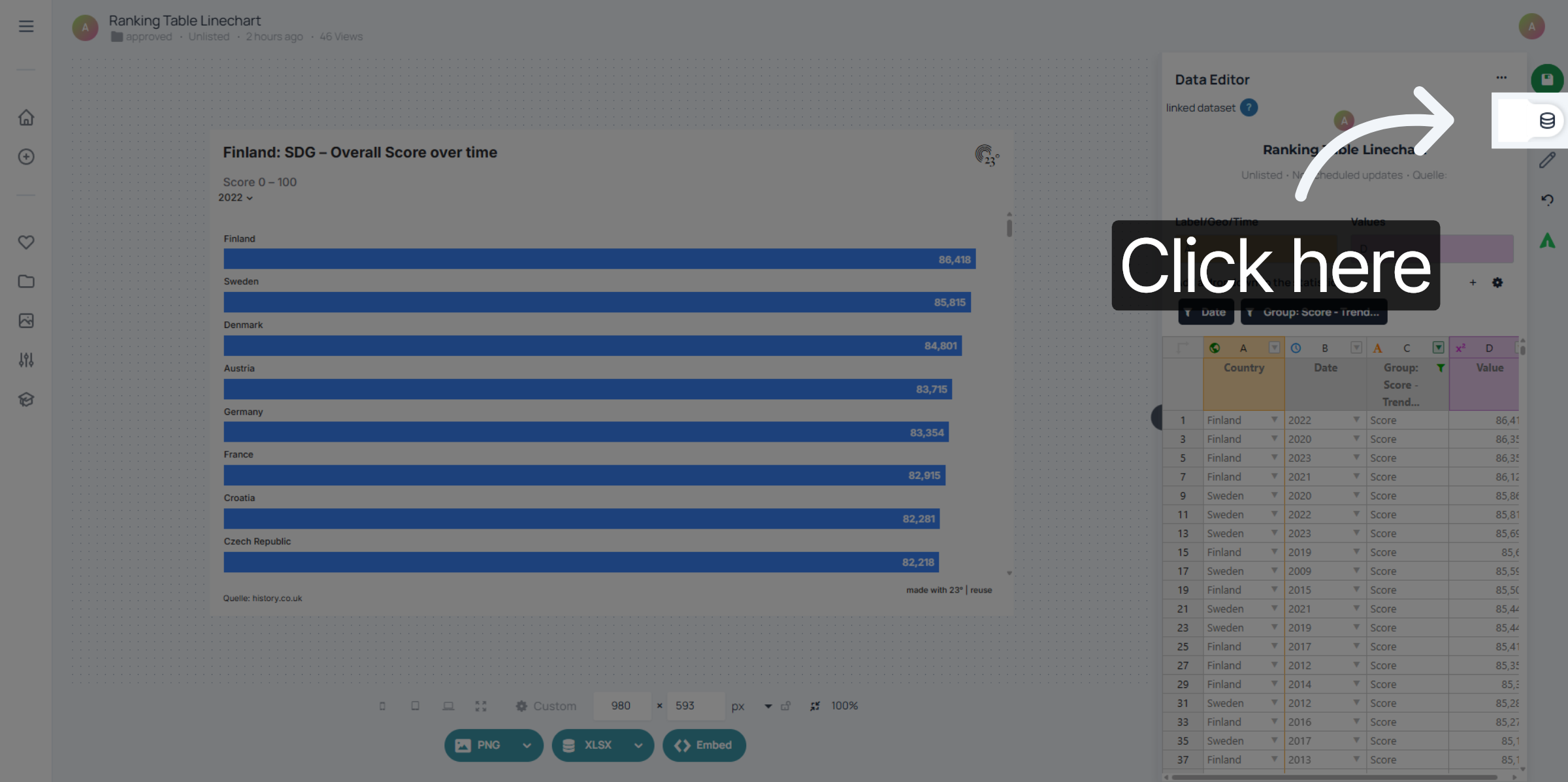
2. Data Editor
...go to the data editor.
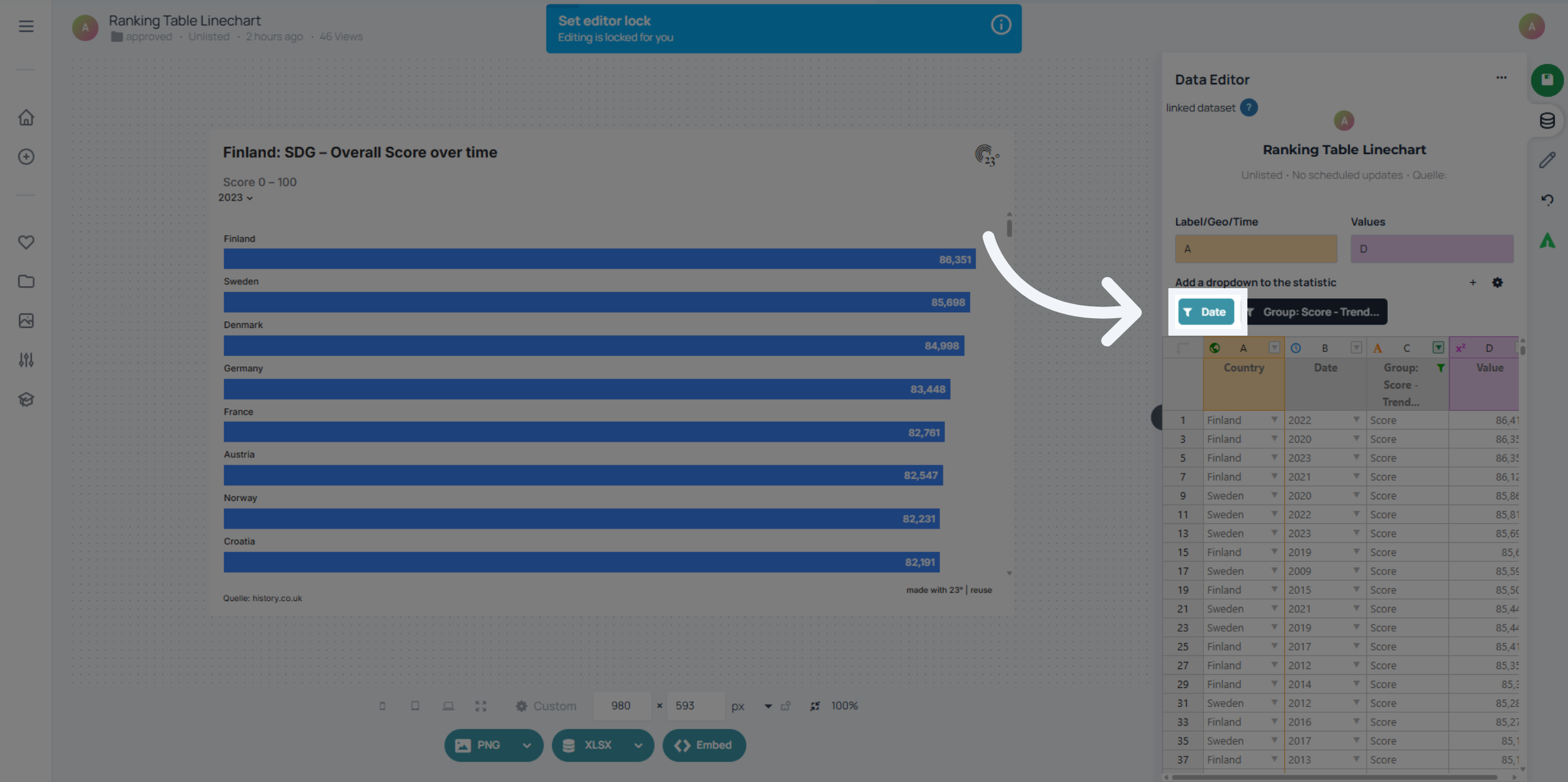
3. Select Filter
Select your filter..
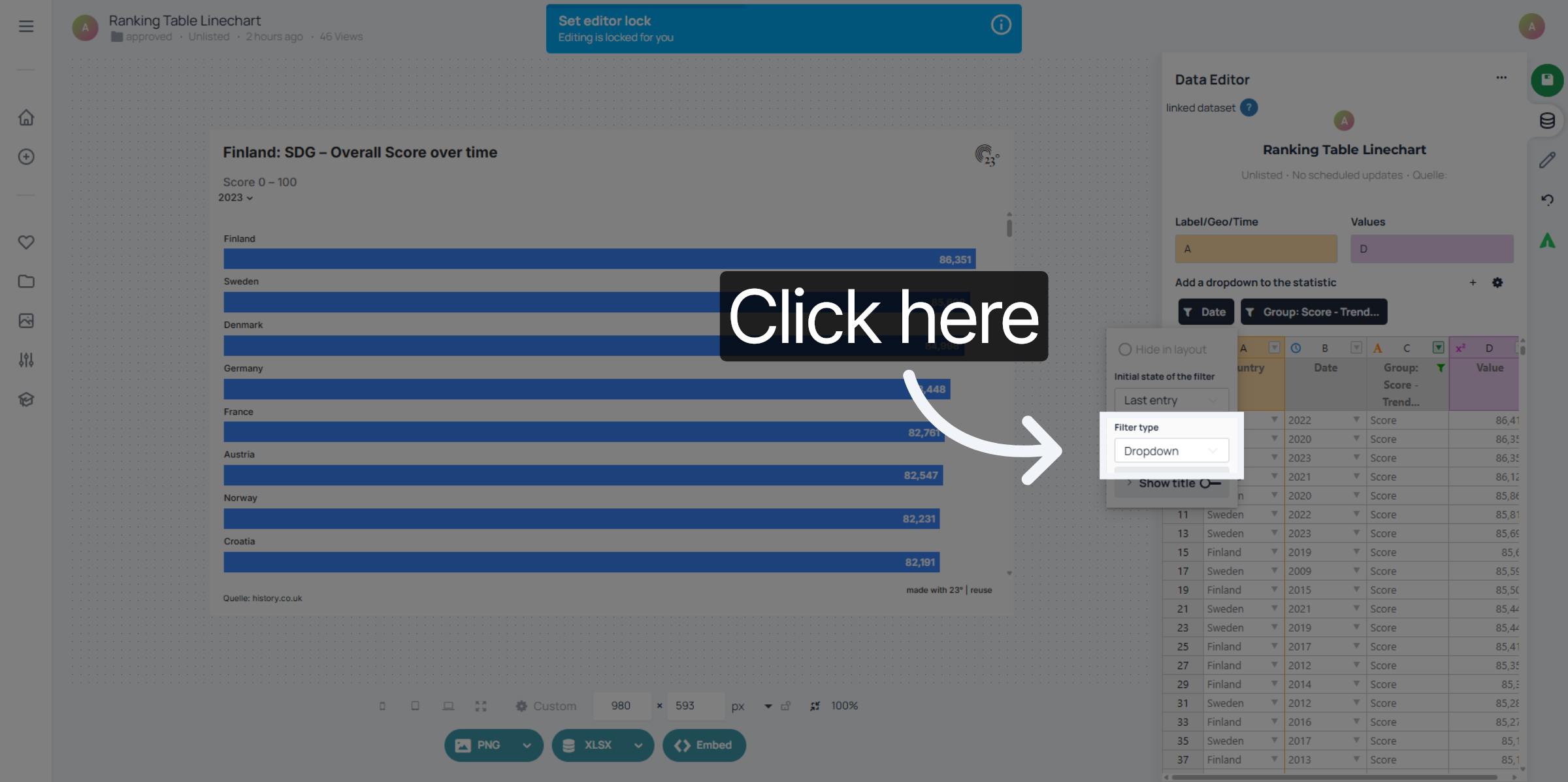
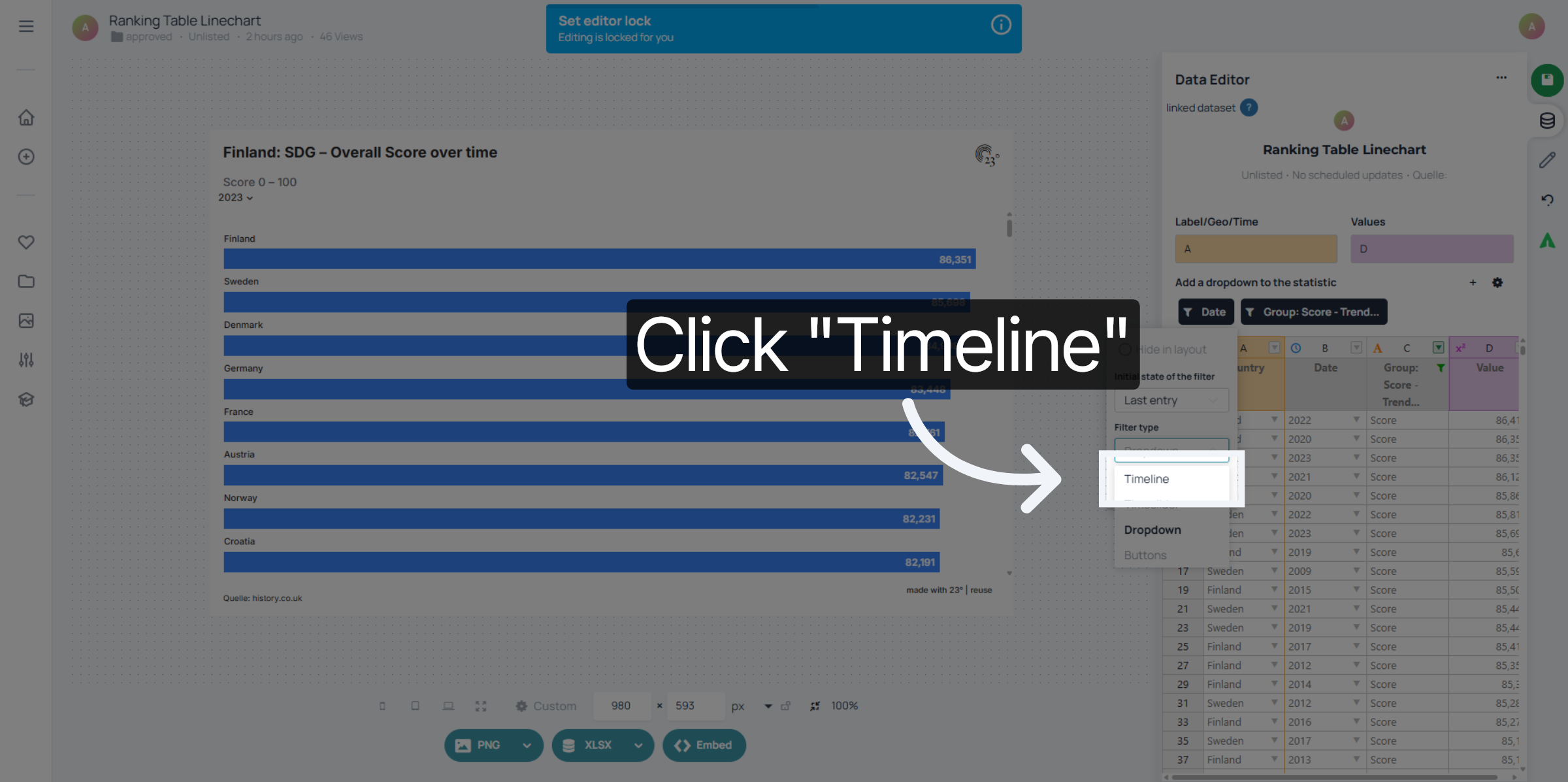
4. Filter Type
go to filter type...
5. Choose Timeline Filter
and select the timeline filter.
6. Timeline Filter
Now instead of a dropdown your years are displayed sequentially on a timeline. You can click on any year to jump to the data.
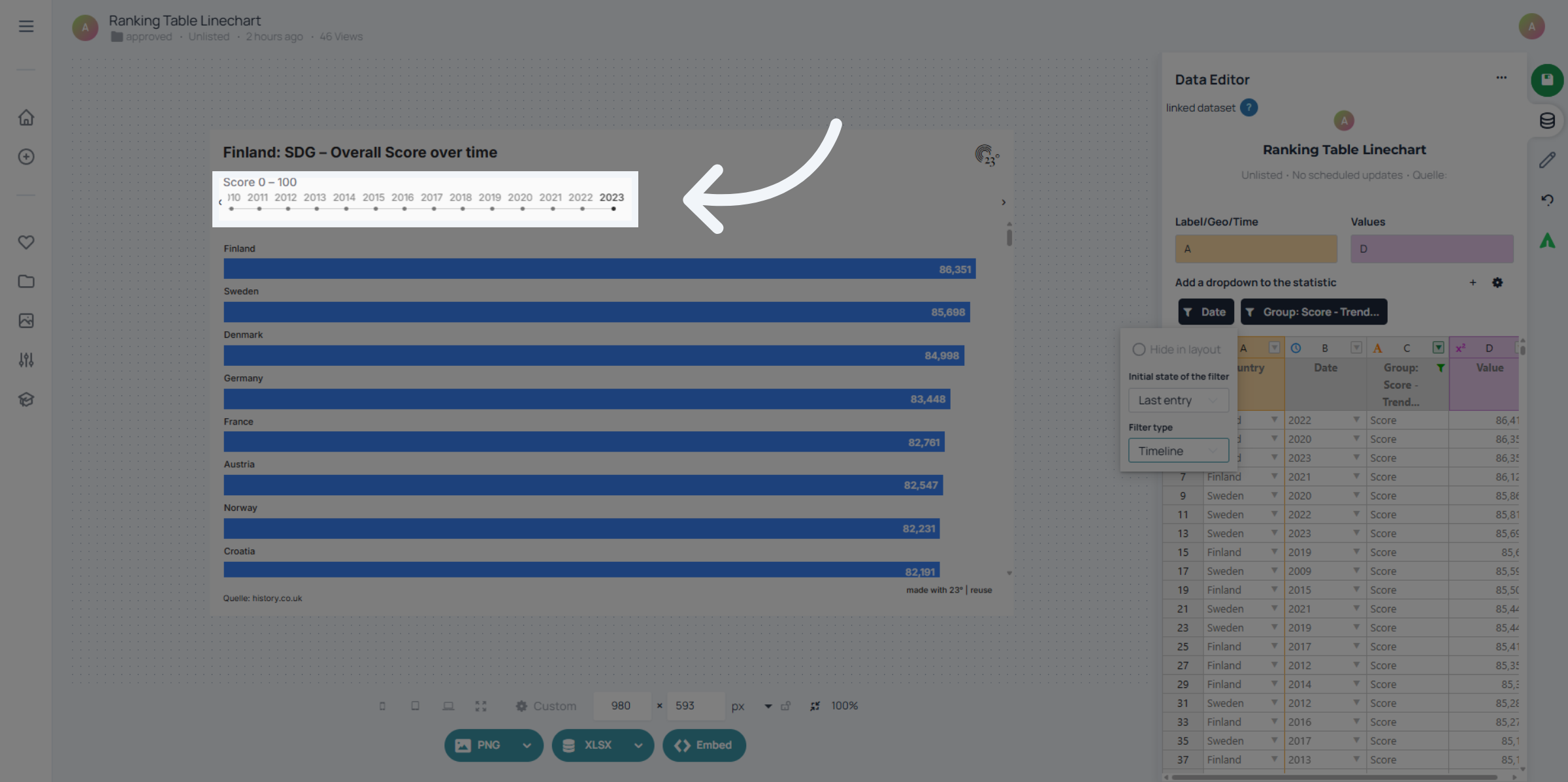
You have successfully configured timeline filters in the 23degrees application. This setup allows you to analyze specific timeline data effectively for your needs.