How to customize Bar Padding In Grouped Bar Charts
This tutorial shows how to customize the bar padding in grouped bar charts
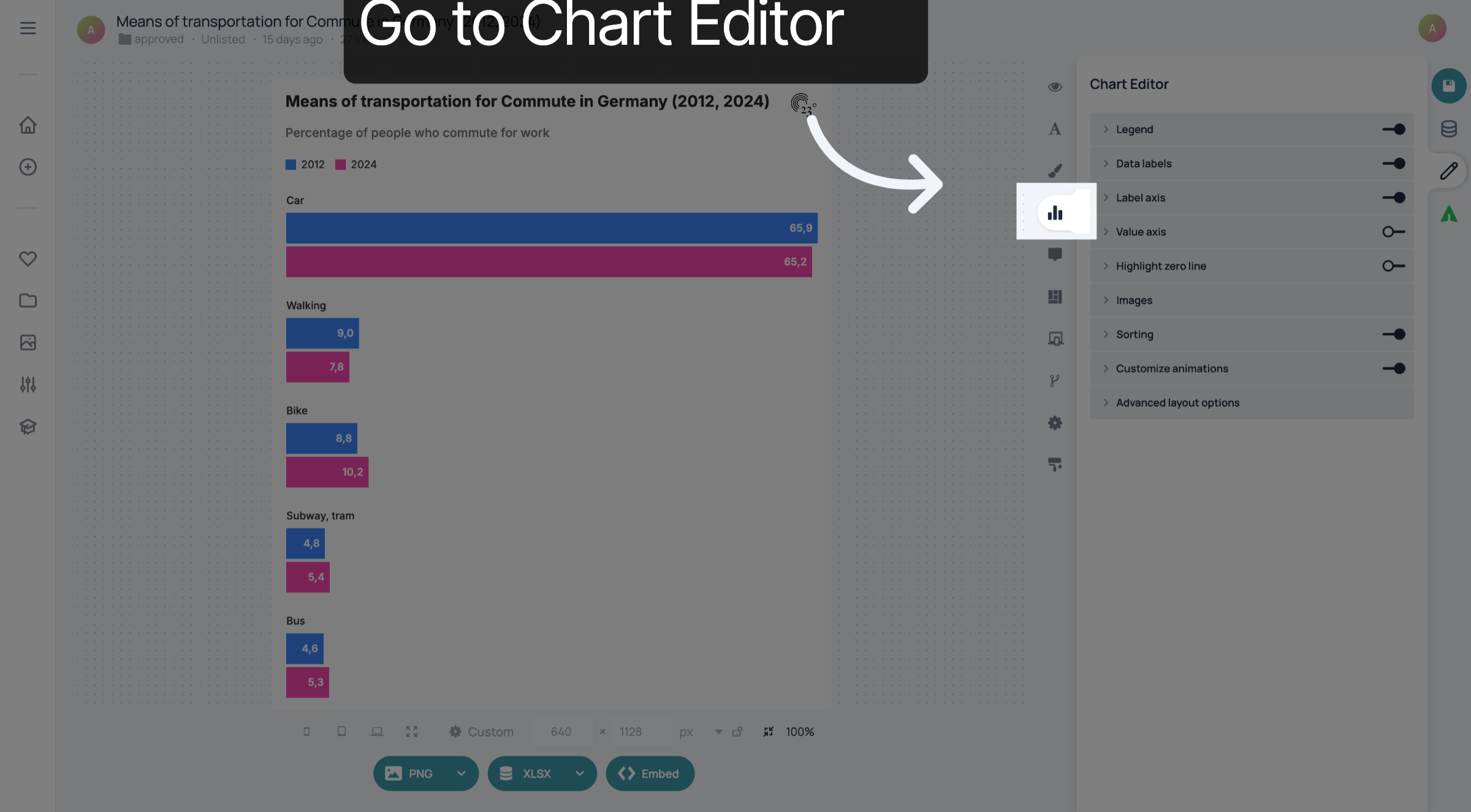
1. Go to Chart Editor
Go to Chart Editor.
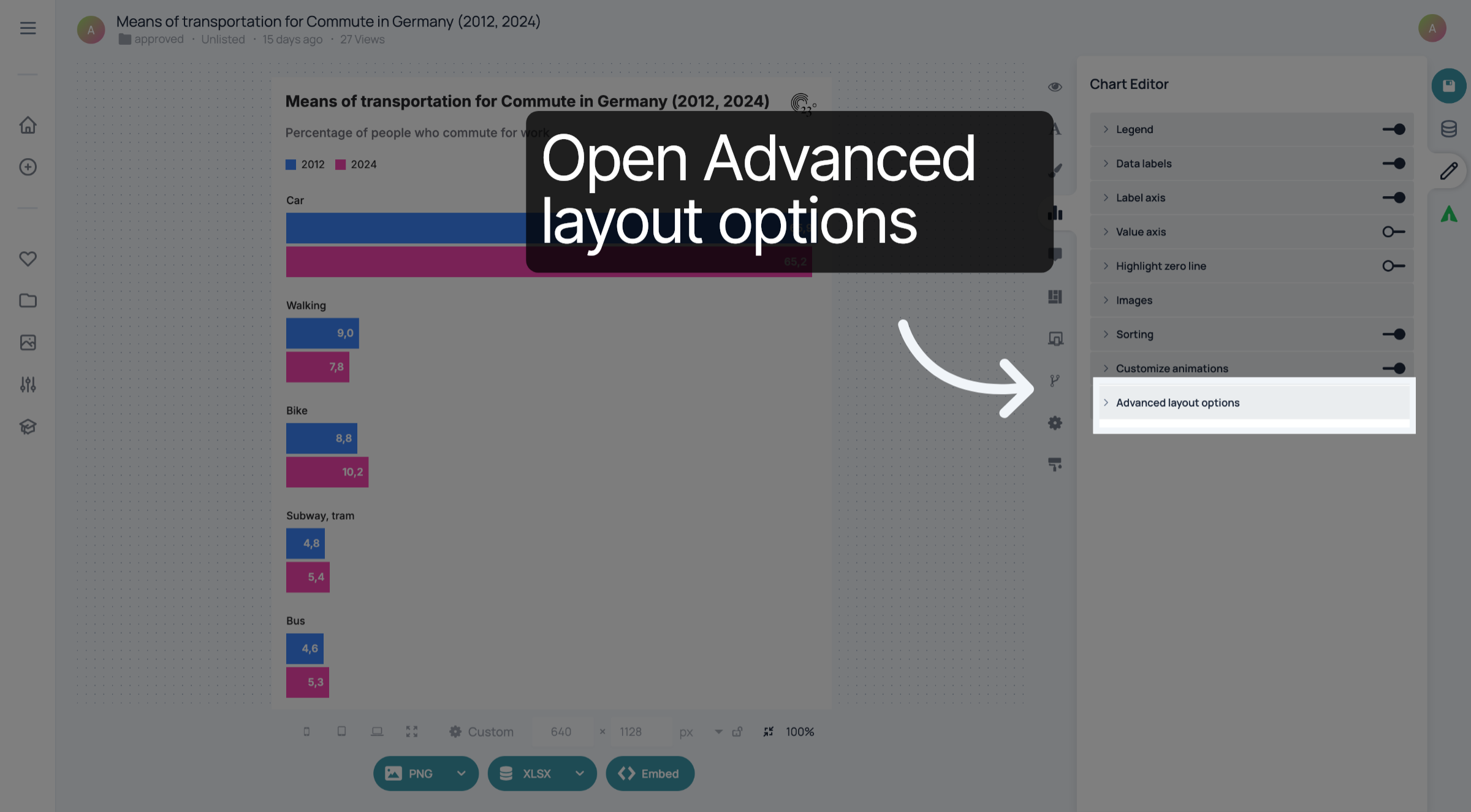
2. Click "Advanced layout options"
Click "Advanced layout options".
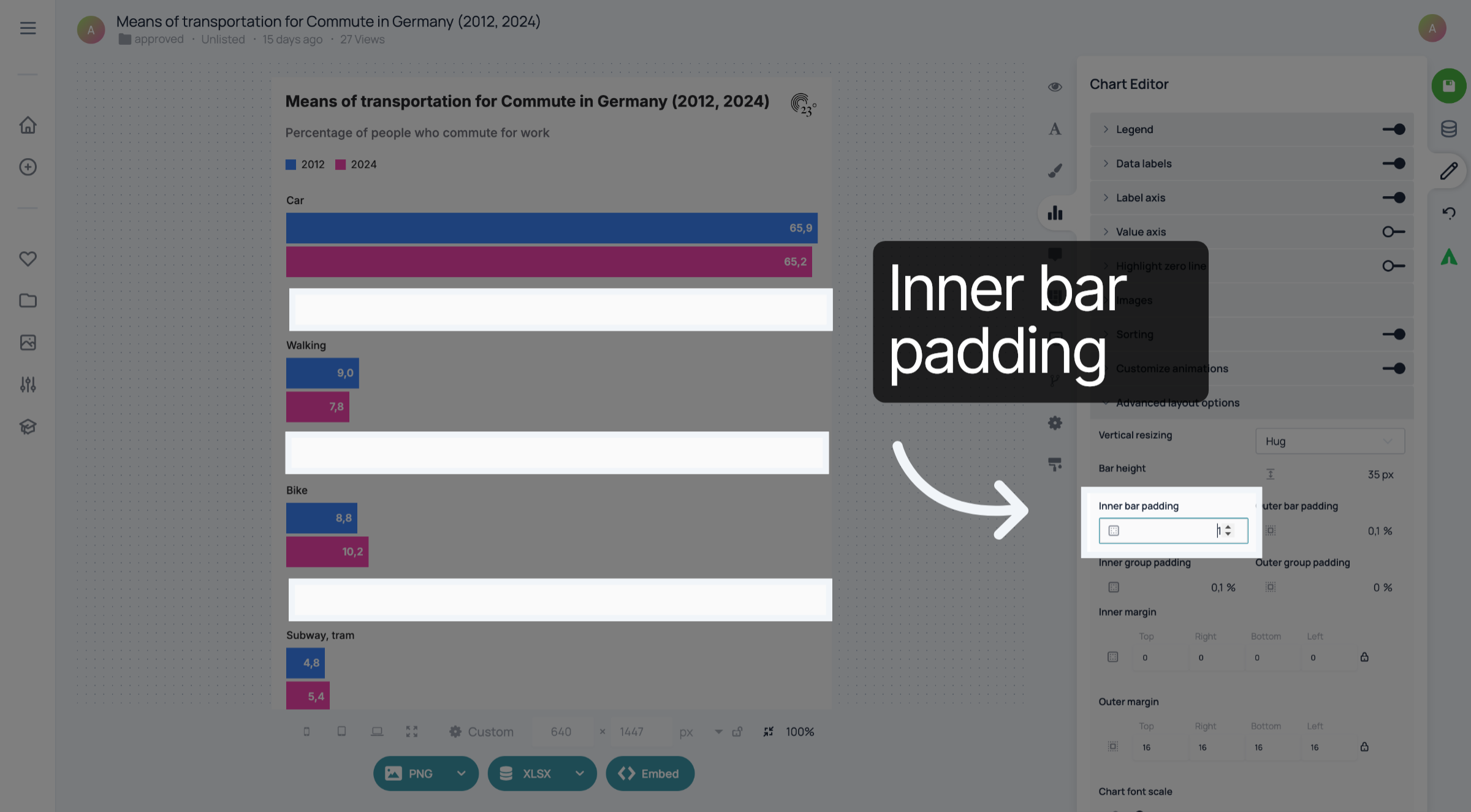
3. Inner bar padding
For each of the padding settings, you can choose a value between zero and one. The inner bar padding determines the distance between the groups of bars.
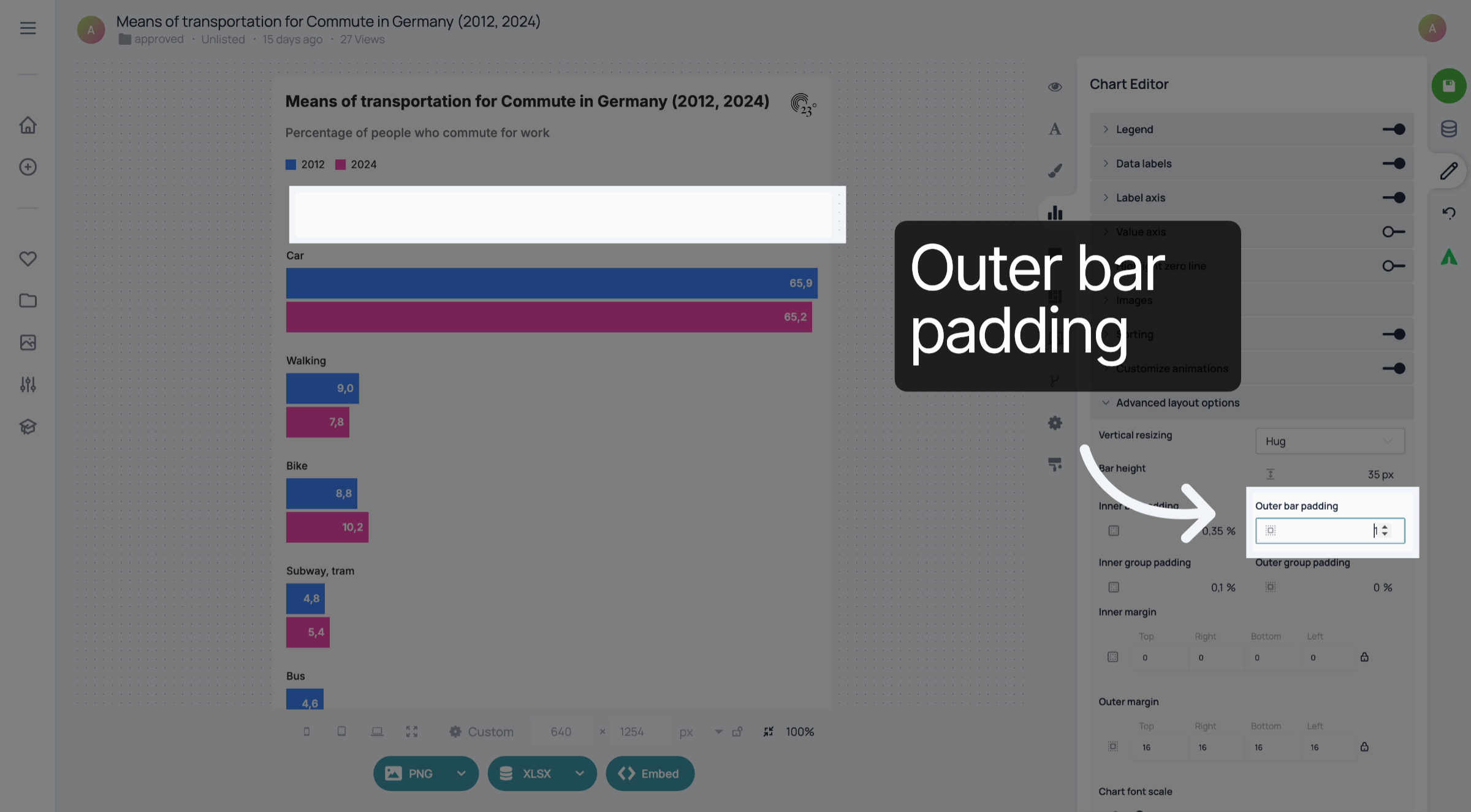
4. Outer bar padding
The outer bar padding determines the distance between the bars and the other elements of the visualisation, for example the legend.
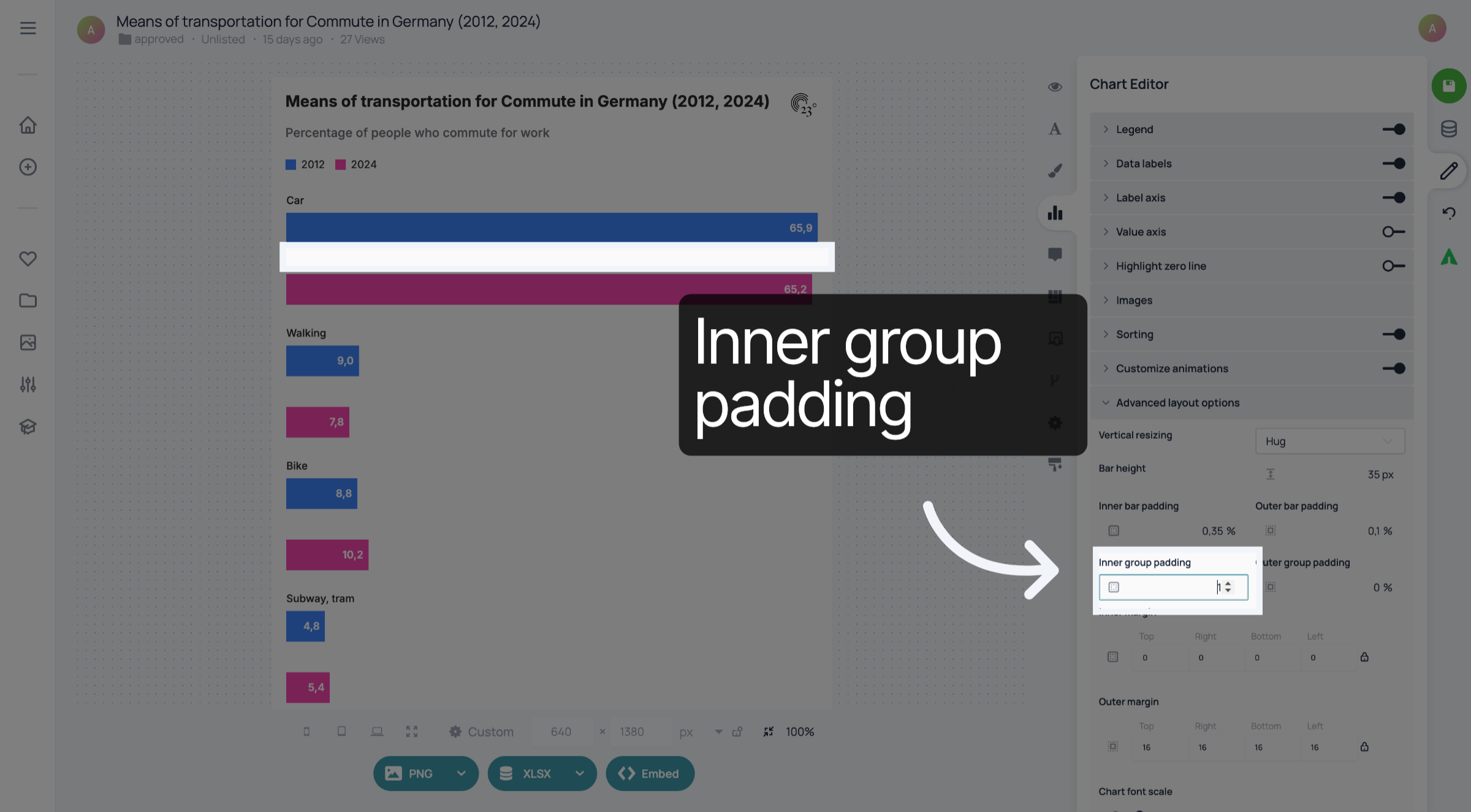
5. Inner group padding
With the inner group padding, you can change the distance between bars within a category.
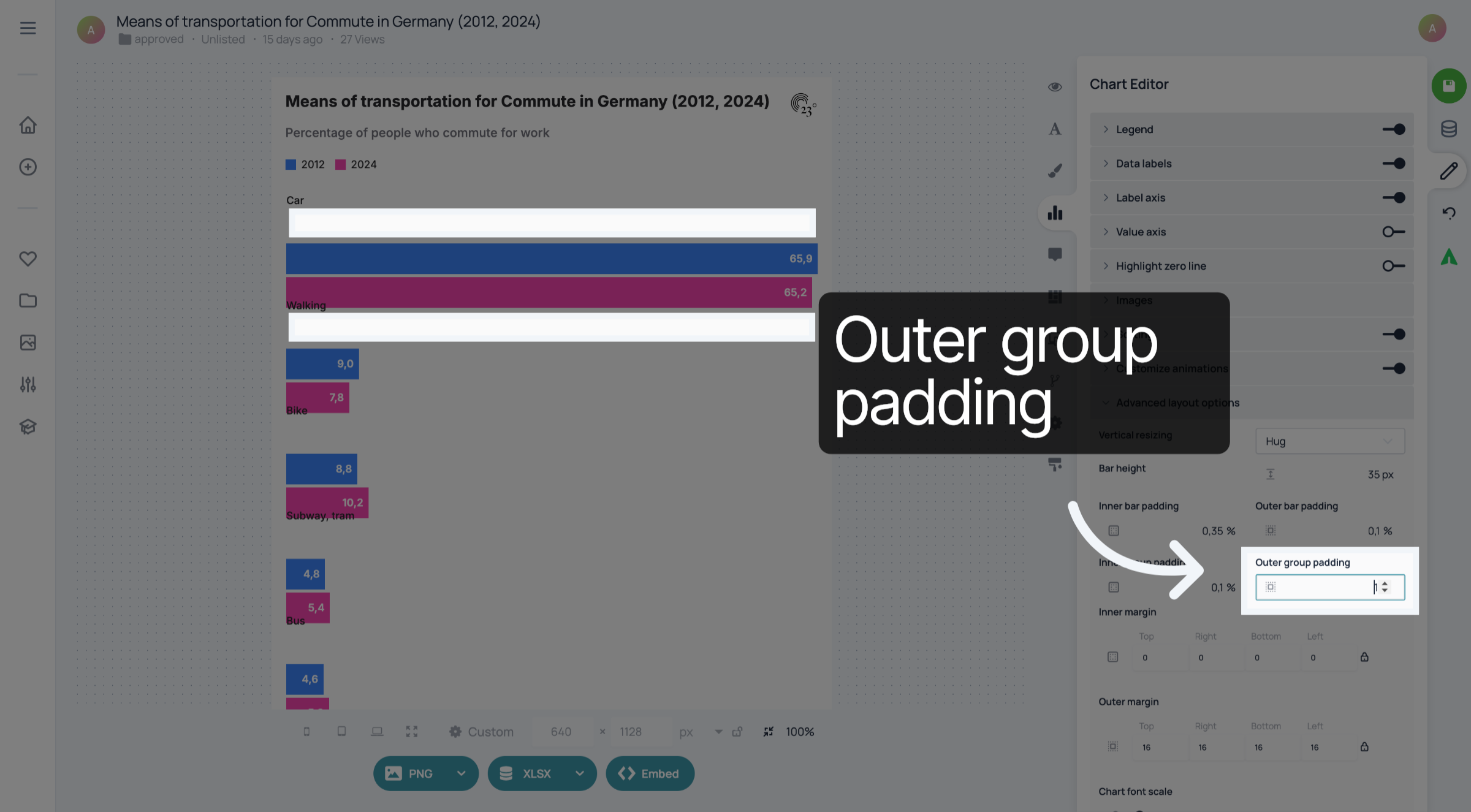
6. Outer group padding
The outer group padding determines the distance between the groups of bars.
7. Save your changes
Don't forget to save your changes.
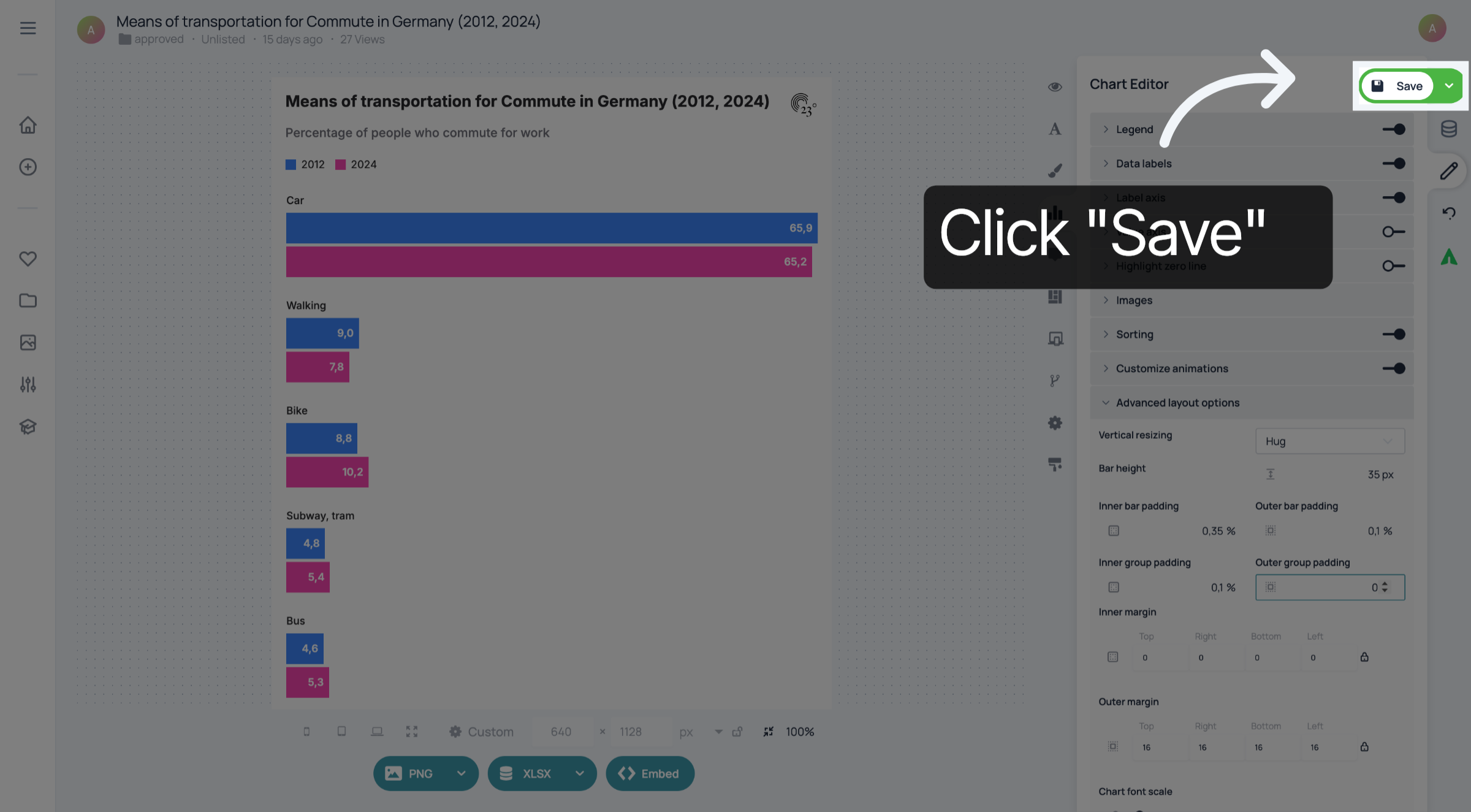
You have successfully customized the padding in your grouped bar chart.