How to change the names of buttons in Slideshows
This tutorial explains how to change the names of buttons in Slideshows.
1. Open Slideshow
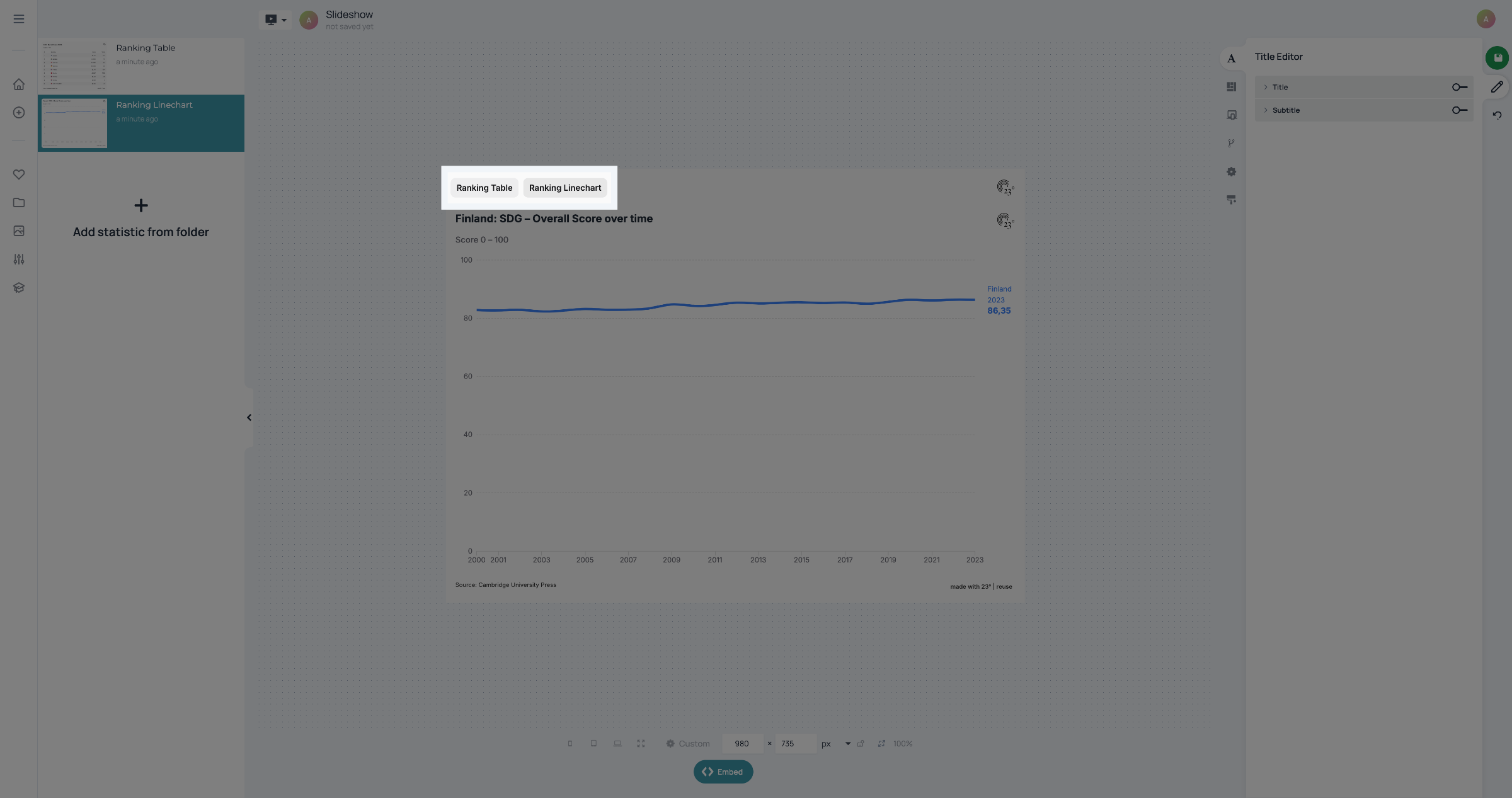
Start by opening your Slideshow. If you want to change the names of the buttons, you have to switch from the Slideshow Editor to the Statistic Editor.
2. Switch to Statistic Editor
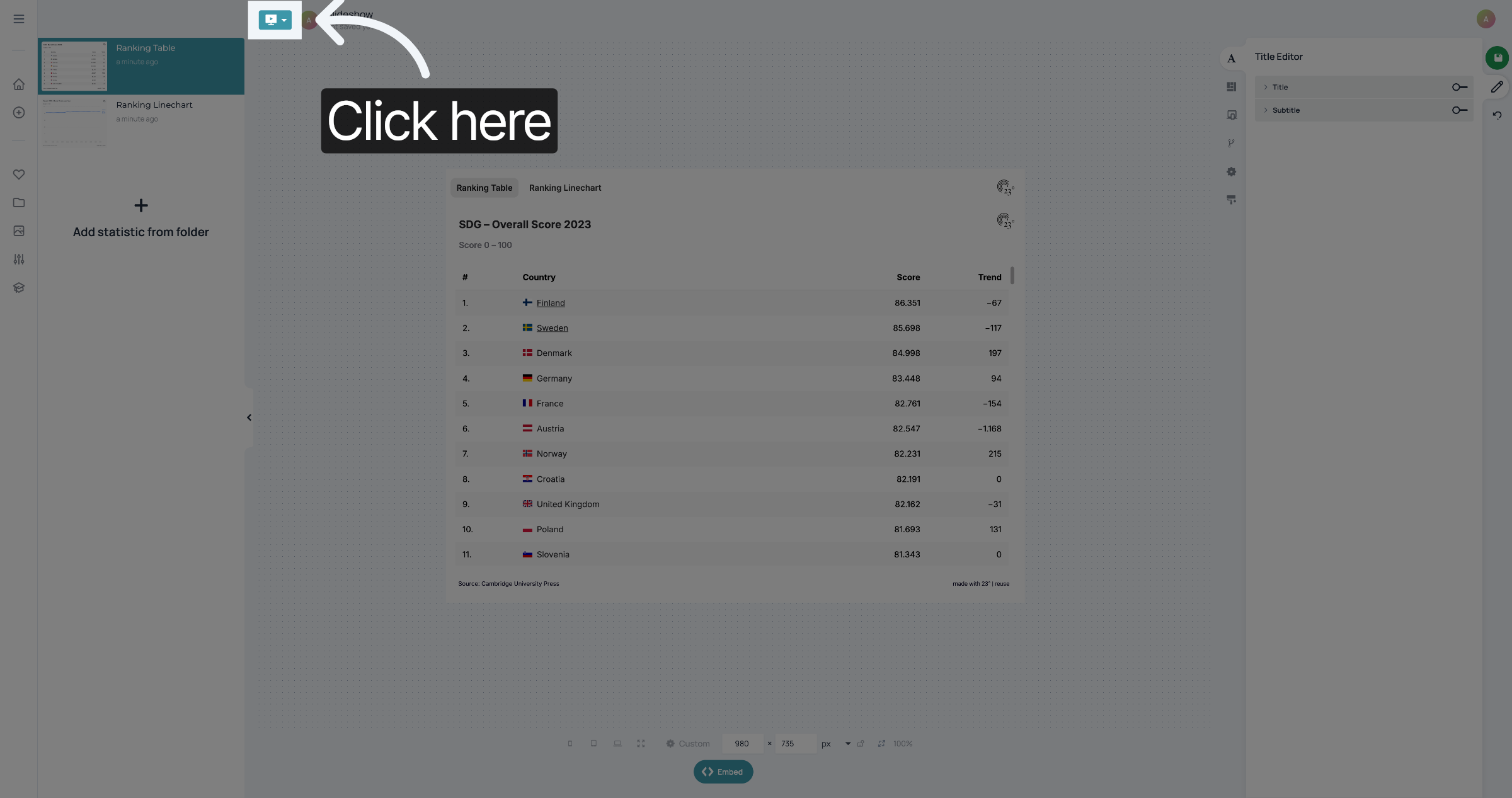
Click here to Switch to the Statistic Editor.
3. Click Statistic
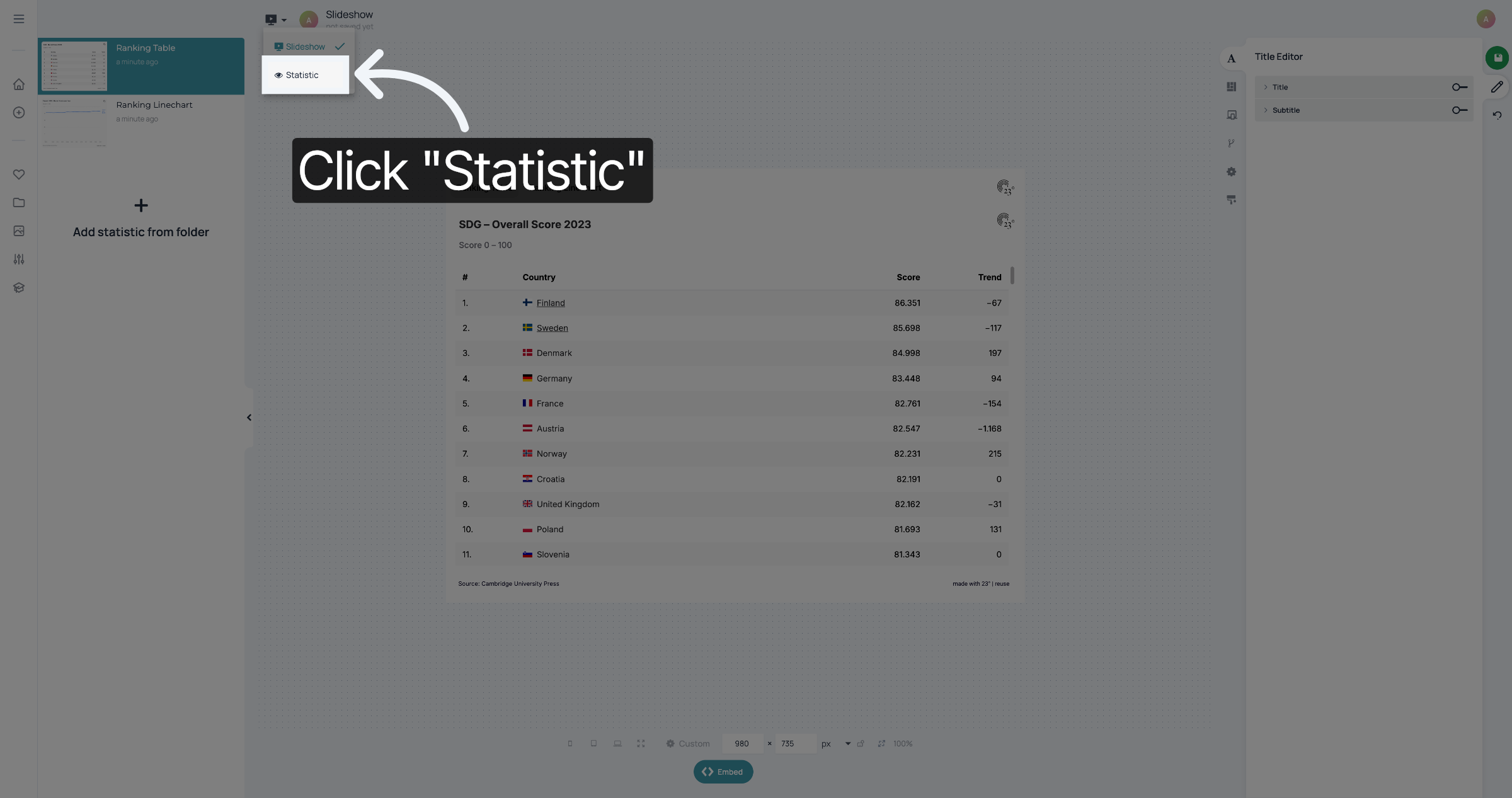
Select "Statistic".
4. Change title
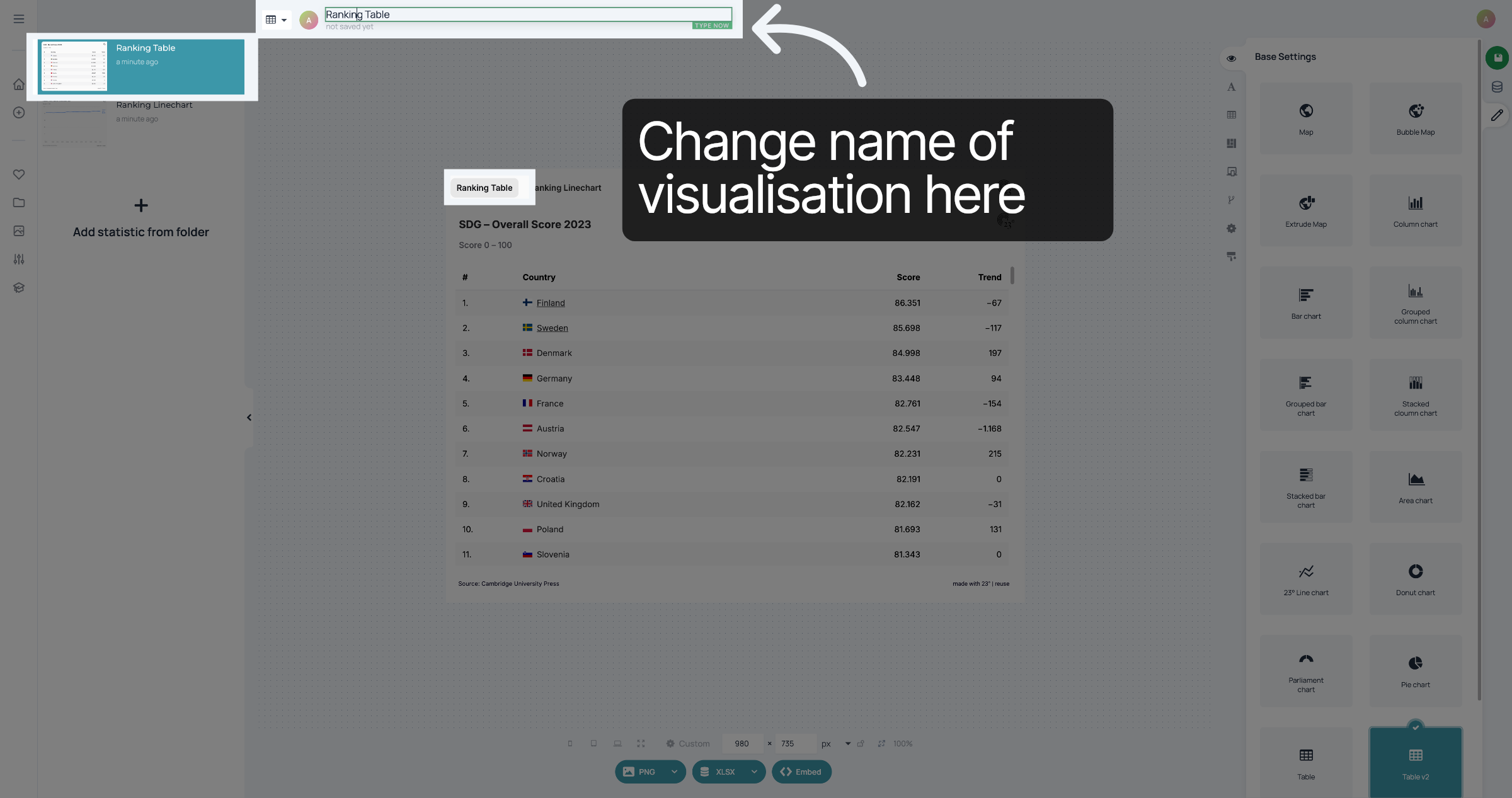
Click into the title of the top of the visualisation and type in the name you want for its button.
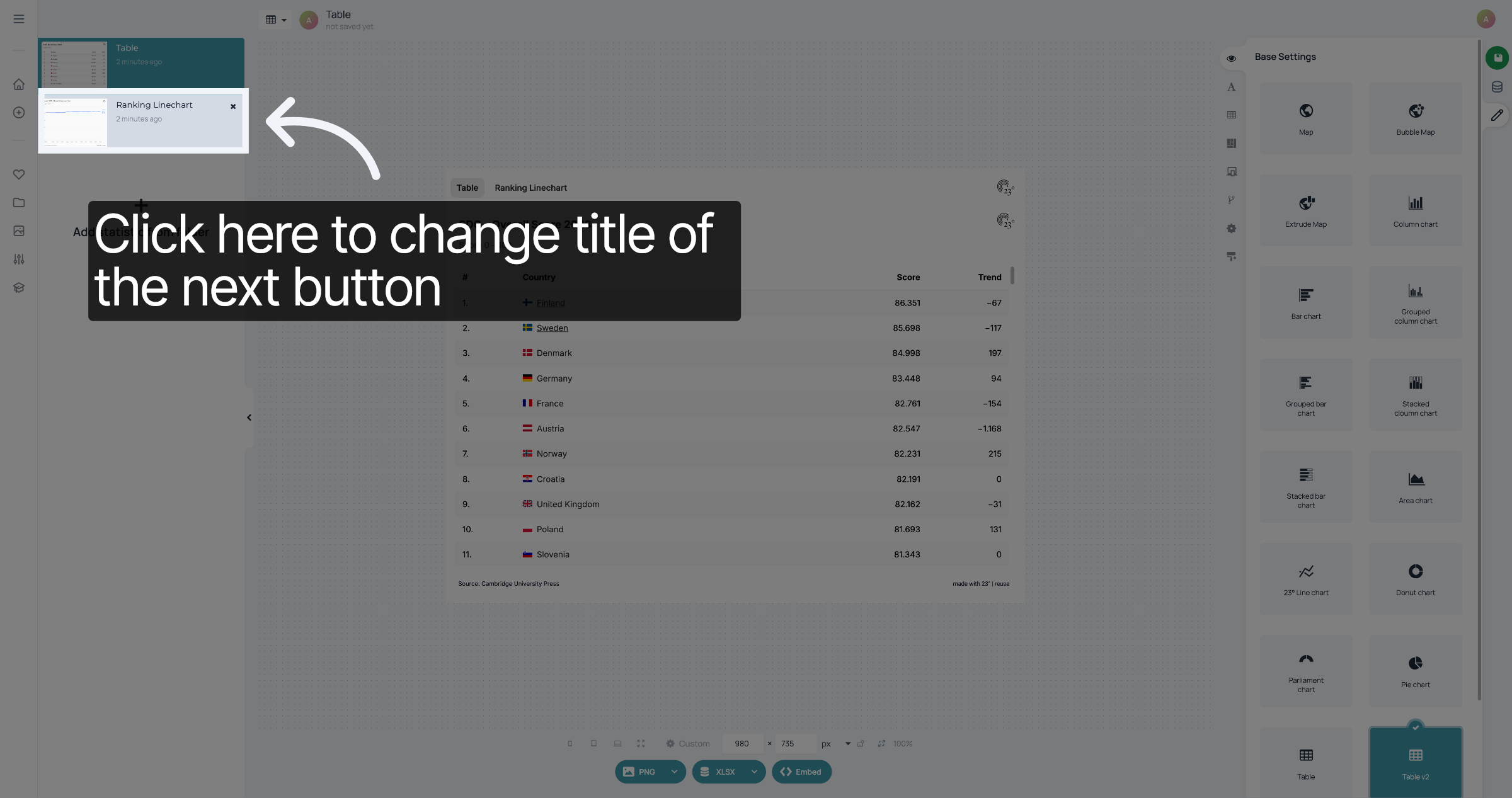
5. Go to the next visualisation
At the left, select the next visualisation.
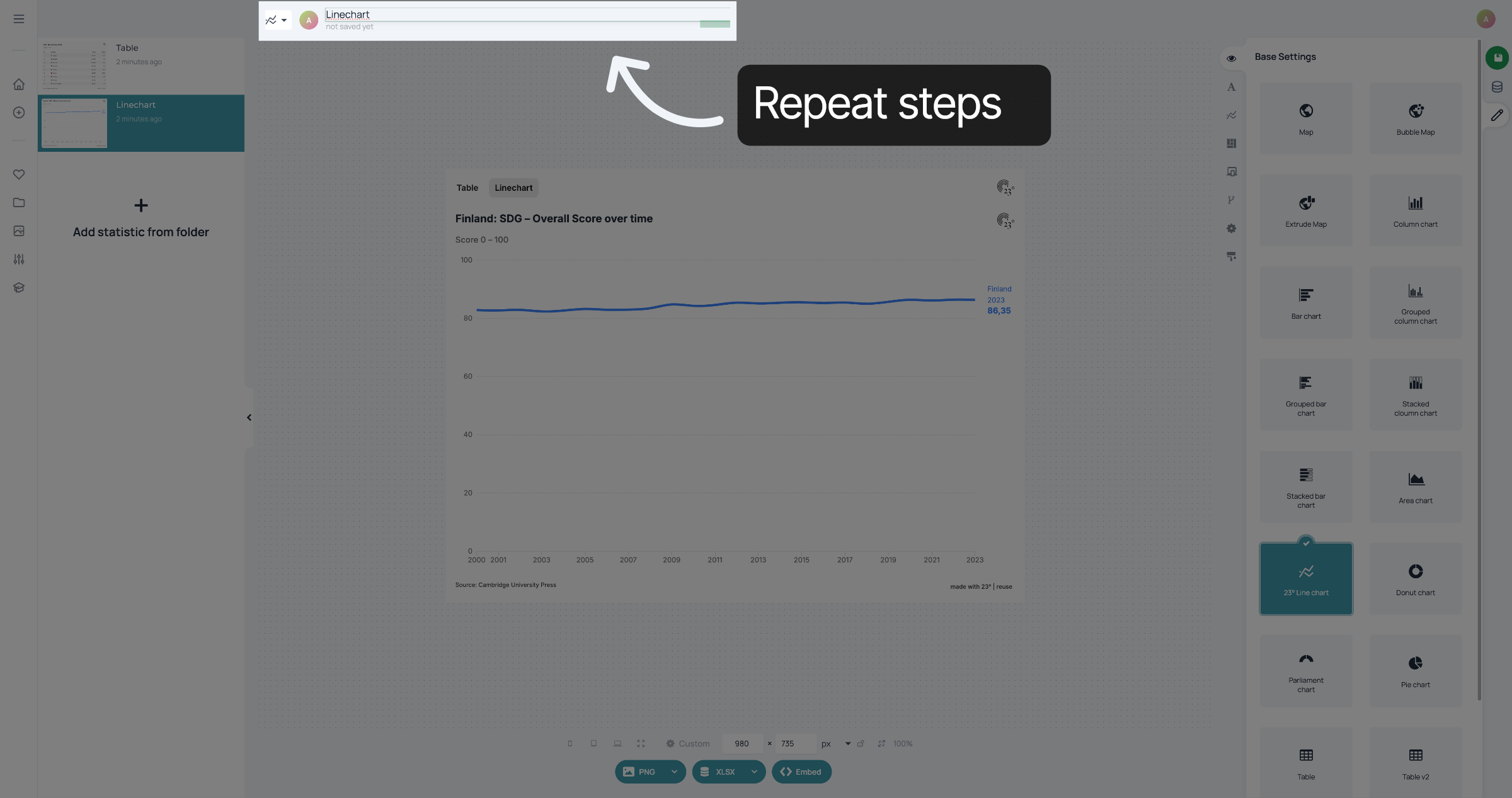
6. Repeat steps
Repeat the steps for each visualisation.
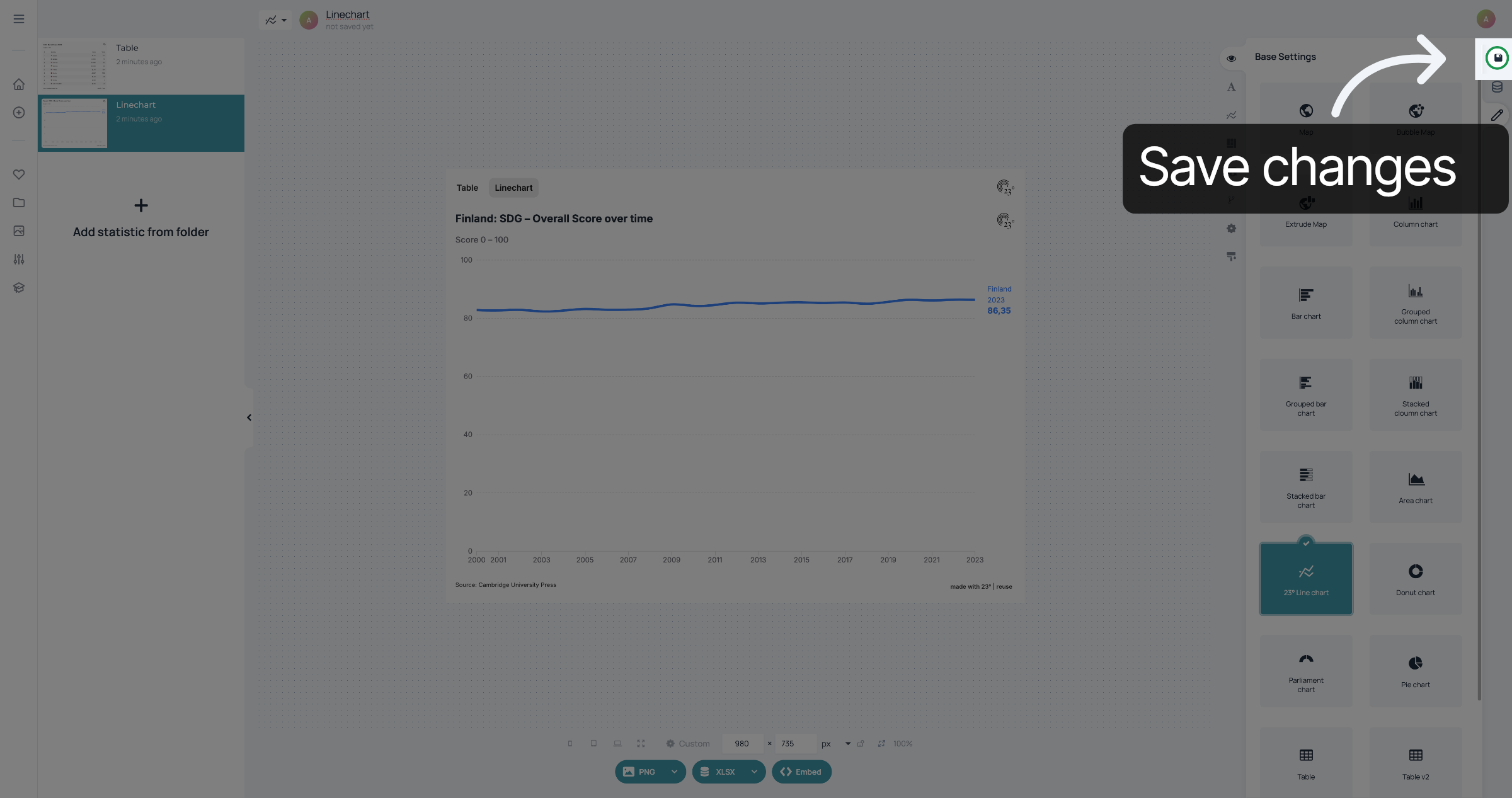
7. Save changes
When you're done, don't forget to save your changes.
You have successfully changed the names of the Slideshow buttons.