Geocode Addresses Efficiently Using 23degrees Platform
This tutorial demonstrates how to geocode addresses using 23°.
Click here to access the geocoding interface within the 23degrees application.
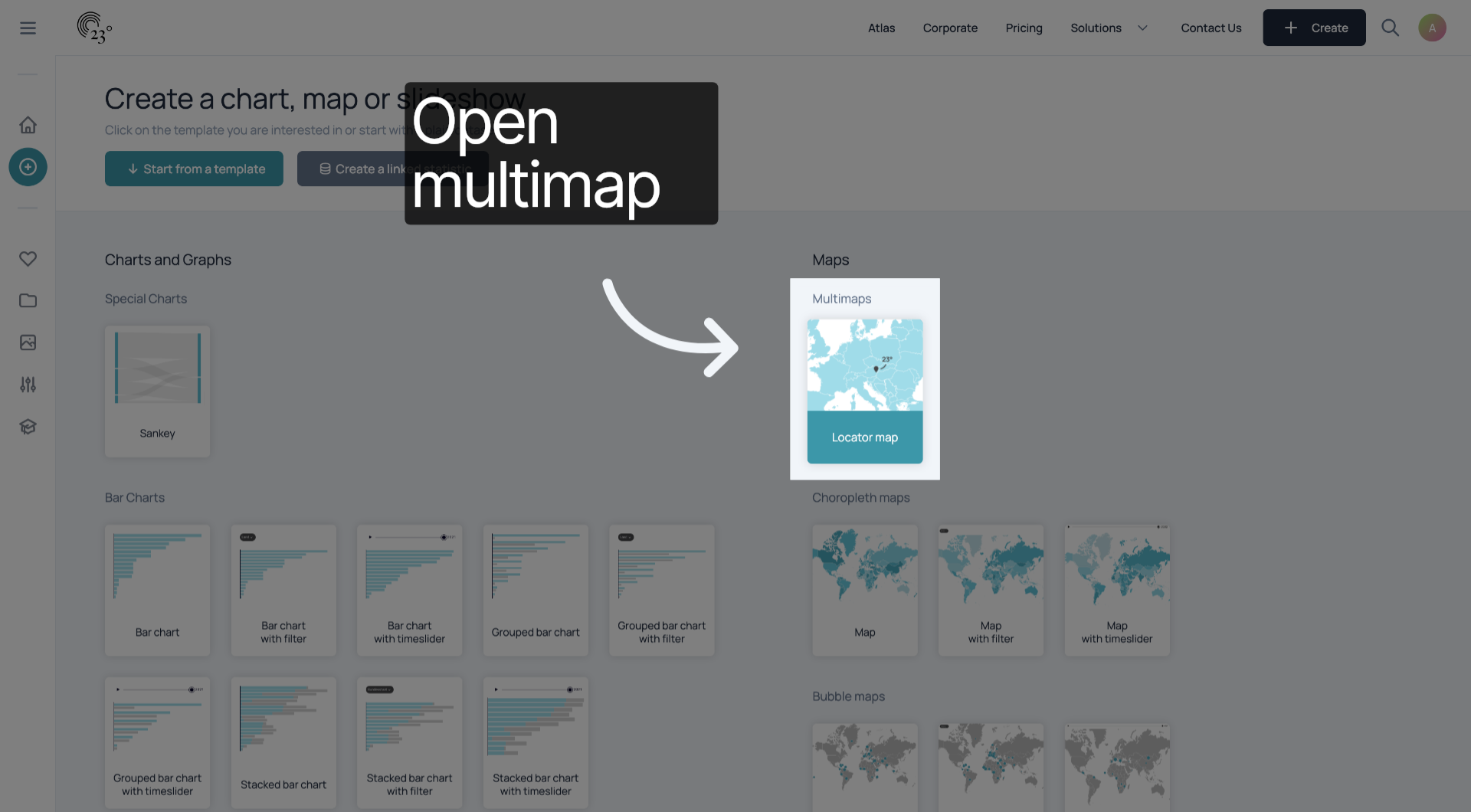
Click here to activate the address entry fields for input.
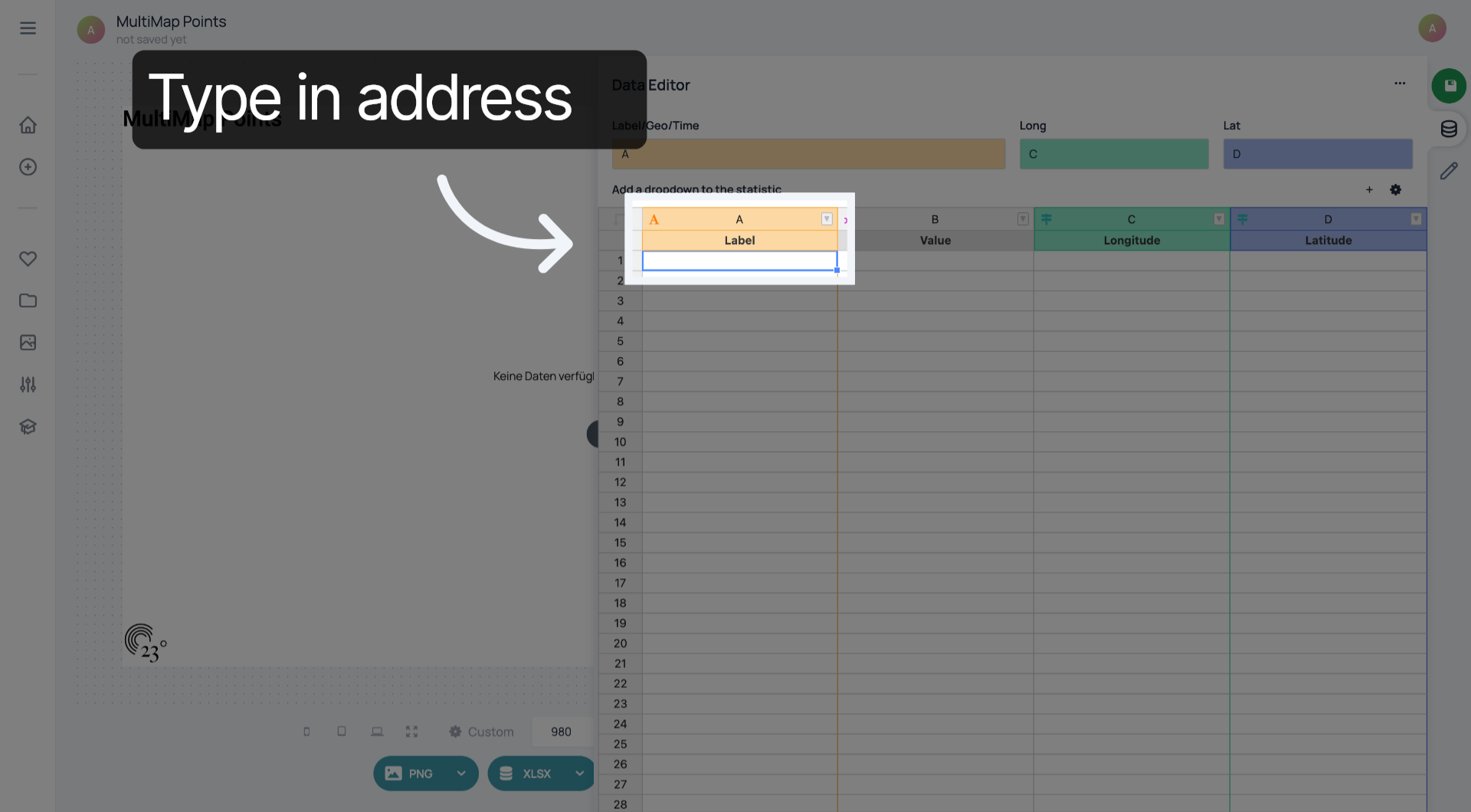
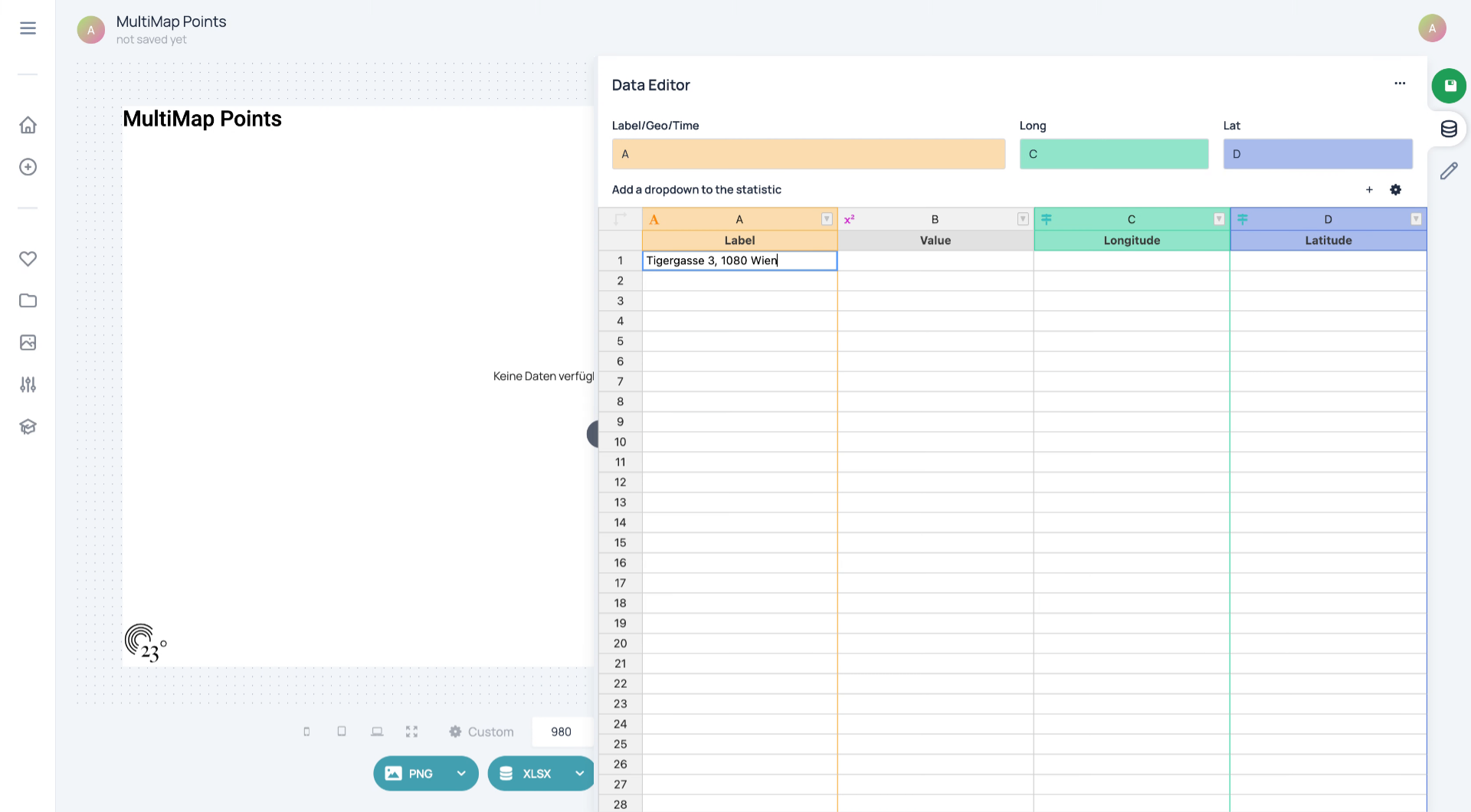
Enter your address in the field to specify the location for geocoding.
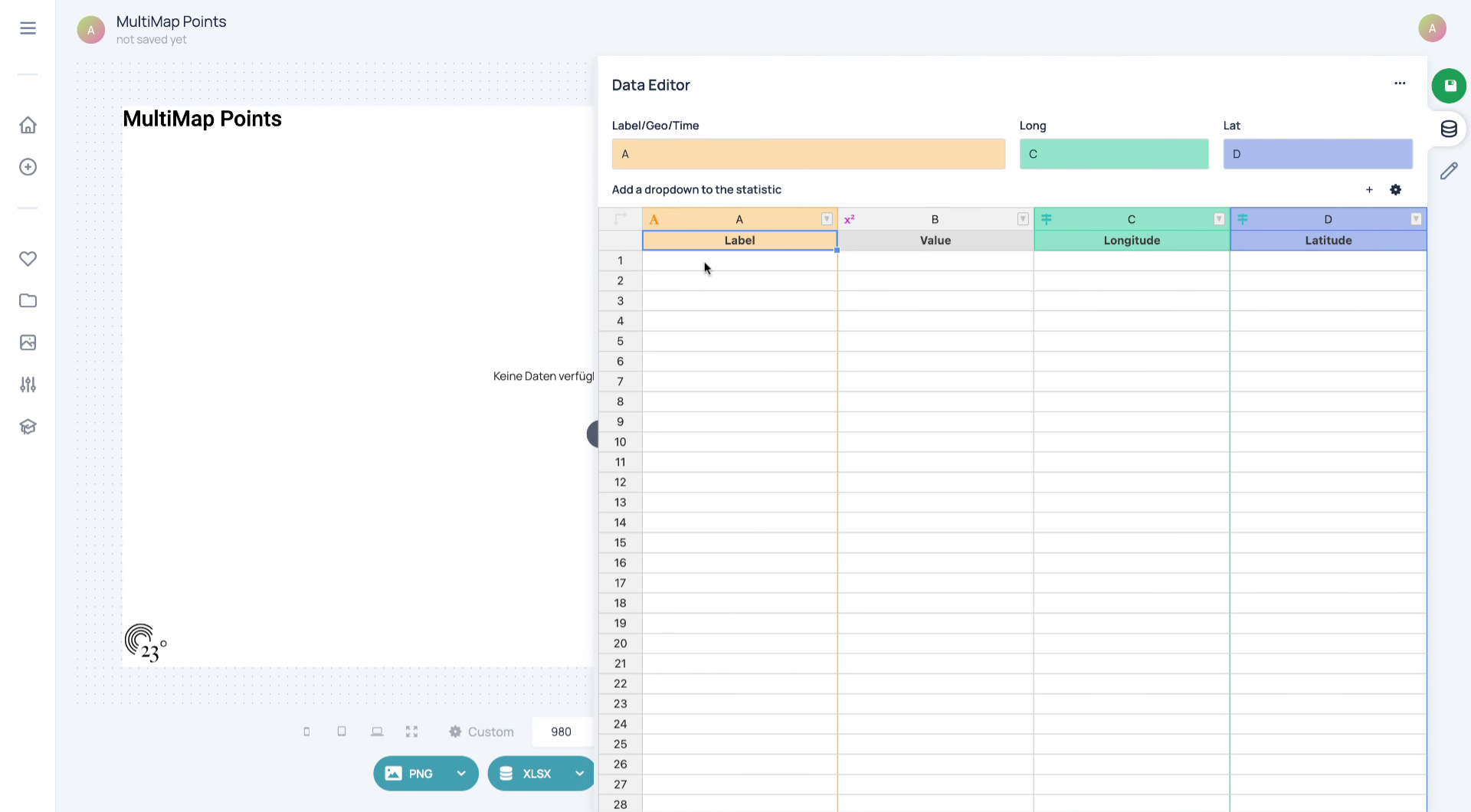
Enter the required numeric identifier to associate with the address.
Click the suggested address to confirm the correct location for geocoding.
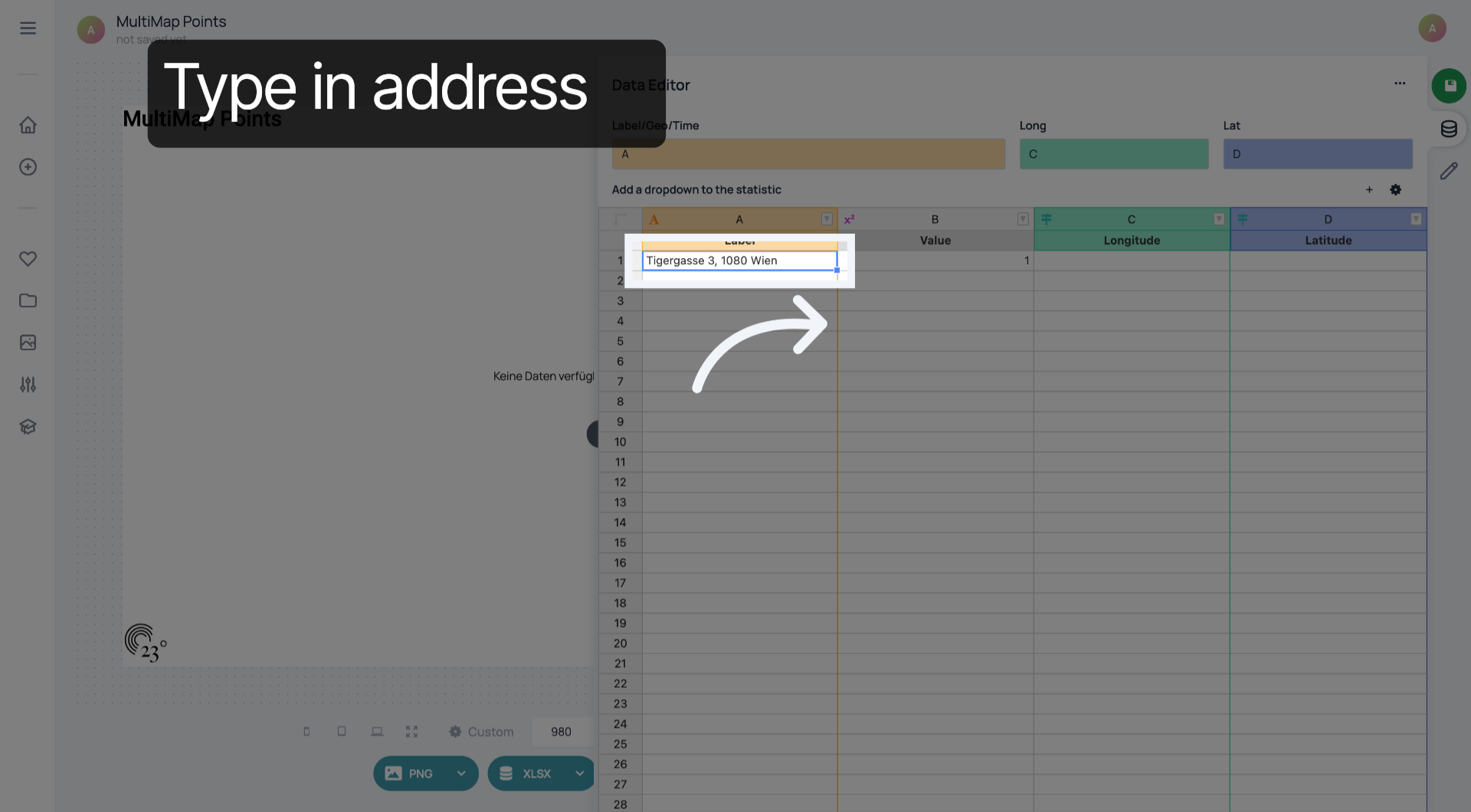
Click the suggested address again to finalize your selection before geocoding.
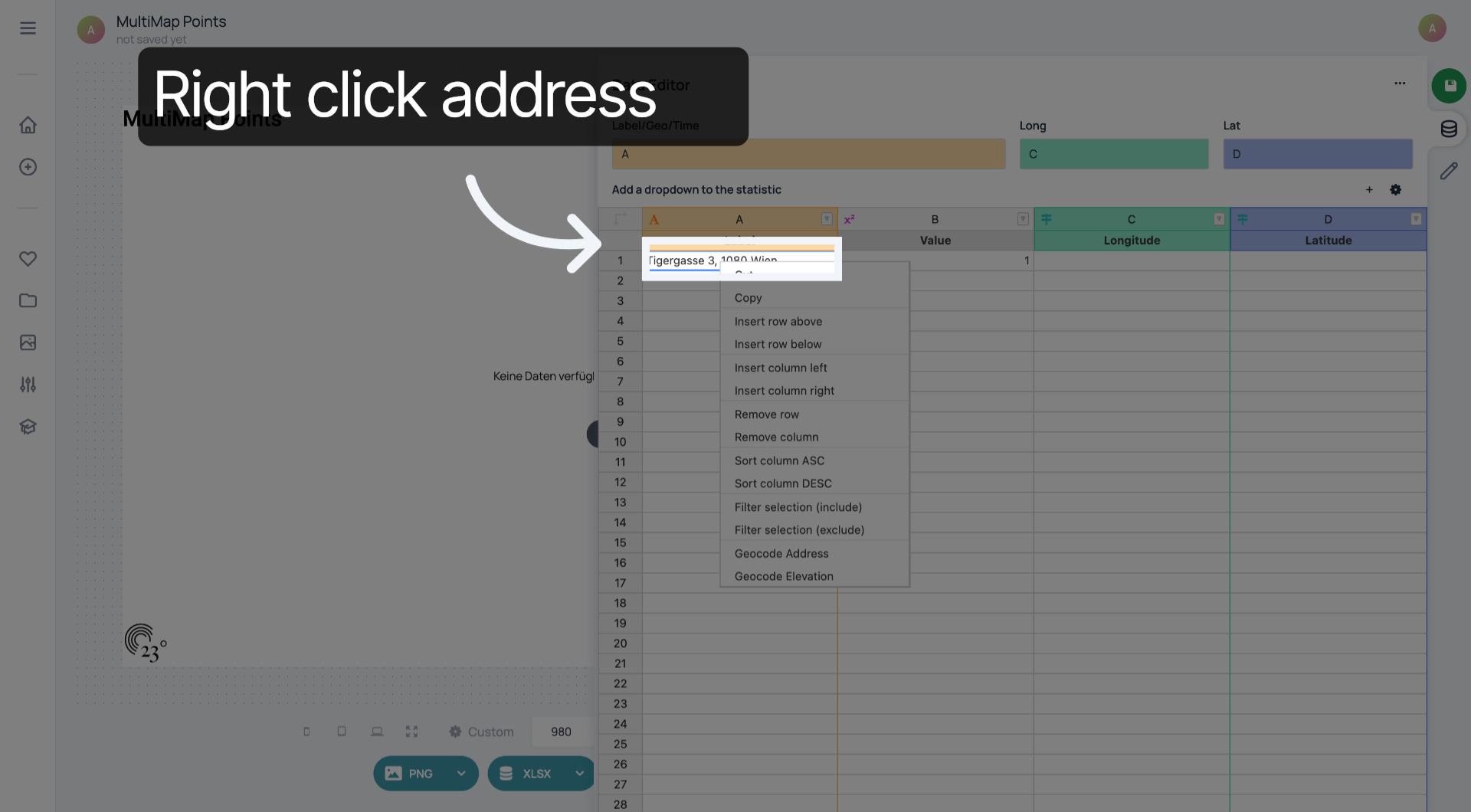
Click "Geocode Address" to start the geocoding process and obtain location coordinates.
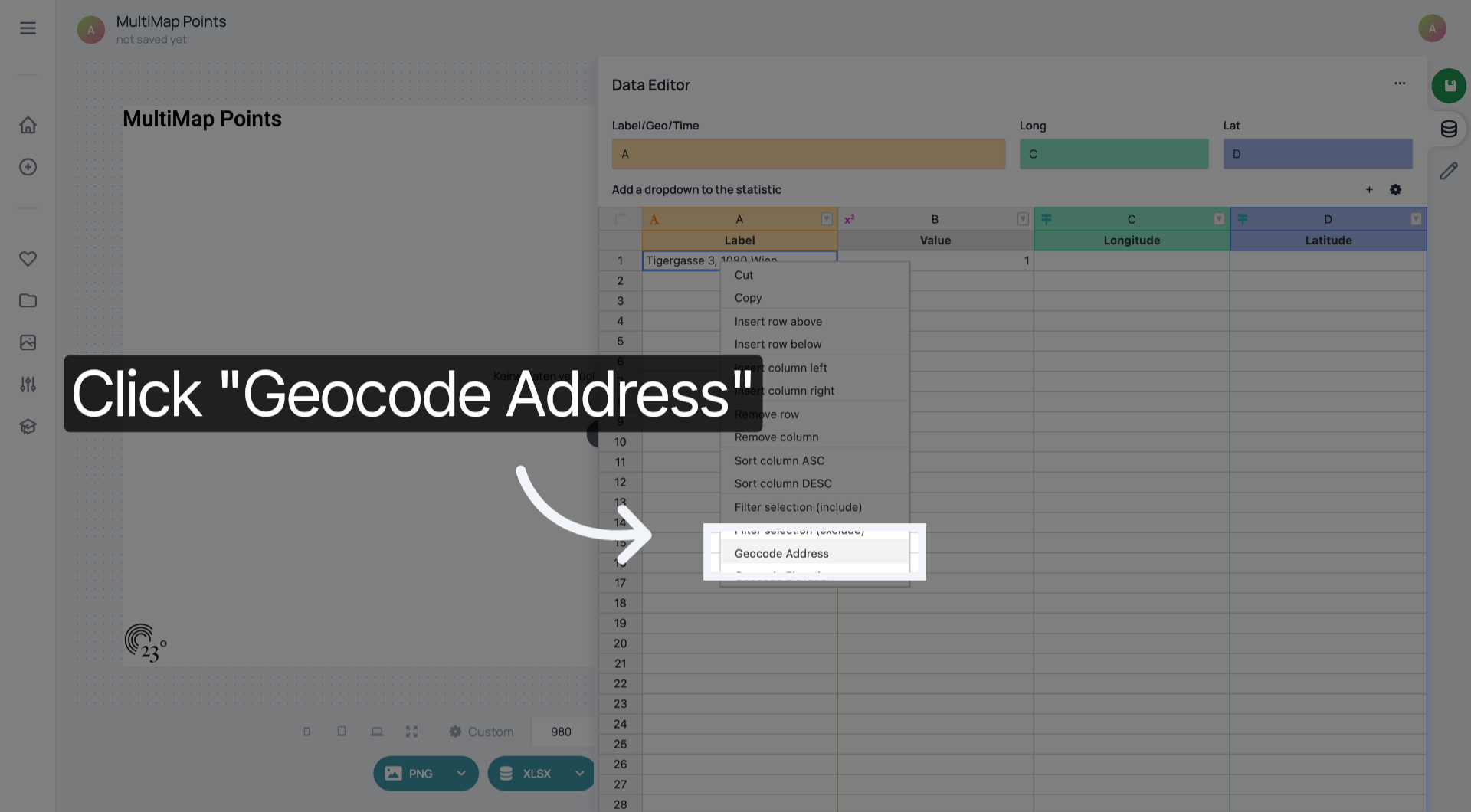
You have successfully geocoded an address by selecting the target area, entering address details, and executing the geocode command in 23degrees. This process enables accurate location mapping for your data needs.