Overwrite Legend Display Labels
This tutorial guides you through overwriting the legend display settings in the 23degrees application.
You will update the legend values to customize how data thresholds are represented visually.
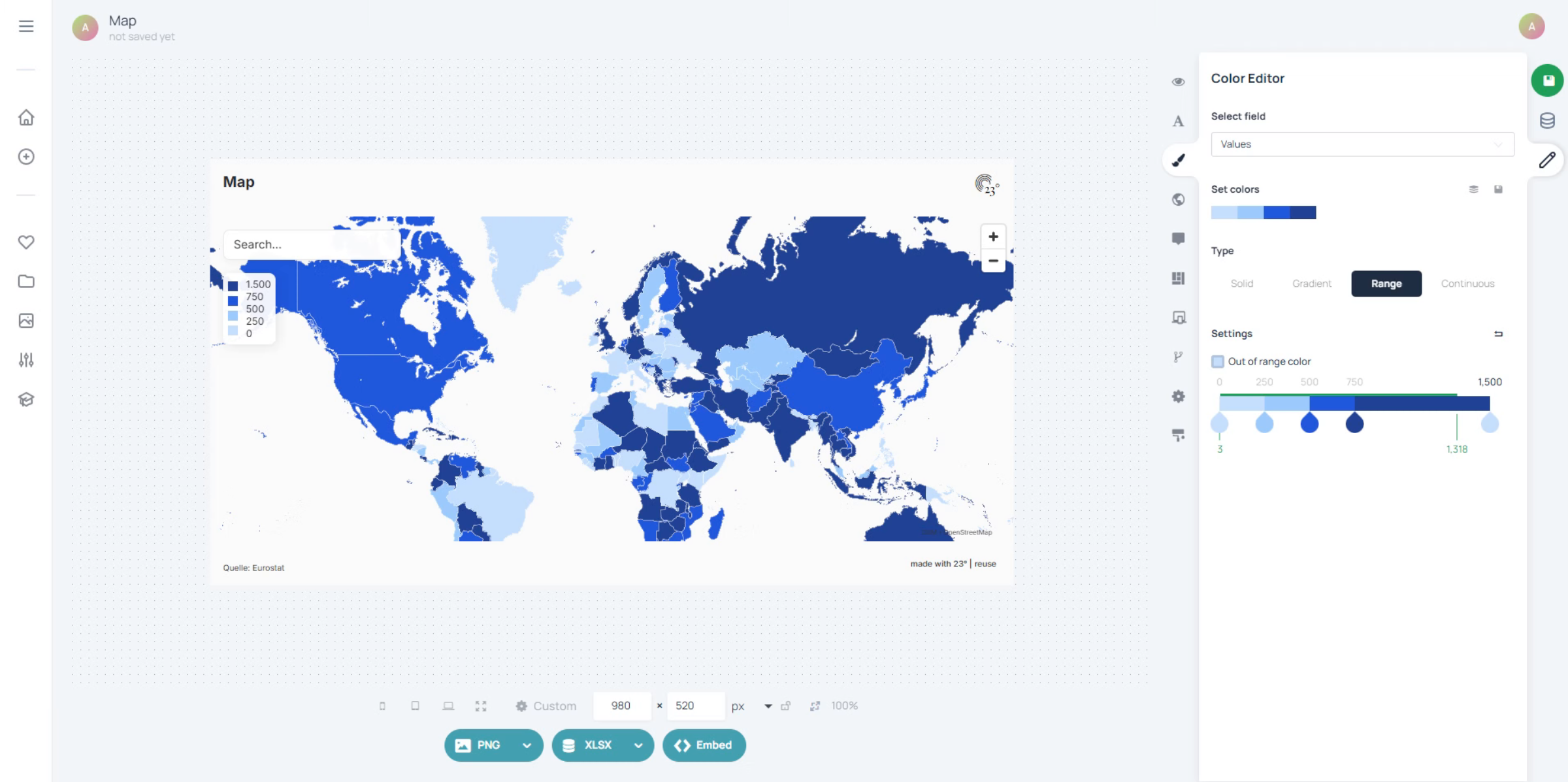
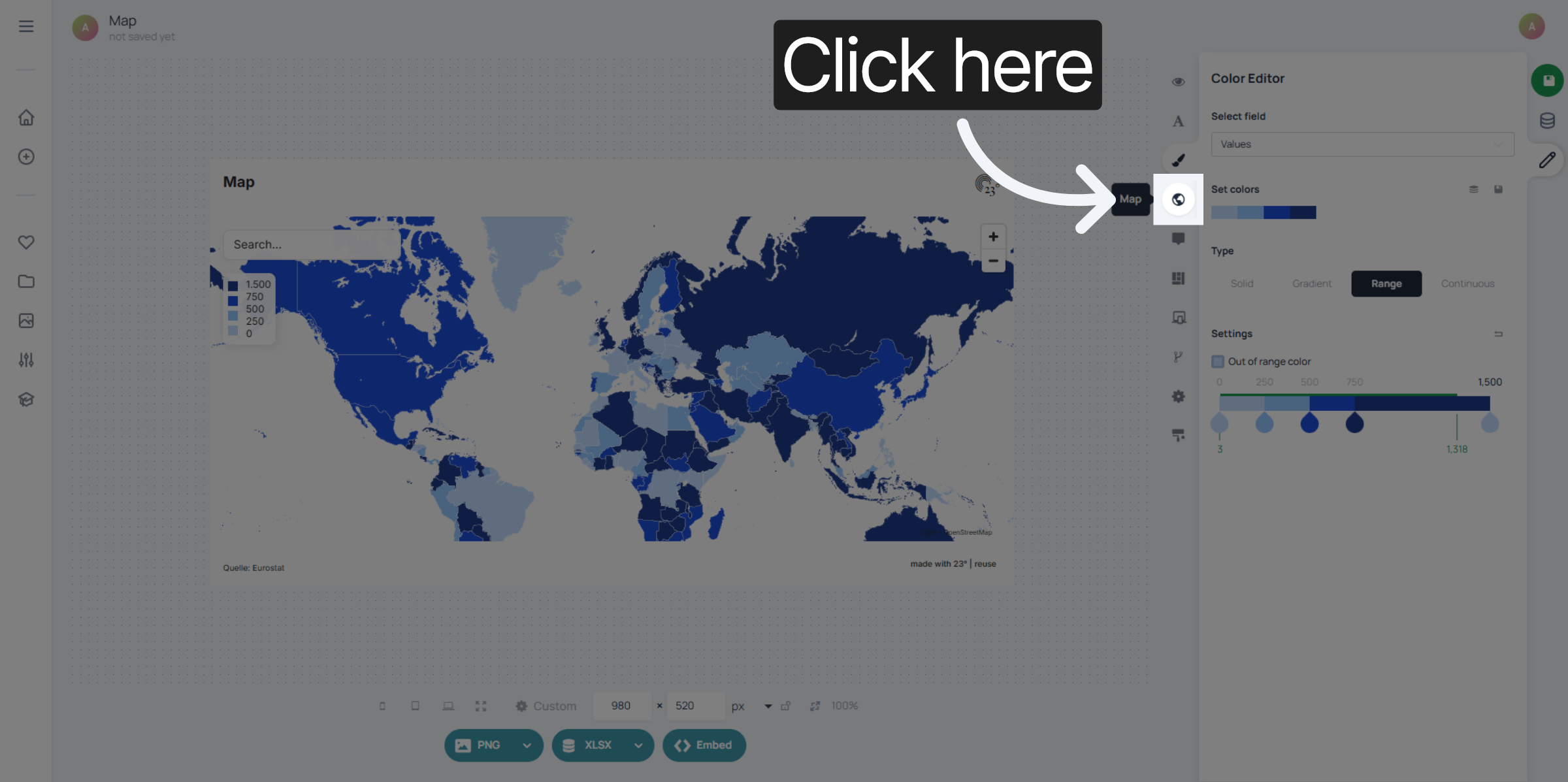
Click the Map Editor menu to access the legend settings.
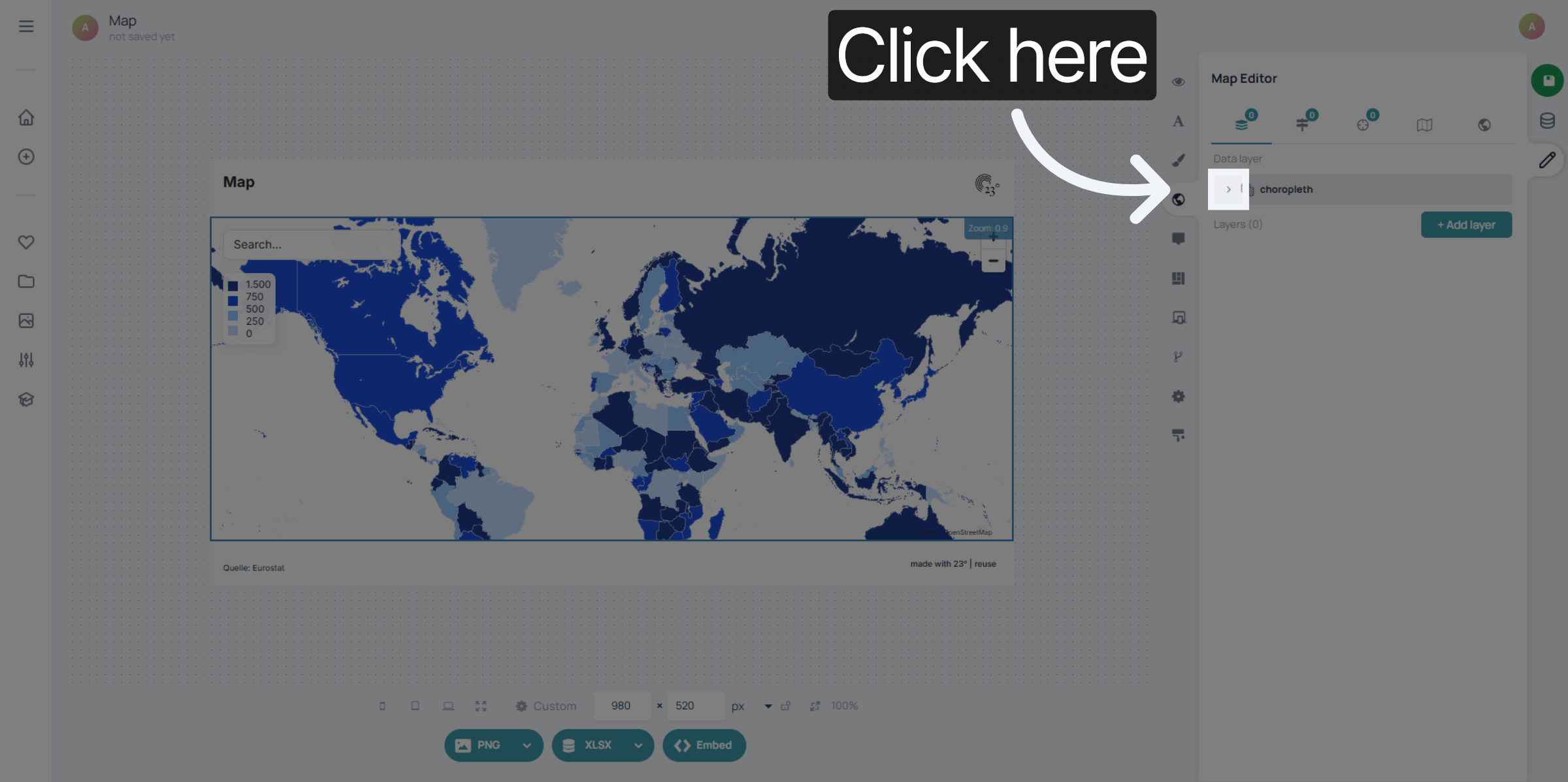
Select the choropleth layer
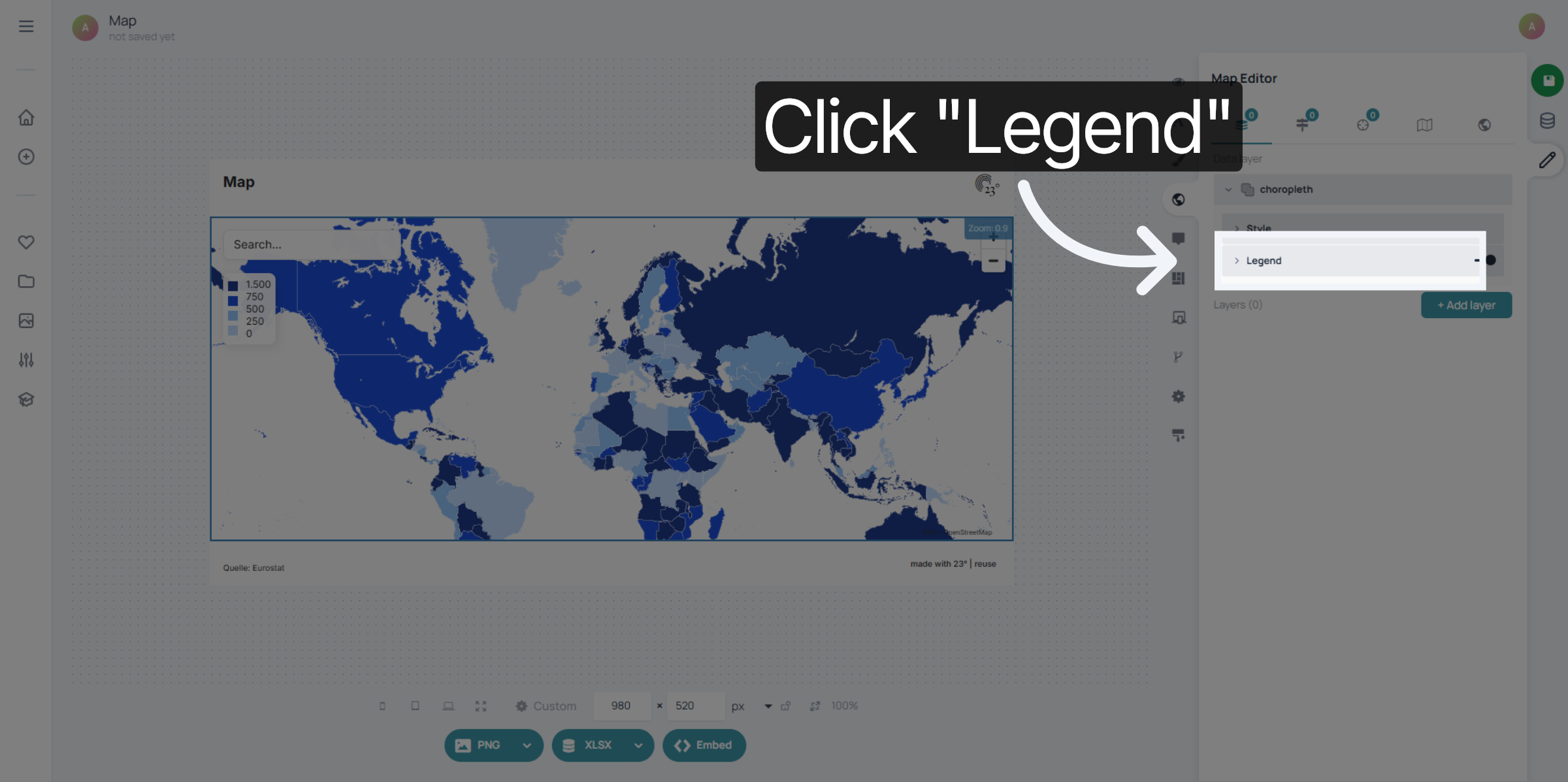
Click "Legend" to view legend categories available for editing.
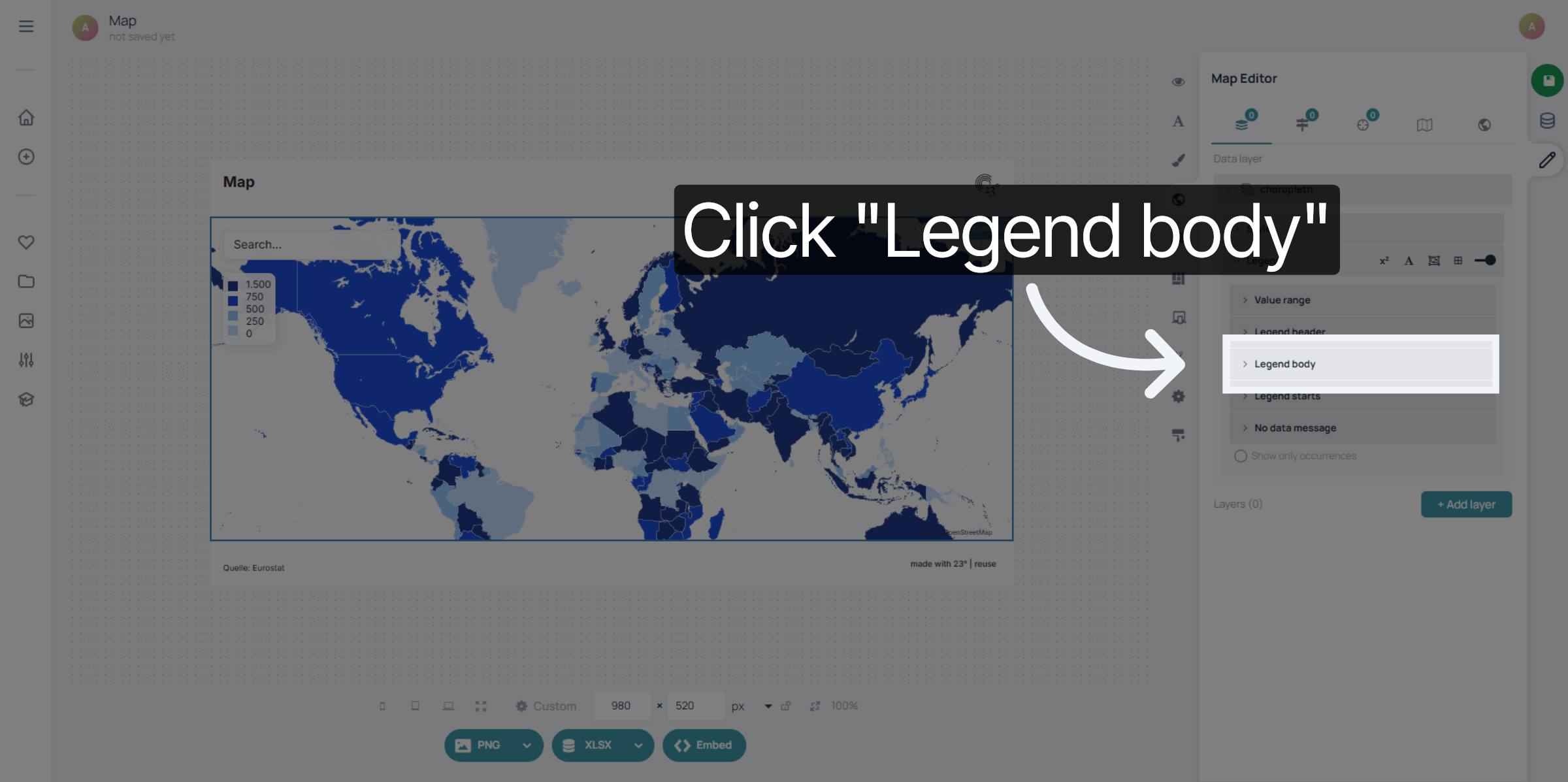
Click "Legend body" to modify the main legend display area.
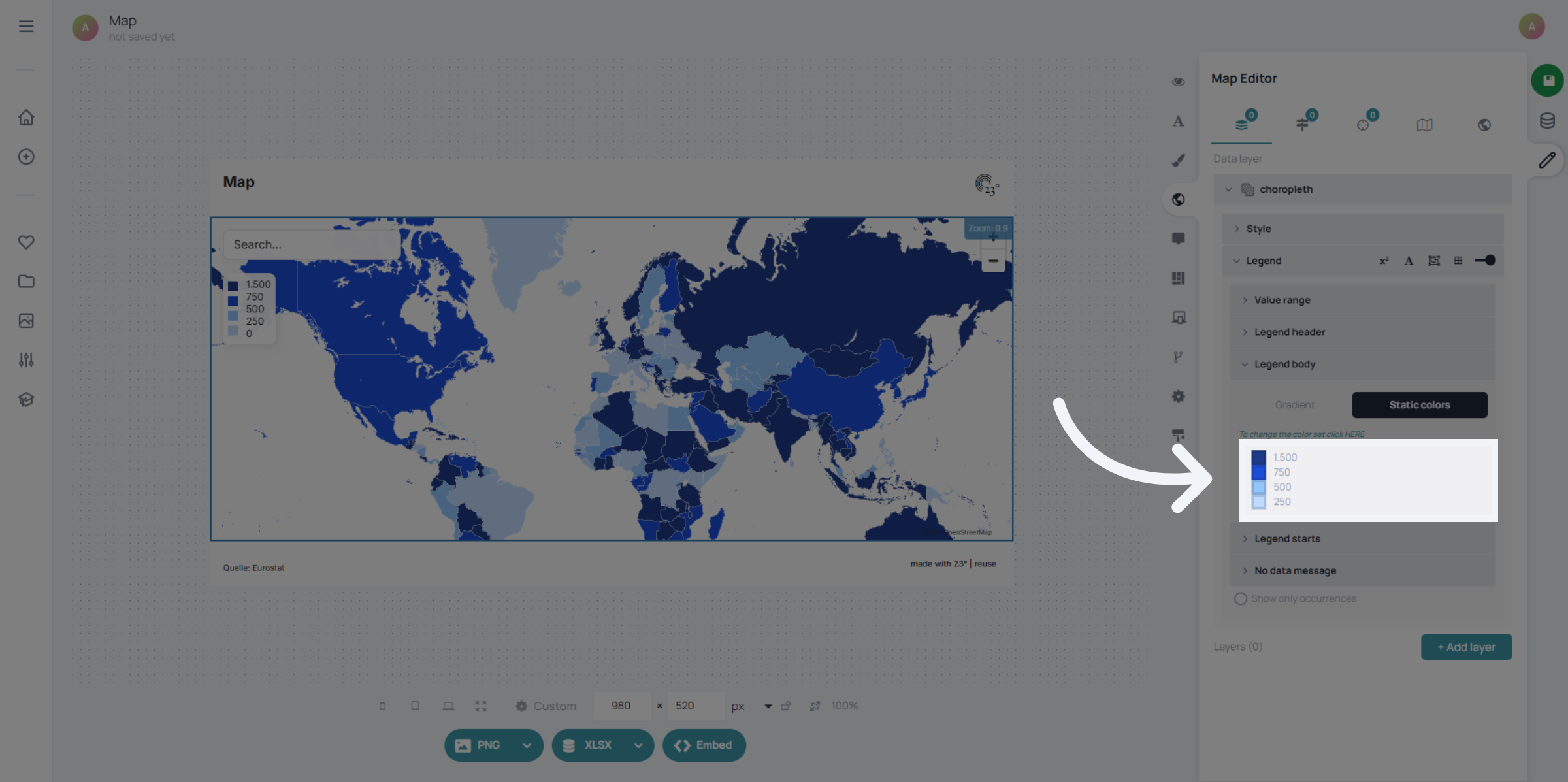
Enter your threshold text for each intervall.
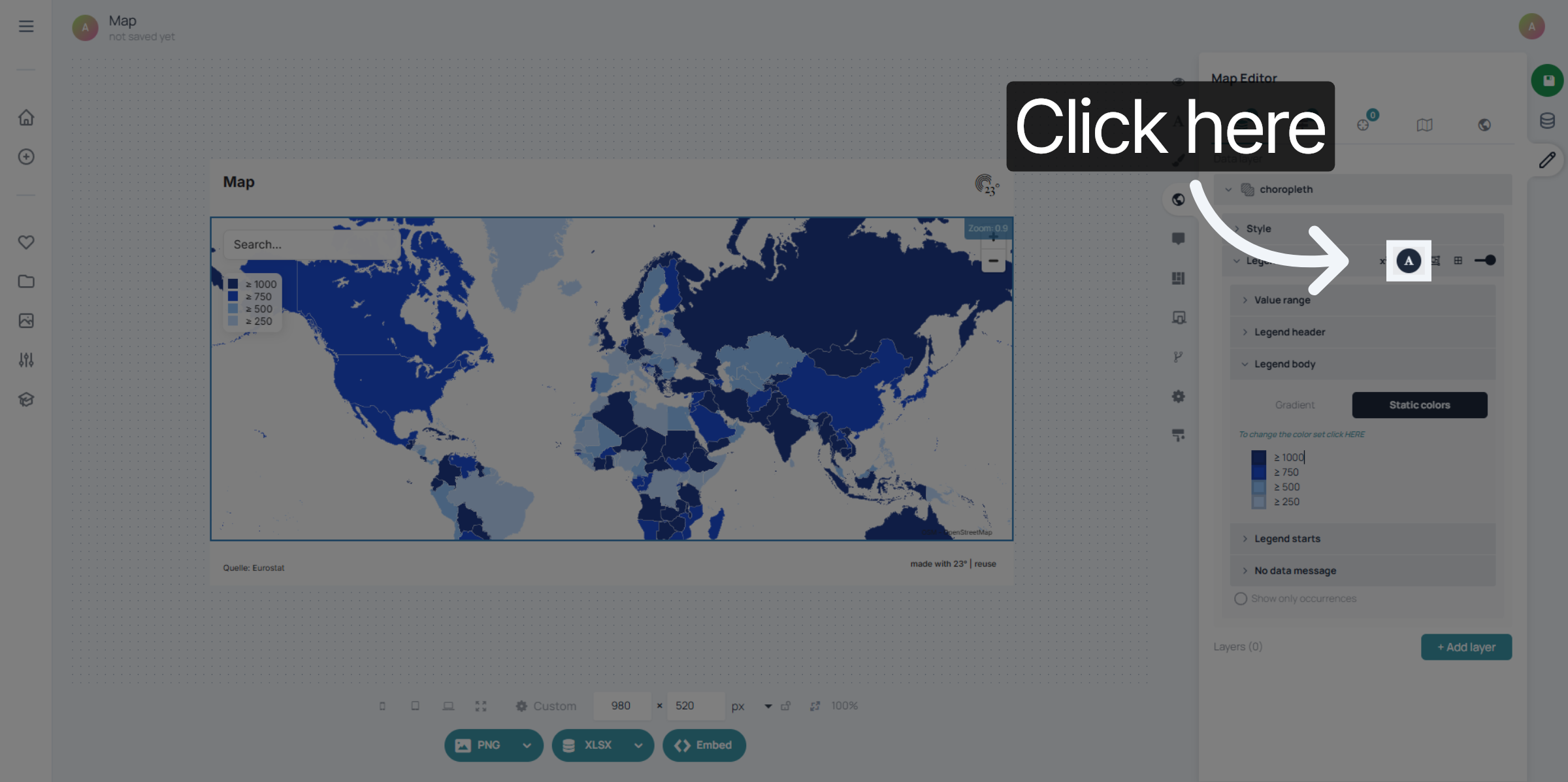
When finished you can edit the label allignment by clicking on the text editing button
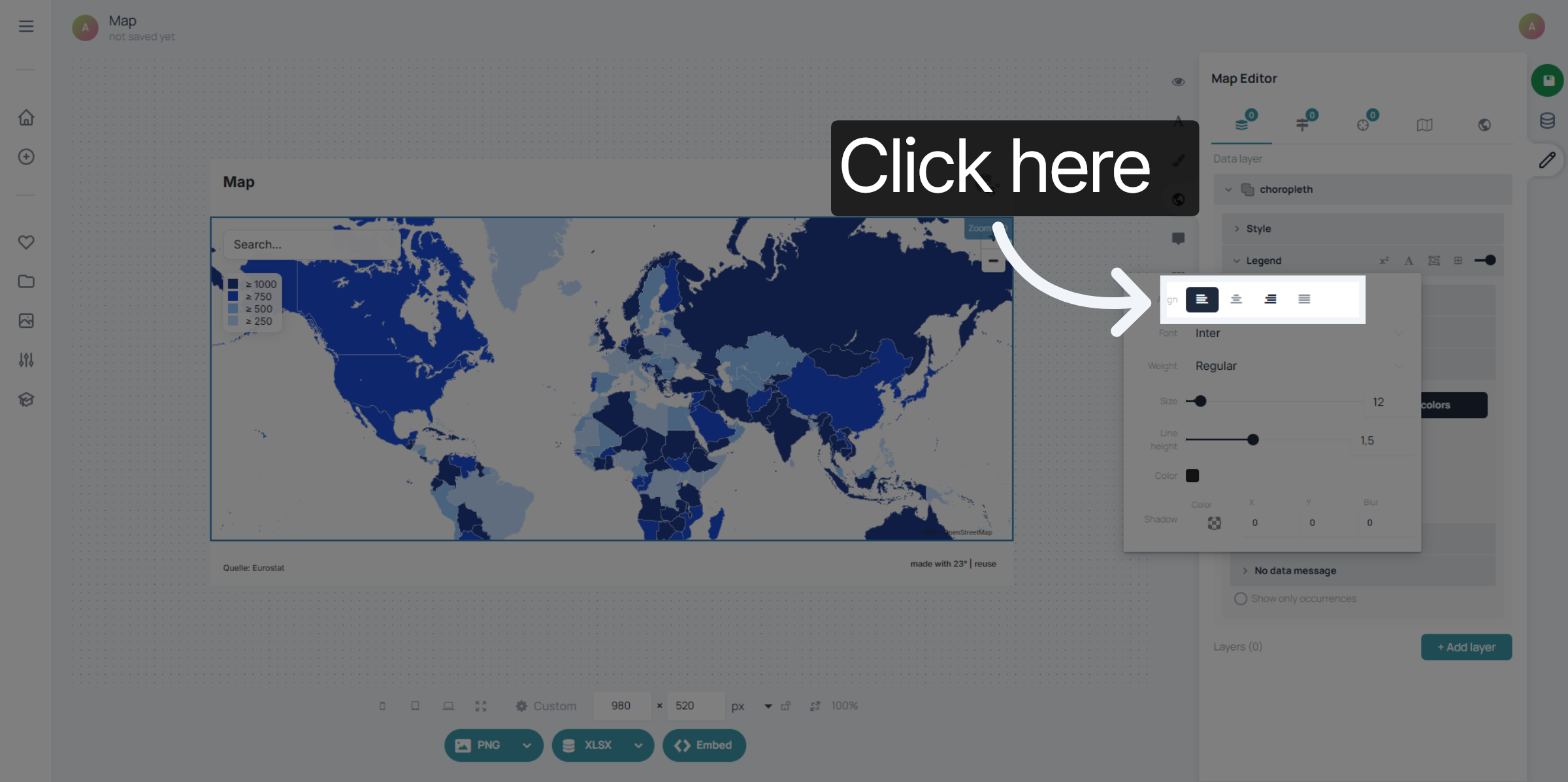
Choose your allignment option here.
You have successfully overwritten the legend display settings by updating threshold values in the 23degrees application. This customization ensures your data visualization reflects the desired value ranges accurately.